
Inside Google Workspace Studio: How to Build Custom Workflows
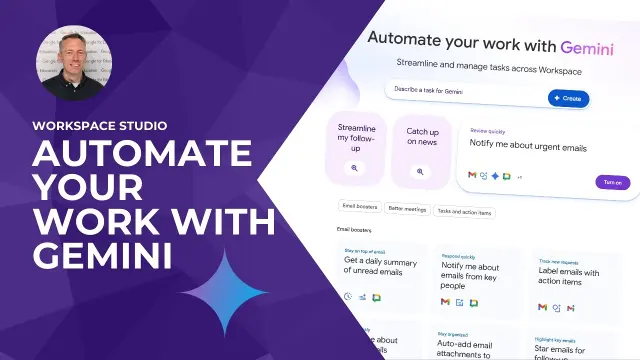
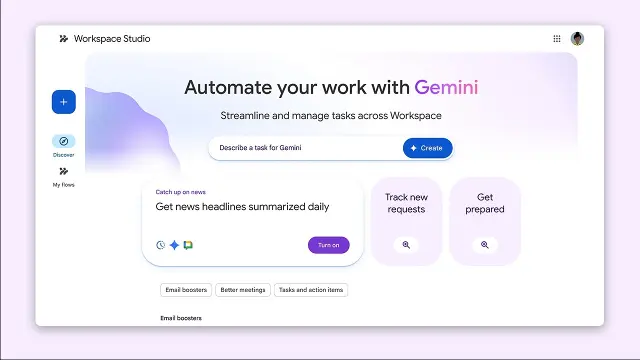
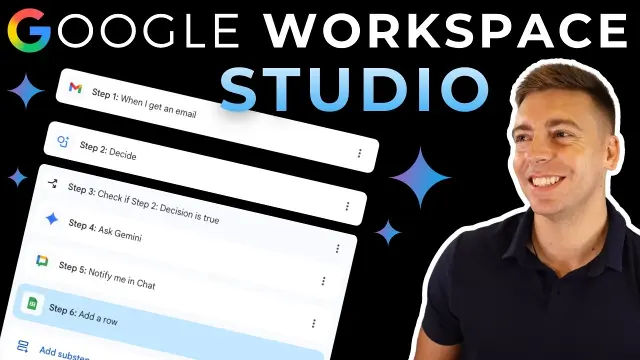
Discover three different ways to automate tasks, create custom workflows from scratch, and use templates.
YouTube · Tasia Custode · 16 April 2026 Watch on YouTube
Tried this idea? Show how yours turned out.
I made thisHow to do it
What you need
- Google Workspace Studio
- Google account
- computer
Step by step
- Open Google Workspace Studio.
- Choose to build a flow from scratch, from a template, or with a natural language prompt.
- Add the task or action you want to automate.
- Customize the flow settings and layout.
- Save the workflow and use it in Gmail or Drive.
Tips
- Start with a template if you want a faster setup.
- Use natural language prompts to create custom flows more quickly.
- Check Gmail and Drive integration when planning your workflow.
Written by Tagrazzi from the original's description and photo.
The title and summary are written by Tagrazzi; the video belongs to its creator and plays from YouTube.








Comments (0)
No comments yet. Be the first to comment.
Sign in to write a comment.