
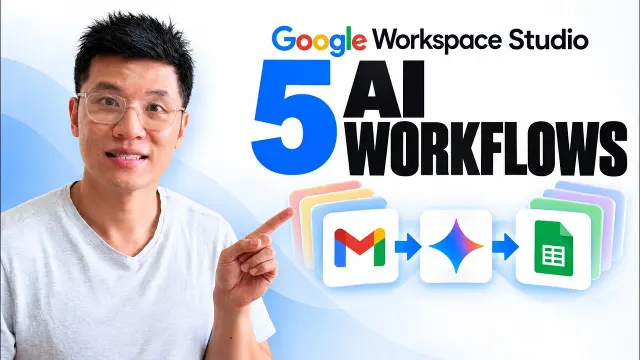
Building Custom AI Agents in Workspace Studio Using Plain Language
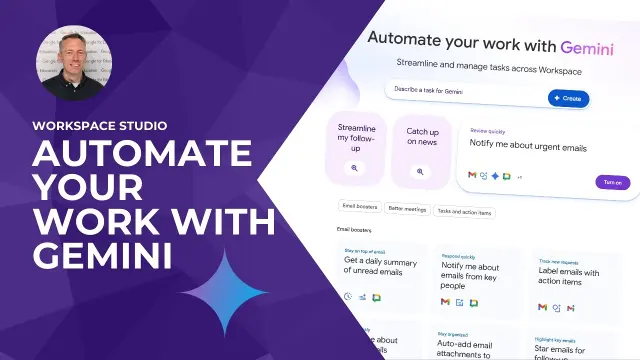
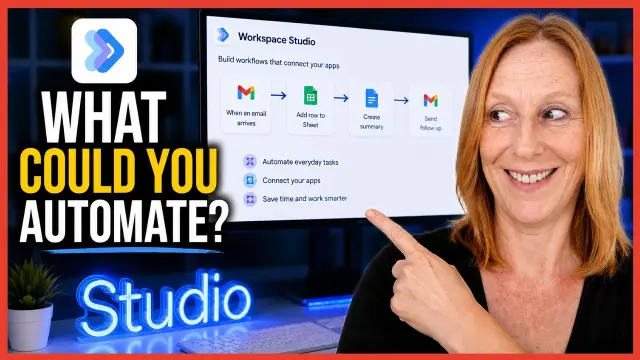
Learn to build no-code AI agents using starters, steps, and variables to automate tasks through natural language prompts.
YouTube · Google Workspace · 16 July 2026 Watch on YouTube
Tried this idea? Show how yours turned out.
I made this#GoogleWorkspace #GoogleWorkspaceWithGemini
How to do it
What you need
- Google Workspace Studio
- Starters
- Steps
- Variables
- Natural language prompts
- Google Workspace with Gemini
Step by step
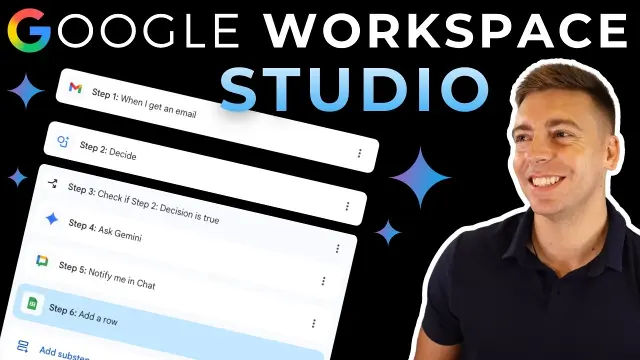
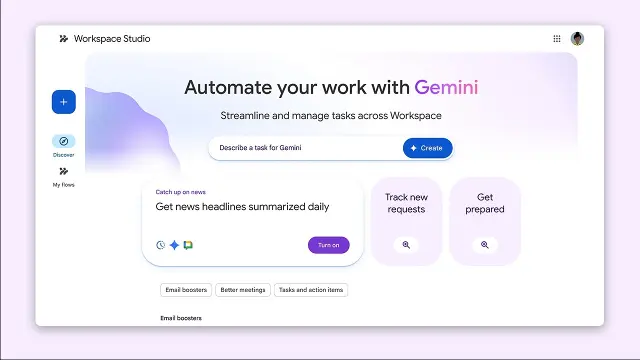
- Open Workspace Studio.
- Create a new no-code AI agent.
- Add a starter to trigger the agent.
- Define the steps for the task.
- Set up any needed variables.
- Use natural language prompts to guide the agent.
- Test the agent on a task like follow-ups or cross-app work.
Tips
- Keep prompts simple and clear.
- Use variables to reuse information across steps.
- Start with one small workflow before building more complex automations.
Written by Tagrazzi from the original's description and photo.
The title and summary are written by Tagrazzi; the video belongs to its creator and plays from YouTube.

Comments (0)
No comments yet. Be the first to comment.
Sign in to write a comment.