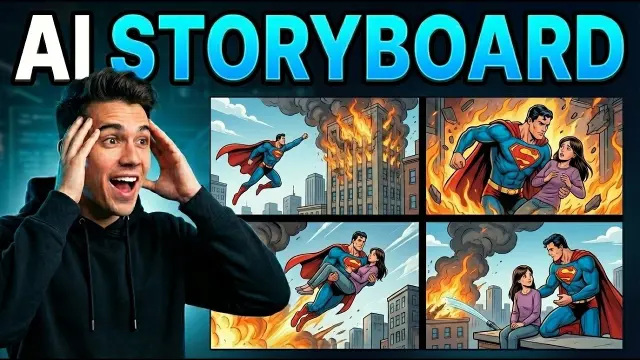
How to Make a Consistent AI Storyboard and Video
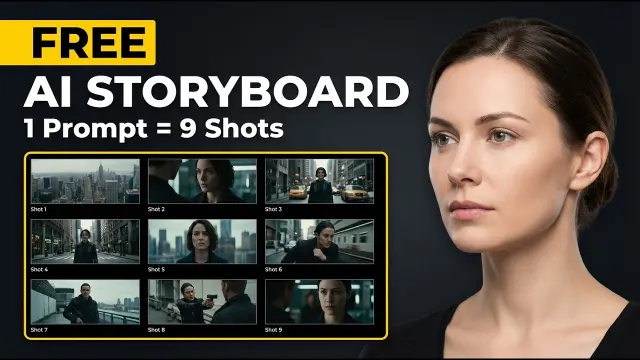
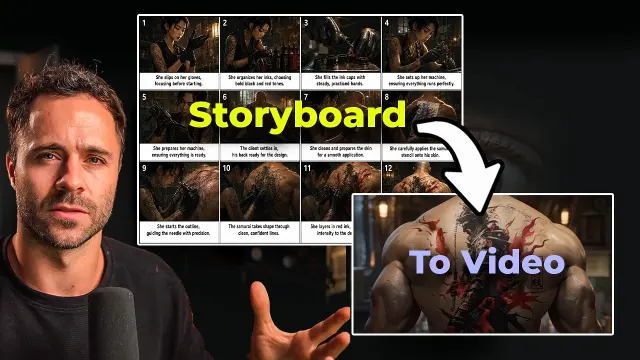
Learn how to generate a 9-panel AI storyboard from a single reference image to maintain consistent characters and locations.
YouTube · AI Discovery · 11 March 2026 Watch on YouTube
Tried this idea? Show how yours turned out.
I made thisHow to do it
What you need
- Reference image
- Nano Banana 2 (image generator)
- Storyboard prompt
- OpenArt Story
- Google VEO 3.1
Step by step
- Start with one reference image showing your character.
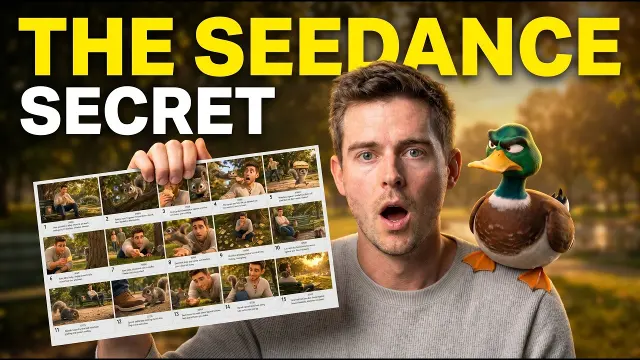
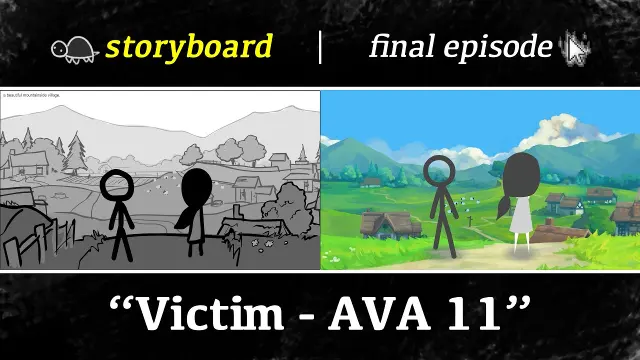
- Write a prompt describing a 9-panel storyboard that includes your scenes.
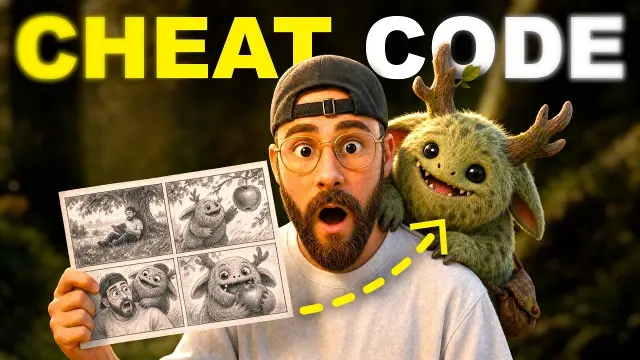
- Generate all 9 panels as a single image so characters and locations stay consistent.
- Split the panels and animate each one into a clip with Google VEO 3.1 or OpenArt Story.
- For the advanced version, define the first and last frame, then let the AI fill in the middle panels.
- Assemble the animated clips into your finished video.
Tips
- Generating every scene inside one image keeps characters and locations consistent, since the model sees all panels together.
- Use the bookend technique when you need a specific character arc or transformation.
- Define first and last frames up front for tighter creative control.
Written by Tagrazzi from the original's description and photo.
The title and summary are written by Tagrazzi; the video belongs to its creator and plays from YouTube.
Comments (0)
No comments yet. Be the first to comment.
Sign in to write a comment.