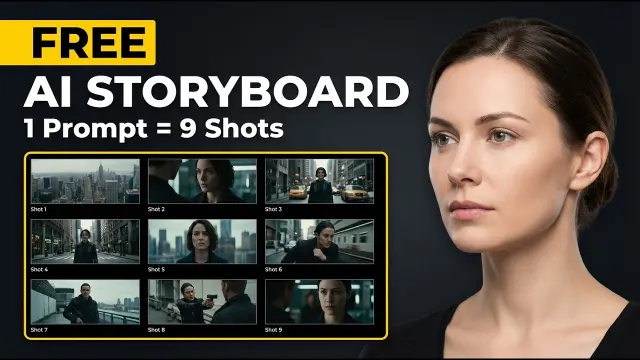
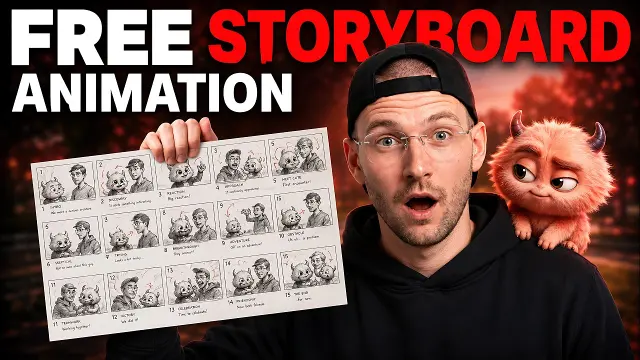
Create Cinematic Storyboards Using AI Step by Step
Learn how to turn a single sentence into a complete 9-shot cinematic storyboard with consistent characters using InVideo Vision.
YouTube · AI Desk · 27 February 2026 Watch on YouTube
Tried this idea? Show how yours turned out.
I made thisHow to do it
What you need
- InVideo account
- InVideo Vision (free tier)
- One-sentence story idea
- Prompt describing characters and setting
Step by step
- Open InVideo and launch the Vision storyboard tool.
- Type a single sentence that describes your story idea.
- Generate the 3×3 storyboard of nine shots.
- Check that characters and products stay consistent across the shots.
- Extract the individual frames you want and upscale them.
- Turn the storyboard frames into AI-generated video clips.
- Keep editing, animating and exporting inside the same workflow.
Tips
- Describe your character clearly in the original sentence so they stay consistent across all nine shots.
- Treat the 3×3 grid as a story arc rather than nine separate angles.
- Extract and upscale only the frames you plan to animate, so you spend effort on the shots that matter.
Written by Tagrazzi from the original's description and photo.
The title and summary are written by Tagrazzi; the video belongs to its creator and plays from YouTube.

Comments (0)
No comments yet. Be the first to comment.
Sign in to write a comment.