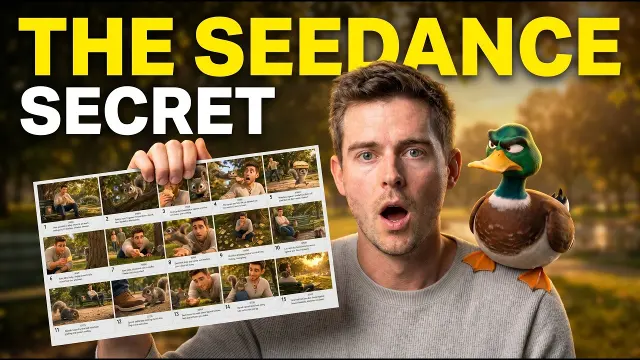
 Turn Claude AI Storyboard Into a Full Video Fast
#AI Animation
2 ideas
Turn Claude AI Storyboard Into a Full Video Fast
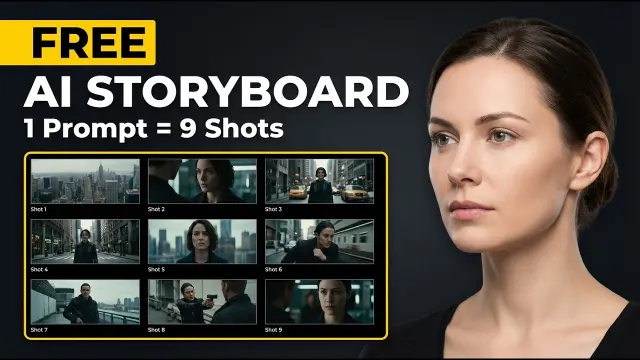 Create Cinematic Storyboards Using AI Step by Step
Get new #AI Animation ideas by email
Every Thursday: the week's best ideas, with the newest from #AI Animation.
Related tags
AI Animation: From Ideas to Moving Images
What AI animation is
AI animation is the use of artificial intelligence tools to help create moving images, animated scenes, and visual sequences. It can support many parts of the animation process, from generating character concepts and storyboards to suggesting motion, filling in in-between frames, or turning still images into short animated clips. In simple terms, it helps you move from an idea to something that feels alive on screen.
Animation itself has a long history, built from drawing, puppetry, stop-motion, motion graphics, and computer-generated imagery. AI does not replace those traditions so much as add another set of tools. It can speed up early exploration, make experimentation easier, and help people who are not expert animators try out visual ideas more quickly.
Common uses and styles
Read more
AI animation can be used in many different ways:
- Storyboarding: turning a script or concept into rough visual scenes
- Concept animation: testing how a character, object, or environment might move
- Image-to-video animation: adding motion to a still image
- Frame assistance: helping create or refine in-between frames
- Motion graphics support: generating shapes, transitions, or animated layouts
- Style exploration: trying out different visual moods, from realistic to illustrative
The style often depends on the source material and the tool you use. Some results look hand-drawn, some look like simplified 2D motion, and others aim for a more cinematic or realistic feel. You may also work in a mixed workflow, where AI creates a first version and a human refines timing, expression, and polish.
How it works in practice
Most AI animation tools respond to prompts, reference images, or rough video input. You might describe a scene in words, upload artwork, or sketch a storyboard, and the system suggests motion or visual continuity. In other cases, you guide the animation step by step, adjusting timing, camera movement, or character behavior.
For beginners, it helps to think in small pieces. Start with a clear subject, a simple action, and one visual style. A short scene is easier to control than a complex sequence. If the first result feels uneven, refine the prompt or simplify the motion rather than trying to do everything at once.
Tips for getting better results
- Keep your scene simple at first
- Be specific about the action, setting, and mood
- Use reference images when possible
- Separate the idea of movement from the idea of style
- Expect to revise several times
- Check that characters and objects stay consistent from frame to frame
- Save useful prompts and settings so you can repeat what works
It also helps to remember that AI tools can be creative but unpredictable. They may produce strange hands, shifting faces, awkward transitions, or motion that feels too smooth or too vague. Careful editing still matters. Human taste, pacing, and story sense are what make the result feel intentional.
A practical mindset
AI animation works best when you treat it as a collaborator rather than an instant solution. Use it to explore options, block out ideas, and reduce repetitive work. Then bring in your own judgment to shape the rhythm, emotion, and final look. If you stay patient and curious, you can use AI to open up animation in a way that feels approachable and creative.
#AI Animation: frequently asked questions
How do I get started with AI animation if I've never animated anything before?
Begin with one short scene built around a single subject and a single clear action, rather than trying to build a whole sequence at once. Describe the setting, the movement and the mood in plain words, then let the tool suggest a first version you can react to. Treat that first attempt as a sketch, not a finished piece — most of the learning happens while you refine it.
Do I need drawing skills or special software to try it?
You don't need to be able to draw, since many tools accept written descriptions or a rough reference image instead of polished artwork. Basic software skills help, but the more useful habits are knowing how to describe an image clearly and how to judge whether the result looks right. If you can already sketch or storyboard, even roughly, you'll find it easier to steer the animation toward what you have in mind.
Which kind of AI animation should I choose for my project?
It depends on what you already have: a written idea points toward storyboarding or concept work, a finished illustration points toward image-to-video, and existing footage points toward frame or motion assistance. Match the style to the subject too, since a hand-drawn or simplified look suits some ideas better than something cinematic. When you're unsure, test the same short scene in more than one style and compare the results.
How do I keep a character looking consistent from frame to frame?
Keep the scene short and the action small, because the more a character moves and turns, the more chances there are for drift. Reference images of the same character help the tool stay on model, and consistency checks between frames catch problems early. Fixing a slipping face or changing outfit as it happens is far easier than repairing it after the sequence is assembled.
What are the most common mistakes people make with AI animation?
The usual ones are overloading a scene with action, mixing style and movement into a single vague prompt, and accepting the first output without revision. Another is expecting perfect hands, faces and transitions — strange details and motion that feels too smooth are normal, and editing is part of the process. Saving prompts and settings that worked well is the simplest way to avoid repeating a problem you already solved.
How can I use AI animation for a special occasion like a wedding or family celebration?
It's a nice way to bring a photograph, an illustrated invitation, or a handmade keepsake into gentle motion for a card, a slideshow or a personal message. Keep the movement subtle and choose a mood that matches the occasion, so the animation supports the moment rather than distracting from it. Simple ideas — a swaying bouquet, a warm scene from a family memory — tend to land better than elaborate sequences.
Videos come from YouTube and posts from Instagram; titles and summaries are our own. All rights belong to their creators.