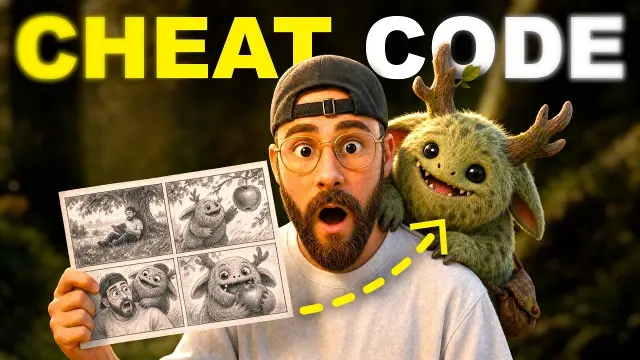
How to Turn a Storyboard into a Full AI Video
Learn how to generate a storyboard using AI tools and feed it into Seedance to create an entire video sequence.
YouTube · Jack Vs. AI · 24 May 2026 Watch on YouTube
Tried this idea? Show how yours turned out.
I made this#googlenanobanana #ai #aivideo #aivideotutorial #higgsfieldai #creativeai #aifilmmaking #aivideogeneration #cinematicai #seedance2
How to do it
What you need
- Nano Banana Pro or GPT Image 2 (image generation)
- Claude (prompt engineering)
- Seedance 2.0 (video generation)
- Higgsfield AI
- Reference sheets for style and location
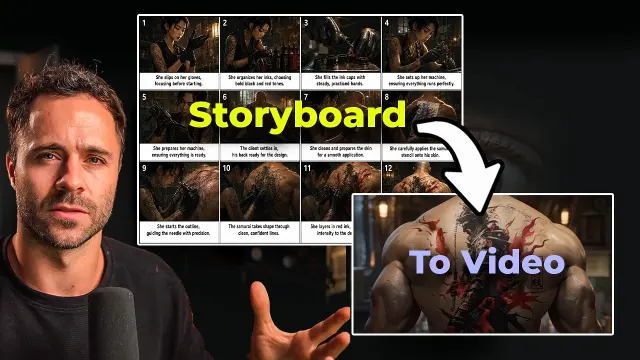
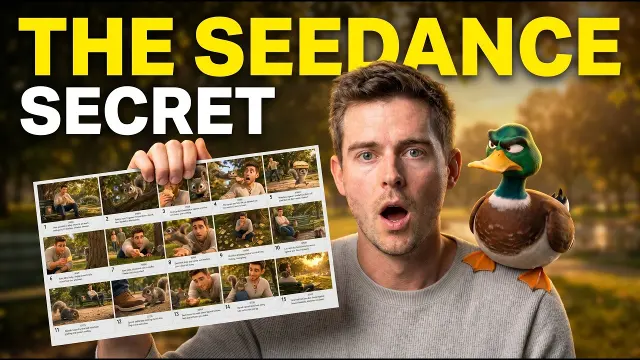
- Storyboard image
Step by step
- Create reference sheets that lock in the style and location for the project.
- Use Claude to engineer detailed storyboard prompts.
- Generate the storyboard panels with GPT Image 2 or Nano Banana Pro.
- Feed the finished storyboard into Seedance 2.0.
- Generate the full video sequence from that single storyboard input instead of shot by shot.
- Review the output and weigh the pros and cons before committing the workflow to a real project.
Tips
- Build reference sheets first — they are the step that keeps style and location consistent across panels.
- Write the storyboard prompt in Claude before touching the image model; a detailed prompt is what makes one storyboard usable as a whole sequence.
- Treat this as a fast prototyping path for short films and product ad tests, not as a shot-by-shot replacement.
Written by Tagrazzi from the original's description and photo.
The title and summary are written by Tagrazzi; the video belongs to its creator and plays from YouTube.
Comments (0)
No comments yet. Be the first to comment.
Sign in to write a comment.