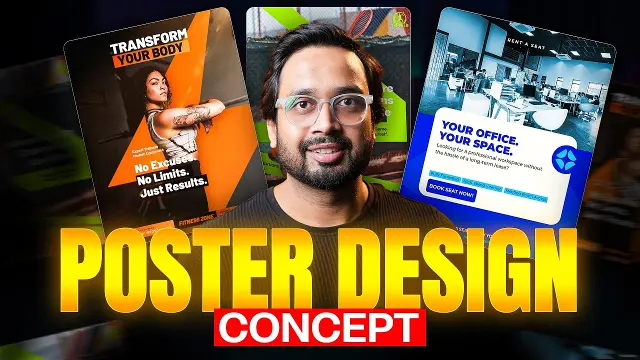
How to Design Posters Without Product Images
Discover real-world design processes for creating engaging service, sports, and office posters without photos.
YouTube · Designshala · 26 June 2026 Watch on YouTube
Tried this idea? Show how yours turned out.
I made this#graphicdesign #posterdesign #photoshoptutorial #designprocess #graphicdesigntutorial #socialmediadesign #posterdesigning #photoshopdesign #servicedesign #adobehop #photoshopposter #designbreakdown #creativeposter #gymposter #sportsposter
How to do it
What you need
- Photoshop
- Poster canvas
- Simple photo (person or space)
- Geometric shapes
- Colour palette
- Bold headline type
- Small body text / CTA
Step by step
- Choose a service or offer that has no product image
- Build the layout from shapes instead of product photos
- Pick colours that match the mood the poster should carry
- Place the photo and crop it so it works with the shapes
- Set a bold headline and short supporting copy
- Add a call to action at the bottom
- Refine contrast, spacing and shape placement
Tips
- Service posters lean on shape and colour rather than a product, so decide the shapes first and let copy fit around them
- Colour choice carries the message — match it to the feeling the business wants to give
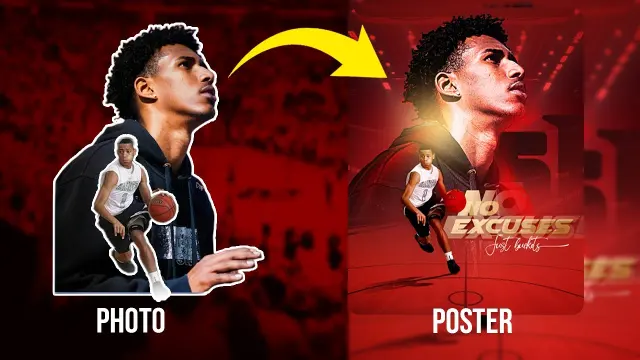
- A simple photo can be pushed into a professional-looking poster through cropping and shape overlap
Written by Tagrazzi from the original's description and photo.
The title and summary are written by Tagrazzi; the video belongs to its creator and plays from YouTube.

Comments (0)
No comments yet. Be the first to comment.
Sign in to write a comment.