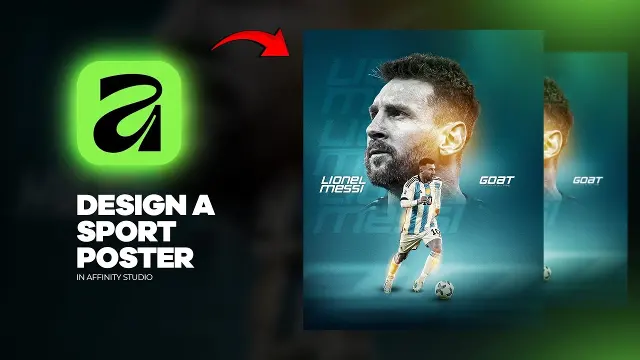
Beginner Guide to Designing Sports Posters
Learn the basics of creating dynamic athletic event graphics and sports posters in Affinity Studio.
YouTube · Daphorel Studio · 11 November 2025 Watch on YouTube
Tried this idea? Show how yours turned out.
I made this#beginners #affinity #coreldrawtutorial
How to do it
What you need
- Affinity Studio (or CorelDRAW)
- Athlete photo cutout
- Poster canvas / artboard
- Text tools
- Background image or gradient
- Export settings for social media
Tips
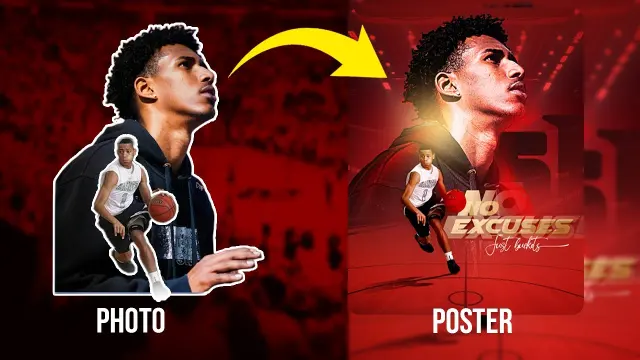
- Let the athlete's cutout dominate the frame and place the headline text beside or over the subject so the poster reads instantly.
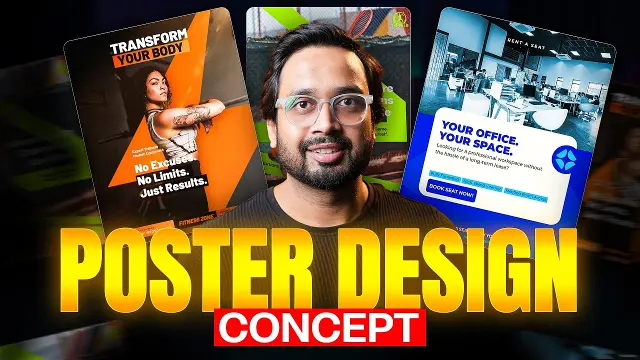
- Keep the typography bold and simple, like the large all-caps title in the preview, so it stays legible at thumbnail size.
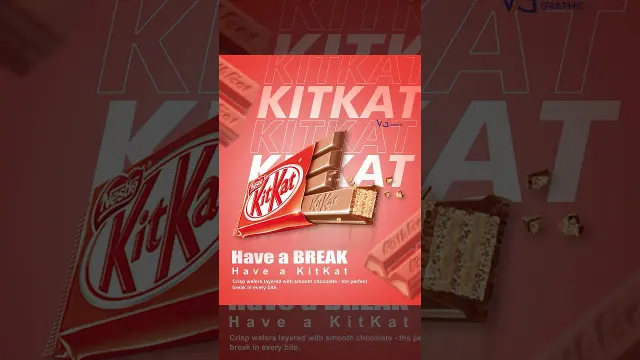
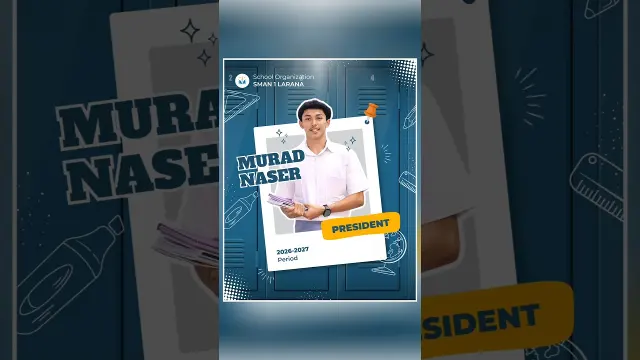
- The video also shows the same poster repeated in slightly different versions — useful for posting several looks of one design across platforms.
Written by Tagrazzi from the original's description and photo.
The title and summary are written by Tagrazzi; the video belongs to its creator and plays from YouTube.


Comments (0)
No comments yet. Be the first to comment.
Sign in to write a comment.