
Six AI Tools That Speed Up a Graphic Design Workflow
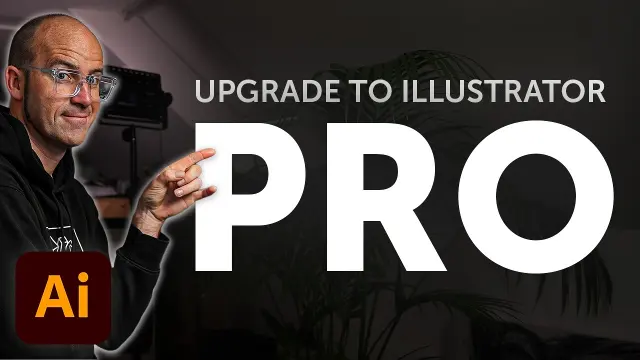
A walkthrough of six AI tools for image generation, background removal, social graphics and design, including Canva Magic Studio and Adobe Firefly.
YouTube · AnekoriXskill · 2 November 2026 Watch on YouTube
Tried this idea? Show how yours turned out.
I made this#AITools #GraphicDesign #AIDesign #CanvaAI #AdobeFirefly #DesignWorkflow #ArtificialIntelligence #CreativeAutomation
How to do it
What you need
- AI design tool
- phone or computer
- image or graphic to edit
- Canva Magic Studio
- Adobe Firefly
- Microsoft Designer
- Remove.bg
- Kittl
- ChatGPT
Step by step
- Open an AI design tool.
- Upload or choose an image.
- Use background removal or image generation features.
- Create social graphics or design variations.
- Repeat in the tool that best fits the task.
Tips
- Match the tool to the task, such as image generation or background removal.
- Use AI tools to save time on routine design work.
- Try more than one tool to find the fastest workflow.
Written by Tagrazzi from the original's description and photo.
The title and summary are written by Tagrazzi; the video belongs to its creator and plays from YouTube.









Comments (0)
No comments yet. Be the first to comment.
Sign in to write a comment.