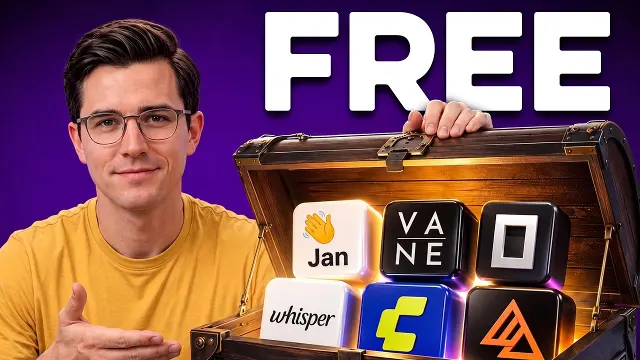
Five Free Open-Source AI Tools You Can Install Yourself
Shows how to install and use Jan for local chatbots, Vane for research, OpenCode for coding, WhisperX for transcription and FLUX.2 for images.
YouTube · Parker Prompts · 25 August 2026 Watch on YouTube
Tried this idea? Show how yours turned out.
I made thisHow to do it
What you need
- Jan
- Vane
- OpenCode
- WhisperX
- FLUX.2
- InvokeAI or ComfyUI
- Vision Prompt Studio
Step by step
- Pick the tool you want to use.
- Install the tool on your device.
- Open Jan for a local chatbot.
- Use Vane for research or OpenCode for coding.
- Run WhisperX to transcribe speech.
- Use FLUX.2 in InvokeAI or ComfyUI to generate images.
- Try Vision Prompt Studio to improve image prompts.
Tips
- Start with one tool at a time.
- Use the right tool for the task: chat, research, coding, transcription, or images.
- Follow the install-and-use flow shown for each tool.
Written by Tagrazzi from the original's description and photo.
The title and summary are written by Tagrazzi; the video belongs to its creator and plays from YouTube.






Comments (0)
No comments yet. Be the first to comment.
Sign in to write a comment.