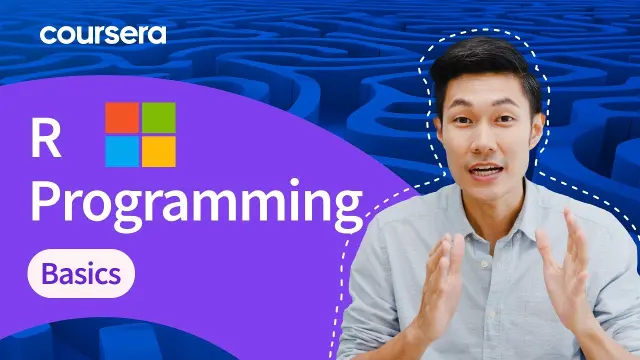
Microsoft R Programming Basics Tutorial in Visual Studio Code
Learn how to write and execute basic R scripts using Visual Studio Code in this beginner-friendly tutorial.
YouTube · Coursera · 5 November 2025 Watch on YouTube
Tried this idea? Show how yours turned out.
I made this#RProgramming #DataScience #Microsoft
How to do it
What you need
- Visual Studio Code
- R installed
- An R script file
Step by step
- Open Visual Studio Code and create a new R script file.
- Write your first calculation in the script.
- Add comments to explain what the code does.
- Execute the code in VS Code.
- Create a basic function.
- Run the function to see the result.
Tips
- Add comments as you go so your script stays readable and easy to revisit.
- Run small pieces of code as you write them to check your results.
- No prior programming experience is needed to start with these basics.
Written by Tagrazzi from the original's description and photo.
The title and summary are written by Tagrazzi; the video belongs to its creator and plays from YouTube.

Comments (0)
No comments yet. Be the first to comment.
Sign in to write a comment.