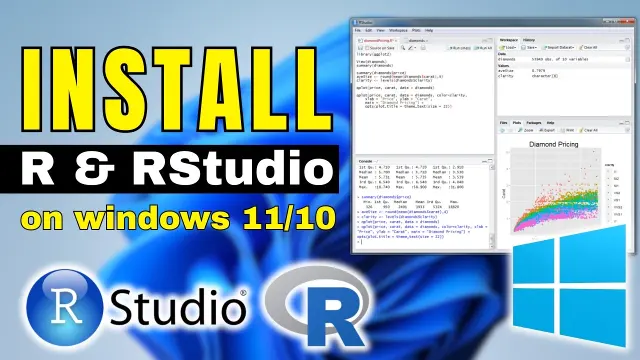
Step-by-Step Guide to Installing R and RStudio on Windows
Learn how to download and install R and RStudio Desktop on Windows 11 for statistical computing and data analysis.
YouTube · Byte Geek · 7 July 2026 Watch on YouTube
Tried this idea? Show how yours turned out.
I made this#RProgramming #RStudio #RLanguag #DataAnalysis
How to do it
What you need
- Windows 11 computer
- R installer from CRAN
- RStudio Desktop installer
Step by step
- Go to the CRAN website at cran.r-project.org and download the latest R installer for Windows.
- Run the R installer and complete the setup on your computer.
- Launch R to verify that it installed and opens correctly.
- Download RStudio Desktop from posit.co/download/rstudio-desktop.
- Run the RStudio installer and finish the setup.
- Launch RStudio to verify that it opens and connects to R.
Tips
- Install R first and RStudio second, since RStudio needs R to run.
- The same steps work on Windows 10 as well as Windows 11.
- Launch both programs once after installing to confirm everything works before you start a project.
Written by Tagrazzi from the original's description and photo.
The title and summary are written by Tagrazzi; the video belongs to its creator and plays from YouTube.




Comments (0)
No comments yet. Be the first to comment.
Sign in to write a comment.