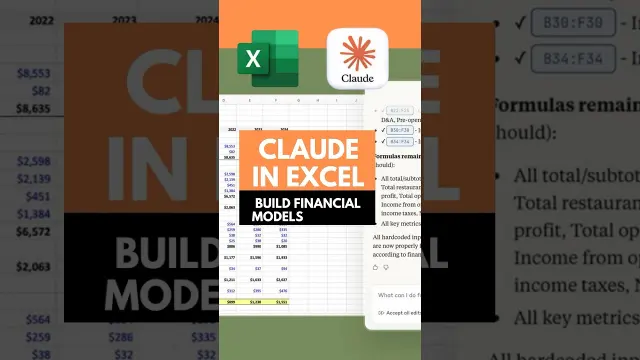
Building Financial Models and DCF Valuations in Claude for Excel
See how to use the Claude for Excel add-in to analyze financial statements and build a complete five-year discounted cash flow valuation model.
YouTube · Jules Martin · 29 December 2025 Watch on YouTube
Tried this idea? Show how yours turned out.
I made thisHow to do it
What you need
- Claude for Excel add-in
- Microsoft Excel
- Workbook with multi-tab financial statements
- Company stock price data
- Assumptions input cells
- Discount rate (WACC) inputs
Step by step
- Open the multi-tab workbook in Excel with the add-in loaded.
- Ask Claude to review the financial statements and stock price data.
- Have Claude document the structure of the workbook, tab by tab.
- Set your forecast assumptions in the input tabs.
- Ask Claude to build a five-year DCF model with projections and free cash flow.
- Have Claude apply the discount rate to calculate present values and the valuation.
- Add scenarios and a sensitivity analysis on the key assumptions.
- Check that formulas and workbook structure were preserved.
Tips
- Ask Claude to trace formulas and add cell-level explanations so you can verify its work.
- Keep assumptions in dedicated input cells — the sensitivity analysis only flows through if the model is wired that way.
- Review the auto-generated documentation before changing anything, so you know the existing structure.
Written by Tagrazzi from the original's description and photo.
The title and summary are written by Tagrazzi; the video belongs to its creator and plays from YouTube.











Comments (0)
No comments yet. Be the first to comment.
Sign in to write a comment.