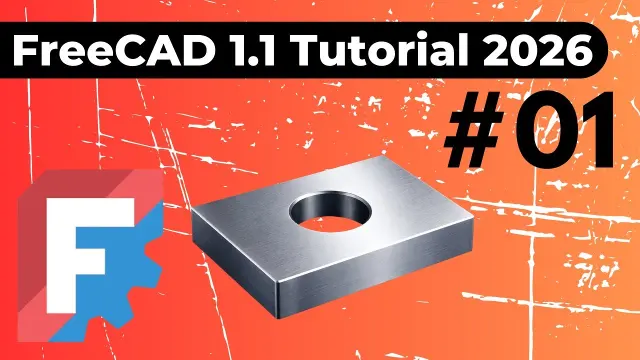
 FreeCAD Sketch to 3D Solid Part Design Tutorial
#CAD Design
2 ideas
FreeCAD Sketch to 3D Solid Part Design Tutorial
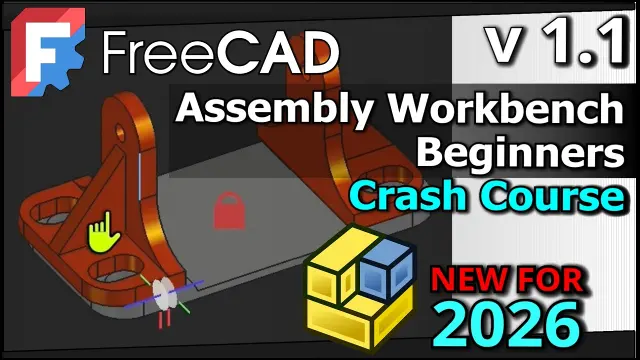 FreeCAD 1.1 Assembly Workbench Crash Course and Tutorial
Get new #CAD Design ideas by email
Every Thursday: the week's best ideas, with the newest from #CAD Design.
Related tags
CAD Design Basics and Techniques
What CAD design is
CAD stands for computer-aided design. It means using software to create, edit, and review technical drawings or three-dimensional models on a computer. People use CAD design to plan objects before they are made, whether those objects are parts, products, buildings, furniture, or mechanical assemblies. It helps you work more precisely than drawing by hand and makes it easier to change a design without starting over.
CAD has its roots in engineering, architecture, and manufacturing, but it is now used in many creative and technical fields. Depending on the software and the project, you may be making simple 2D plans, detailed 3D models, or both.
What CAD is used for
Read more
CAD design is useful whenever accuracy matters. It can help you:
- sketch shapes and dimensions clearly
- test how parts fit together
- show a design from different angles
- prepare drawings for production or construction
- revise ideas quickly as your project develops
In 2D CAD, you usually create flat drawings such as plans, layouts, and technical diagrams. In 3D CAD, you build a digital object that can be viewed, rotated, measured, and often turned into a solid model.
Main kinds of CAD work
There are a few common ways CAD is used:
- 2D drafting: for floor plans, schematics, patterns, and technical drawings
- 3D modeling: for creating shapes and forms in three dimensions
- Parametric design: where dimensions and relationships control the model, so changes update automatically
- Assembly design: for combining multiple parts and checking how they fit and move together
Many beginners start with sketching simple shapes and then turn them into 3D objects. This is a good way to learn because it teaches you to think in terms of measurements, structure, and function.
Techniques and habits that help
A strong CAD design workflow usually begins with a clear idea of scale and purpose. Before you draw, think about what the object needs to do and which dimensions are fixed. Use reference geometry, constraints, and clean layers or features to keep your work organized.
A few practical habits make a big difference:
- keep your measurements consistent
- use snaps, grids, and constraints when available
- name parts and sketches clearly
- build from simple shapes before adding details
- save versions as you work, especially on larger projects
If you are designing for making or building, always check tolerances, material thickness, and assembly space. A model that looks correct on screen may still need adjustment to work in the real world.
Tips for beginners
If you are new to CAD design, start with one simple object and learn the basics step by step. Focus first on drawing accurate shapes, then on turning them into solids, and then on editing or assembling parts. Do not worry about mastering every feature at once. Good CAD work comes from careful observation, patience, and repetition.
It also helps to keep your models neat. Clean sketches and simple structures are easier to understand, fix, and reuse later. As you gain confidence, you can move on to more complex forms, assemblies, and detailed technical drawings.
Videos come from YouTube and posts from Instagram; titles and summaries are our own. All rights belong to their creators.