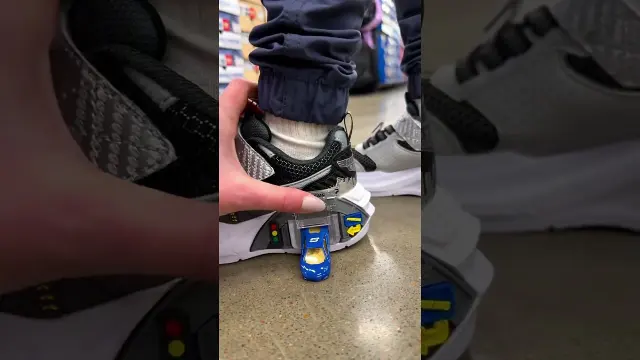
 Skechers Garage Kids Shoes Featuring Interactive Toy Cars
#Sketcher
12 ideas
Skechers Garage Kids Shoes Featuring Interactive Toy Cars
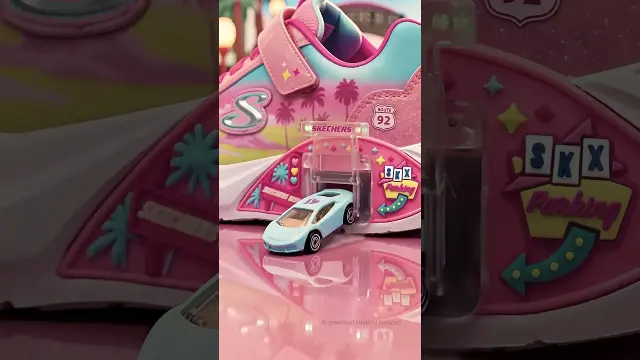 Skechers Garage Kids Sneakers in Pink With Toy Cars
 Comparing Skechers and Hoka Walking Shoes for Support and Pain Relief
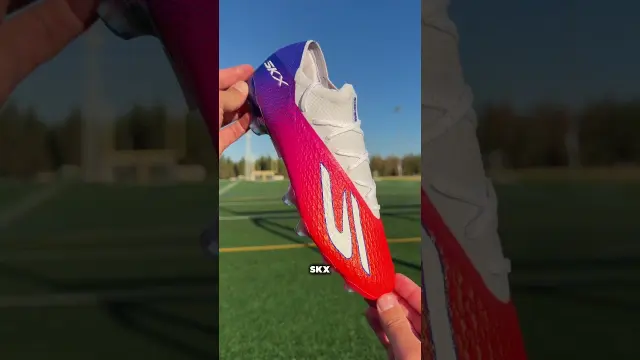 Skechers SKX2 and Razor Soccer Boots Overview
 First Look at the Skechers Aero Elite Running Shoe
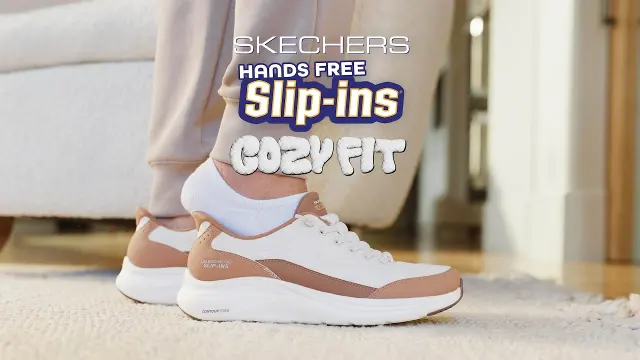 Skechers Cozy Fit Slip-Ins Slipper-Level Softness
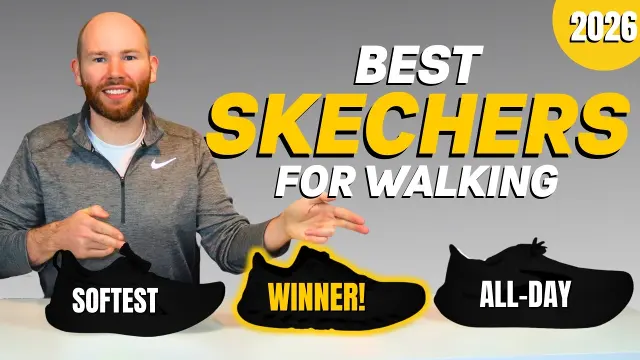 Top Skechers Walking Shoe Models Ranked for 2026
 Best Skechers Walking Shoes for Seniors and Older Adults
 Reviewing Skechers Slip-Ins Stability and Hands-Free Design
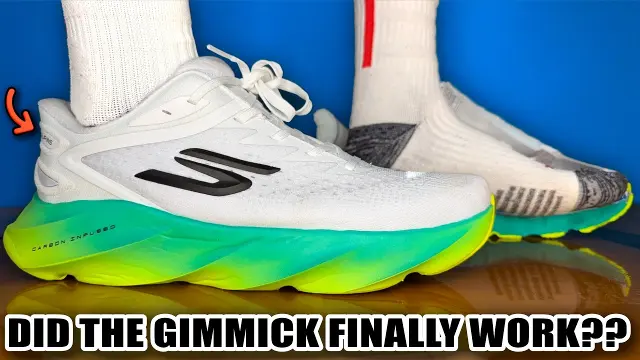 Podiatrist Review of the Skechers Slip-In Aero Burst
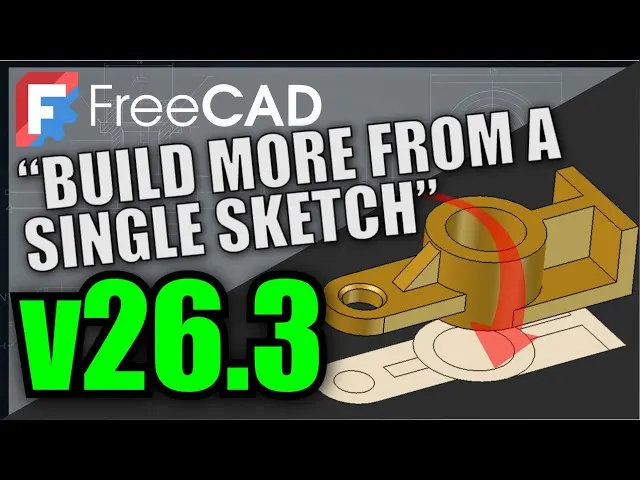 Understanding FreeCAD Sketch Internals and Workflow
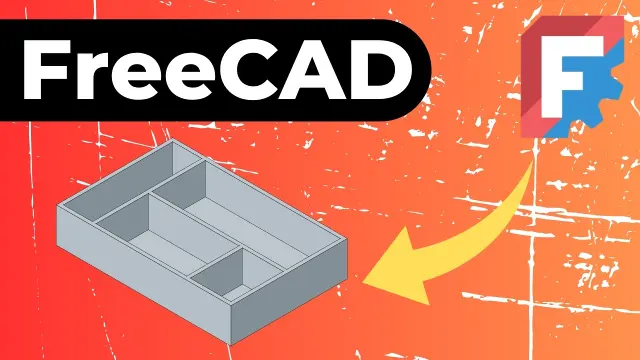 FreeCAD Tutorial on Sketch Constraints and Parametric Modeling
Get new #Sketcher ideas by email
Every Thursday: the week's best ideas, with the newest from #Sketcher.
Related tags
FreeCAD Sketcher Guide
What FreeCAD Sketcher is
FreeCAD Sketcher is the part of FreeCAD used to draw precise 2D shapes that become the foundation of many 3D models. Instead of sketching freehand, you place lines, arcs, circles, and points, then define their size and position with constraints. This makes the sketch exact and easy to edit later.
Sketches are usually the starting point for parts that will be padded, pocketed, revolved, or used in other modeling workflows. Because the sketch stays parametric, you can return to it at any time and change dimensions without redrawing everything.
Why it is useful
Read more
A good sketch gives your model a clear structure. You can control geometry with numbers rather than dragging shapes by eye, which helps keep designs consistent. This is especially useful when you need repeated parts, matching dimensions, or later revisions.
Sketcher is commonly used for mechanical parts, simple enclosures, profiles, and other objects that need accurate edges and clean proportions. It is also a useful way to learn parametric thinking: one sketch can drive many later features.
Main elements of a sketch
A sketch usually contains basic geometry and constraints.
- Geometry: lines, rectangles, circles, arcs, and splines
- Constraints: rules that define size, angle, distance, symmetry, coincidence, and tangency
- Reference geometry: construction lines or points that help organize the sketch without becoming part of the final shape
Beginners often start with simple closed profiles such as rectangles, circles, or combinations of straight segments and arcs. Closed profiles are important because they can often be used directly for 3D operations.
How constraints work
Constraints are what make Sketcher powerful. A line can be horizontal, vertical, fixed in length, or joined to another line at a point. A circle can have a defined radius and a set position. Two elements can be made equal, parallel, perpendicular, or symmetric.
The main idea is to avoid overcomplicating the sketch. Use only the constraints needed to define the shape clearly. Too few constraints can leave the sketch underdefined, while too many can make it harder to edit and understand.
Practical tips for beginners
Start with a simple shape and build up gradually. It is often easier to draw the rough outline first, then add constraints and dimensions.
- Keep sketches clean and readable
- Use construction geometry to guide placement
- Fully constrain important shapes when possible
- Check that the sketch is not overconstrained
- Break complex parts into several sketches if needed
If a sketch becomes difficult to manage, simplify it. Separate unrelated features into different sketches rather than trying to force everything into one drawing.
Common uses and good habits
FreeCAD Sketcher is most useful when you treat it as the base of a design, not just a drawing area. Think in terms of relationships: what must stay centered, what must stay equal, and what size matters most. This makes later changes much easier.
A careful sketch often saves time later. If you build a model on a stable 2D foundation, the rest of the design tends to be more predictable, easier to edit, and less likely to fail when dimensions change.
Videos come from YouTube and posts from Instagram; titles and summaries are our own. All rights belong to their creators.