10 ChatGPT tutorials for beginners
If you've just opened ChatGPT and aren't sure where to start, this collection walks through it in order: what the different models do, how to get real work out of it, and which settings and features are worth learning early. Every idea here is framed for someone new to the tool rather than for power users.
It suits anyone who wants a straight path from "I made an account" to "I use this every day" — students, freelancers, small teams, or anyone curious about the assistant but put off by the sheer number of features. Start at the top and work down, or dip into whichever guide matches what you're trying to do today.
-
 1
Comprehensive Beginner Guide to Using ChatGPT
A full beginner walkthrough that starts at basic plans and goes up to automations, so it works as the first thing to read.
-
 2
Beginner Tutorial on Getting Work Done with AI
Step-by-step and beginner-focused, covering document editing and faster research as the first practical wins.
-
 3
Beginner Guide to ChatGPT Models and Tasks
Explains which model inside ChatGPT to pick for which task, which is the question beginners hit first.
-
 4
Updated Ultimate Guide to ChatGPT Features
A broad feature guide covering thinking mode, custom instructions, projects and data analysis once the basics are clear.
-
 5
Complete ChatGPT Course and Feature Walkthrough
A complete course-style walkthrough of settings, prompting frameworks and voice mode for people who want the whole map.
-
 6
Productivity Hacks and Hidden ChatGPT Features
Goes past the basics into hidden features and hacks, useful once you're comfortable with the everyday interface.
-
 7
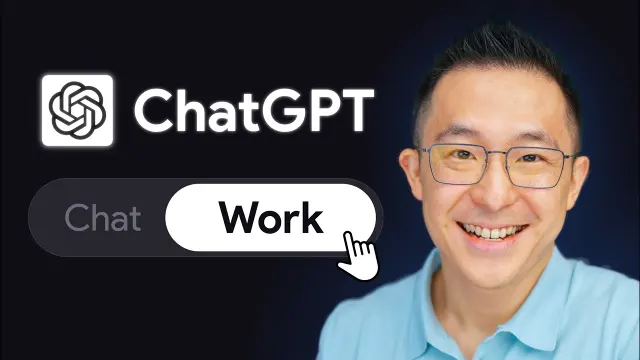
How to Set Up and Use ChatGPT Work
Shows how to set up rulebooks, folders and plugins in ChatGPT Work, for readers moving from personal use to work use.
-
 8
Practical Ways to Integrate ChatGPT Into Daily Life
Turns the tool toward daily life with practical ways to save time and make decisions, good for readers past the setup stage.
-
 9
Exploring the New ChatGPT Space Interface
Introduces a newer interface for organizing tasks and collaborating, so it fits readers curious about where the tool is heading.
-
 10
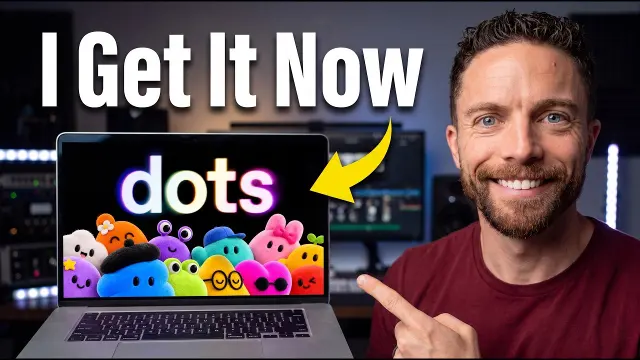
Setting Up and Using OpenAI Dots Assistant
Looks at a proactive assistant with its own browser and memory, a next-step read for anyone interested in assistant-style tools.
More #Productivity ideas
Picked and written by Tagrazzi; the videos and photos belong to their creators.