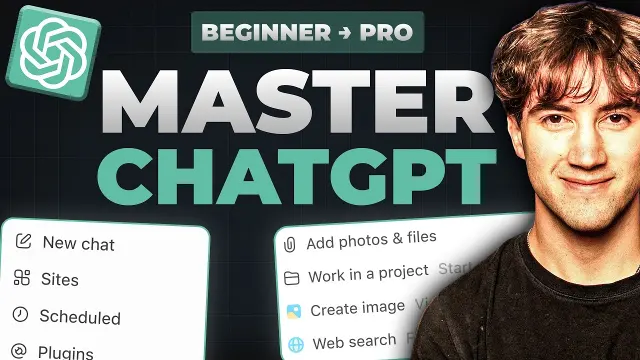
Comprehensive Beginner Guide to Using ChatGPT
A full walkthrough of ChatGPT features ranging from basic pricing plans to advanced scheduled automations.
YouTube · AI Foundations · 29 September 2026 Watch on YouTube
Tried this idea? Show how yours turned out.
I made thisHow to do it
What you need
- ChatGPT account
- ChatGPT plan (Free, Go, Plus, or Pro)
- A PDF document to search
- An image to critique
- Google Calendar account
- Gmail account
- Executive prompt text
Step by step
- Pick your plan on the ChatGPT pricing page
- Tour the sidebar, prompt bar, model selector, voice mode, and work tab
- Write your prompt with the GCAO framework: goal, context, action, output format
- Iterate with follow-up prompts until the answer is right
- Run web search for competitor research and deep research for a full report
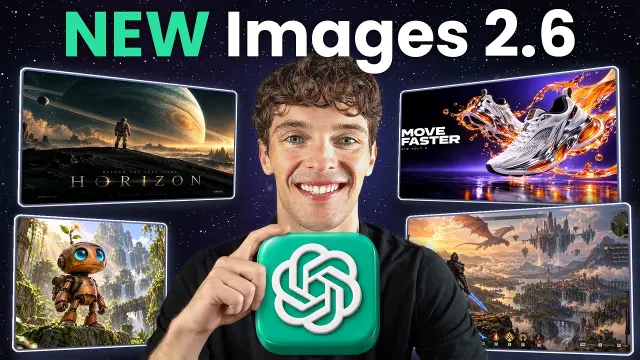
- Upload a PDF to test file search, then use vision and image generation
- Set custom instructions and build your executive prompt in under 5,000 characters
- Create a project with its own sources, memory settings, and instructions
- Connect Google Calendar and Gmail as plugins and set their permissions
- Put a daily briefing on a scheduled task and publish a tool with ChatGPT Sites
Tips
- Put a weak prompt and a strong prompt side by side to see how much goal, context, action and output format change the result.
- Follow-up prompts get you further than accepting the first answer.
- Set ChatGPT up once so it knows your business and handles repeat work for you.
Written by Tagrazzi from the original's description and photo.
The title and summary are written by Tagrazzi; the video belongs to its creator and plays from YouTube.


Comments (0)
No comments yet. Be the first to comment.
Sign in to write a comment.