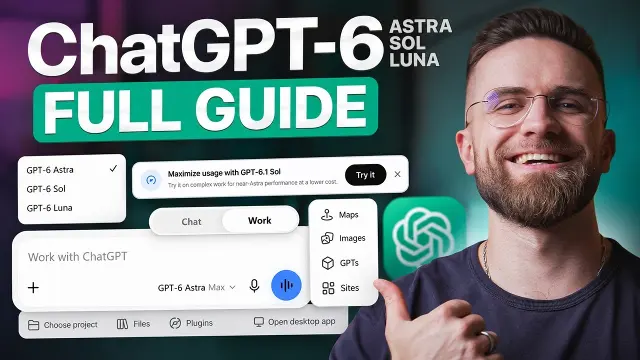
Beginner Guide to ChatGPT Models and Tasks
A breakdown of different models within ChatGPT and how they perform on practical tasks like reviewing data.
YouTube · AI Master · 16 October 2026 Watch on YouTube
Tried this idea? Show how yours turned out.
I made this#ChatGPT6 #GPT6 #ChatGPT #AITutorial #ArtificialIntelligence
How to do it
What you need
- ChatGPT access (web or desktop app)
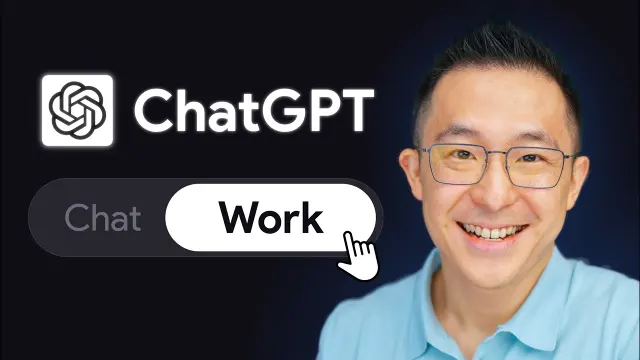
- Chat vs Work mode toggle
- Model picker: Luna, Sol 6.1, Astra
- Reasoning level setting (Medium or High)
- A real task to test, such as checking invoices or reviewing customer feedback
Step by step
- Open the model picker and note the available options: GPT-6 Luna, GPT-6 Sol, GPT-6 Astra.
- Switch between Chat and Work mode depending on whether you want a quick answer or a task handled.
- Pick the model that fits the job: Luna for execution, Sol 6.1 for judgment, Astra for delegation.
- Set the reasoning level to Medium or High as a separate control from the model choice.
- Write the prompt for your task, such as finding conflicts across project files or comparing invoice totals.
- Run the same prompt at both reasoning levels to see how depth changes the output.
- Keep the model that handled your task best as your default for similar work.
Tips
- Treat the model choice and the reasoning level as two separate dials — the same task can be run deeper without changing model.
- Judge performance on your own real tasks instead of benchmark charts, since the guide tests invoices, reviews and project files rather than scores.
- Match the model to the kind of thinking the task needs: routine execution, careful judgment, or handing off a larger job.
Written by Tagrazzi from the original's description and photo.
The title and summary are written by Tagrazzi; the video belongs to its creator and plays from YouTube.





Comments (0)
No comments yet. Be the first to comment.
Sign in to write a comment.