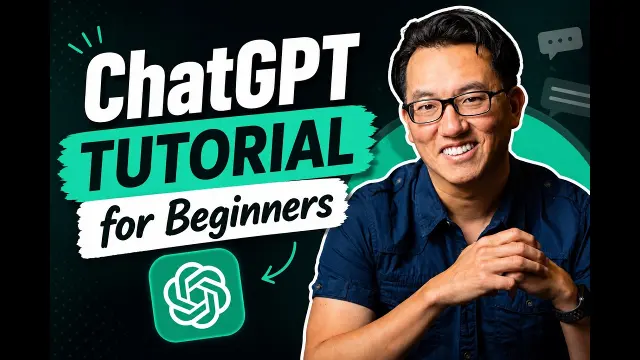
Beginner Tutorial on Getting Work Done with AI
A step-by-step beginner guide on using ChatGPT to edit documents, research faster, and improve daily productivity.
YouTube · Kevin Stratvert · 1 July 2026 Watch on YouTube
Tried this idea? Show how yours turned out.
I made this#ChatGPT #AI #Productivity #ChatGPTTutorial #Zapier #stratvert
How to do it
What you need
- Free ChatGPT account
- PDF, Word, Excel or image files to upload
- ChatGPT Plus subscription (for Projects and Memory)
- Zapier account (for app connections)
Step by step
- Create a free ChatGPT account
- Explore the interface
- Ask ChatGPT to write and refine an email through follow-up messages
- Upload files to summarize, analyze and ask questions about them
- Research a topic and compare options
- Have ChatGPT draft a plan or checklist
- Save related chats into Projects (ChatGPT Plus)
- Connect ChatGPT to your apps and services with Zapier
- Review and edit what ChatGPT remembers in Memory (ChatGPT Plus)
Tips
- Point out which features need a Plus subscription before you rely on them for a workflow.
- Treat the first draft as a starting point and refine it conversationally instead of rewriting the prompt from scratch.
- Check what is stored in Memory so ChatGPT keeps useful preferences rather than outdated ones.
Written by Tagrazzi from the original's description and photo.
The title and summary are written by Tagrazzi; the video belongs to its creator and plays from YouTube.



Comments (0)
No comments yet. Be the first to comment.
Sign in to write a comment.