11 Adobe Illustrator tutorials for beginners starting out
This set is about getting comfortable in Illustrator before worrying about polish — document setup, navigation, the Pen Tool, shortcut keys and the mistakes that slow newcomers down. Each idea takes one slice of that learning curve and keeps it practical rather than theoretical.
It's aimed at people opening Illustrator for the first time, or self-taught designers who suspect they've picked up bad habits. Fashion and branding beginners will find material written for their specific direction, while the tips and mistake lists are useful to anyone who wants a faster workflow.
-
 1
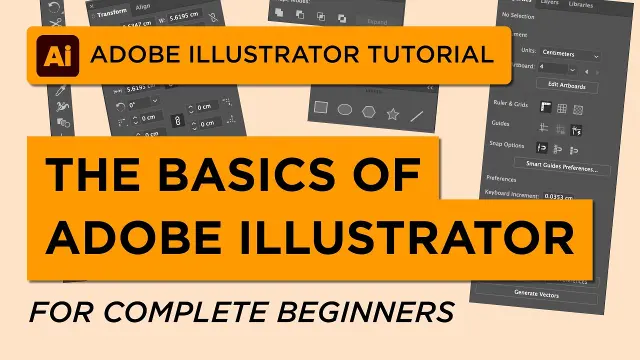
Getting Started with Adobe Illustrator Beginner Tutorial
Covers document creation, workspaces and navigation, the groundwork everything else sits on.
-
 2
Adobe Illustrator Step-by-Step Beginner Tutorial
A step-by-step follow-along format designed to teach the basics quickly.
-
 3
Free Adobe Illustrator Course for Creating Vector Graphics
A free course aimed at creating professional vector graphics from scratch.
-
 4
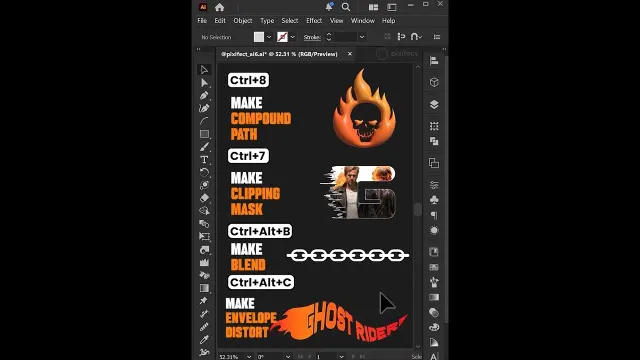
Essential Shortcut Keys and Beginner Guide for Illustrator
Focuses on essential shortcut keys and basic navigation for newcomers.
-
 5
Comprehensive Adobe Illustrator Beginner Course for Branding
A beginner course for branding that introduces the Pen Tool, artboards and shapes toward logo work.
-
 6
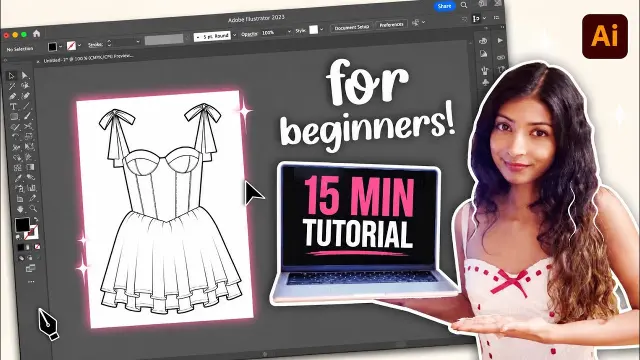
Introduction to Fashion Design Using Adobe Illustrator
Tailors the fundamentals to beginners entering fashion design specifically.
-
 7
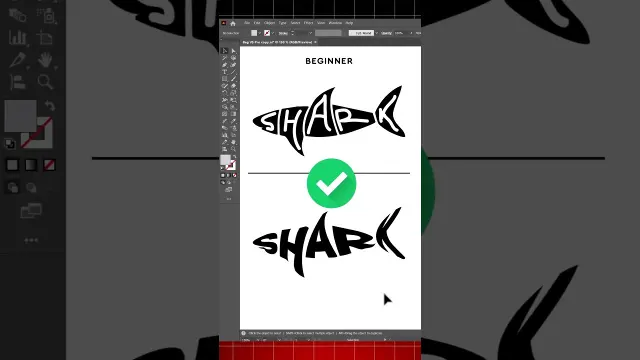
Adobe Illustrator Tutorial for Turning Shapes Into Logos
Shows how basic vector shapes turn into professional-looking logos.
-
 8
Discovering Hidden Drawing Modes in Adobe Illustrator
Reveals the draw inside feature as an automatic clipping mask, a handy early discovery.
-
 9
Twenty Illustrator Mistakes to Avoid for Better Workflows
Lists twenty common mistakes to avoid, good for correcting habits picked up while learning.
-
 10
Essential Adobe Illustrator Tips, Tricks, and Shortcuts
A broad collection of tips, tricks and shortcuts to speed up everyday use.
-
 11
Five AI Features to Speed Up Your Adobe Illustrator Workflow
Explores AI features like background removal and text editing that shorten routine tasks.
More #Adobe Illustrator ideas
Picked and written by Tagrazzi; the videos and photos belong to their creators.