
Discovering Hidden Drawing Modes in Adobe Illustrator
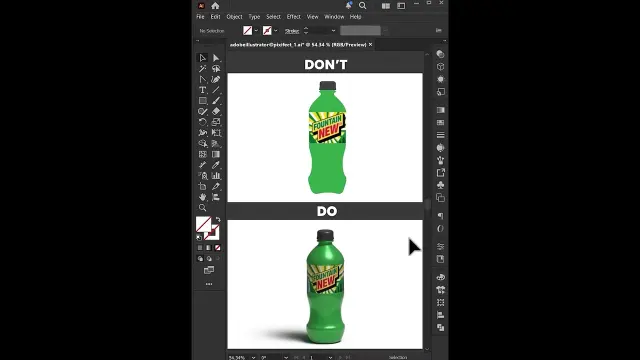
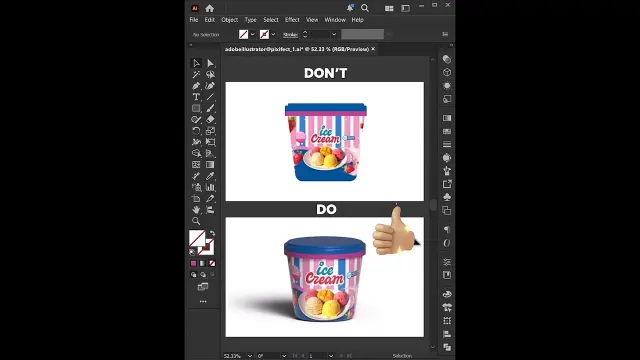
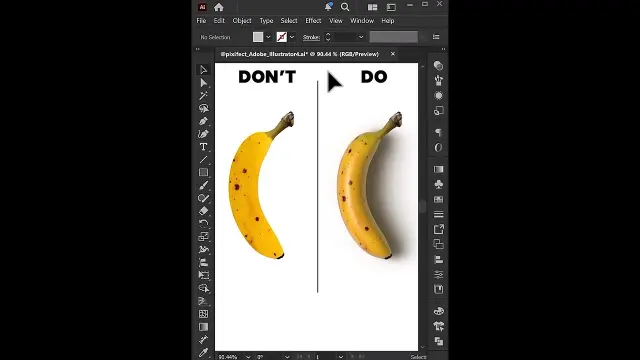
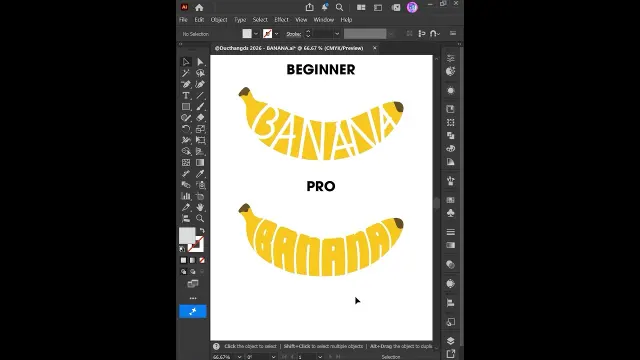
A design tip showing how to use the draw inside feature in Adobe Illustrator as an automatic clipping mask.
YouTube · James Barnard · 29 October 2026 Watch on YouTube
Tried this idea? Show how yours turned out.
I made this#graphicdesign #illustratortips
How to do it
What you need
- Adobe Illustrator
- an object
- draw tools
Step by step
- Select the object.
- Find the drawing modes at the bottom of the toolbar.
- Choose Draw Inside.
- Draw in the object area.
- Use Shift+D to switch drawing modes.
Tips
- The selected object acts like an automatic clipping mask.
- Draw Inside is useful for keeping new artwork contained within a shape.
Written by Tagrazzi from the original's description and photo.
The title and summary are written by Tagrazzi; the video belongs to its creator and plays from YouTube.

Comments (0)
No comments yet. Be the first to comment.
Sign in to write a comment.