13 realistic food and object mockup tutorials in Adobe Illustrator
These ideas all circle around the same craft: building believable, dimensional mockups inside Illustrator rather than faking them in a separate 3D app. Fruits, vegetables, chicken, cups and bottles each come with their own shading, gradient and perspective problems, so working through a few of them builds a reusable set of rendering habits.
It suits illustrators and designers who already know their way around the basic tools and want their vector work to read as photographic. Packaging designers and food-brand creatives will find the most direct use for it, but anyone chasing better gradients and highlights will get something out of following along.
-
 1
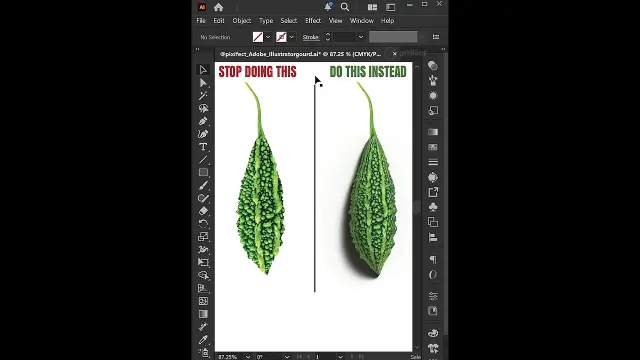
Creating a Realistic Bitter Gourd Mockup in Adobe Illustrator
A full walkthrough of a realistic vegetable mockup, making it a solid starting point for the rendering approach.
-
 2
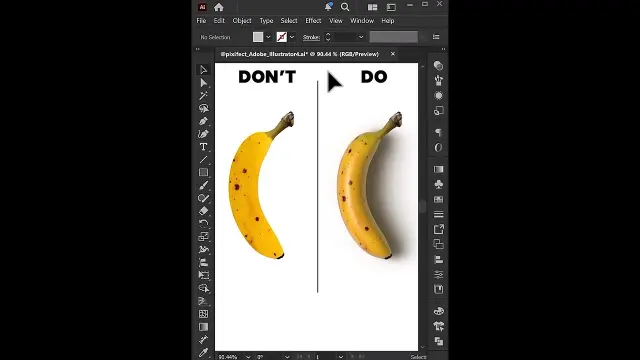
How to Create a Realistic Banana Mockup in Adobe Illustrator
Step-by-step banana rendering covers the curved-form shading these mockups depend on.
-
 3
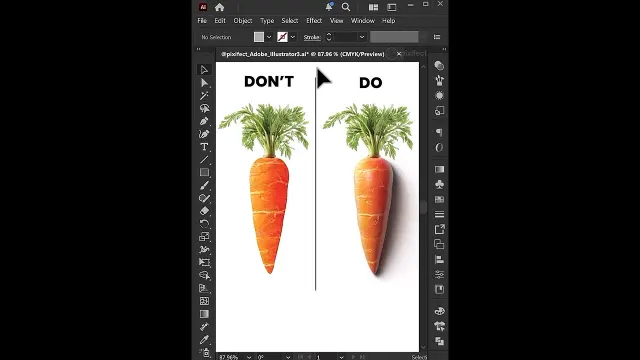
Creating a Realistic 3D Carrot Mockup in Illustrator
Builds a 3D carrot mockup, extending the same skills to a tapered, textured shape.
-
 4
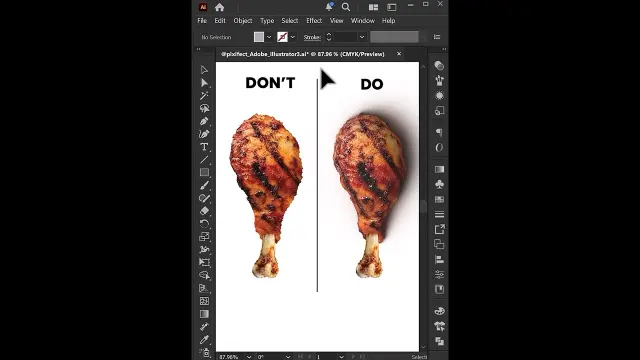
Designing a Realistic 3D Chicken Drumstick Mockup
A chicken drumstick mockup tackles a more complex organic form than simple produce.
-
 5
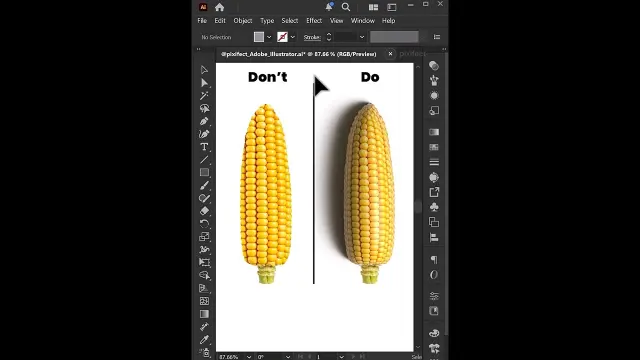
Creating a Realistic Corn Mockup in Adobe Illustrator
Detailed corn mockup work, useful for repeating texture across a surface.
-
 6
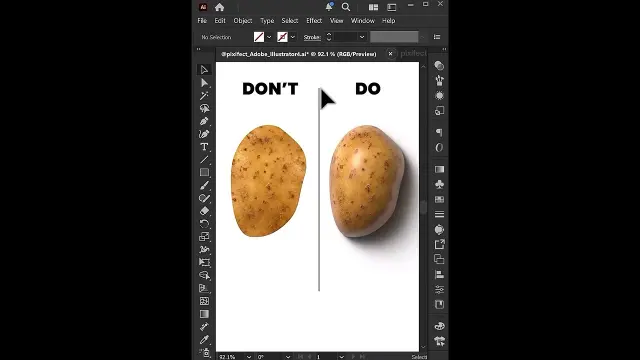
Creating a Realistic 3D Potato Mockup in Adobe Illustrator
A potato mockup focuses on subtle, low-contrast shading rather than bright highlights.
-
 7
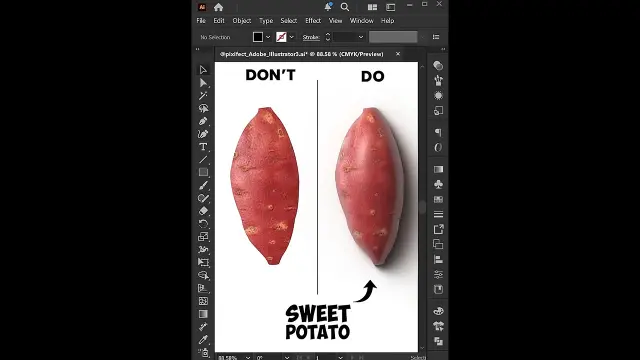
Designing a Realistic 3D Sweet Potato Mockup in Illustrator
Sweet potato mockup adds another earthy, irregular form to the practice set.
-
 8
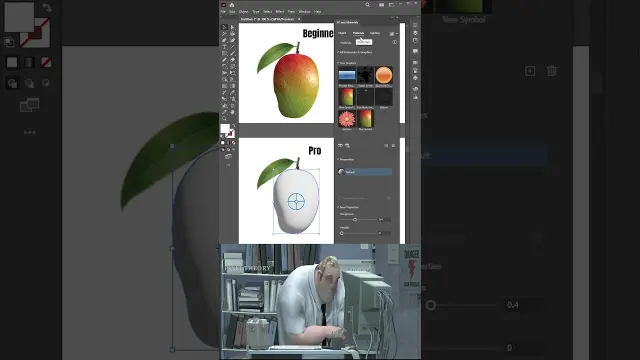
How to Make a Realistic 3D Mango in Adobe Illustrator
Uses Illustrator's 3D tools with gradients and shading for a realistic mango effect.
-
 9
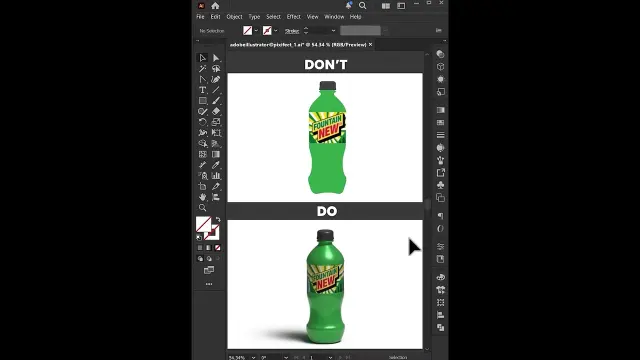
How to Design a Realistic Plastic Bottle Mockup in Illustrator
Shifts from food to a plastic bottle, where reflections and transparency replace organic texture.
-
 10
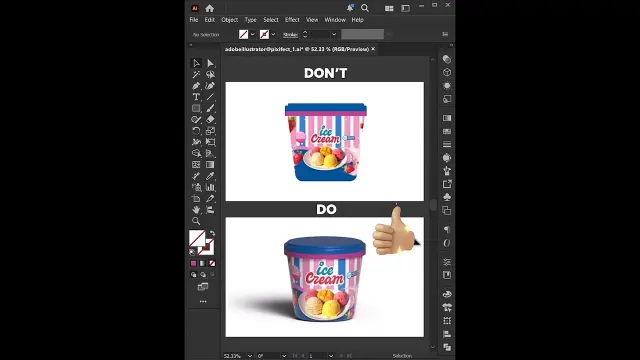
Creating a Realistic Plastic Container Mockup in Illustrator
A plastic container mockup built from scratch, covering the same material challenges at a different scale.
-
 11
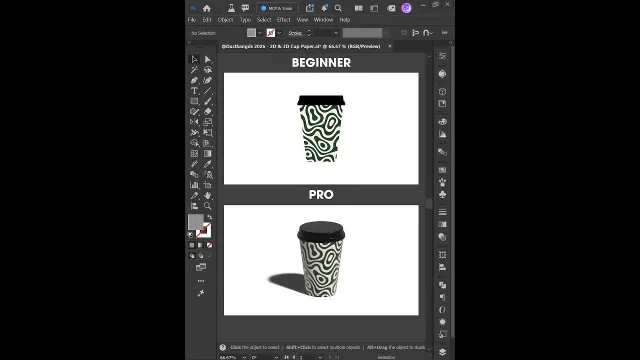
Pro Tips for Designing Realistic Paper Cups in Illustrator
Paper cups bring matte surfaces and printed artwork into the mockup toolkit.
-
 12
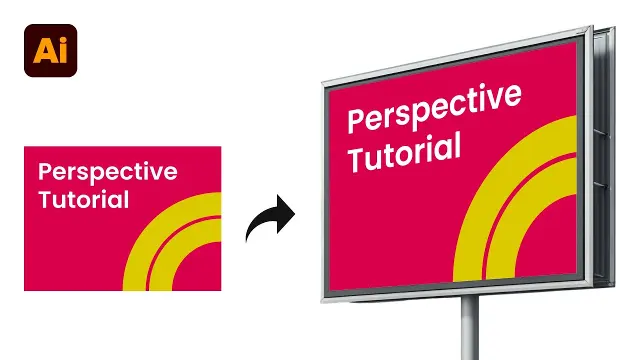
How to Place Mockups in Perspective Using Adobe Illustrator
Shows how to place finished mockups in perspective using Make With Top Object and Free Distort.
-
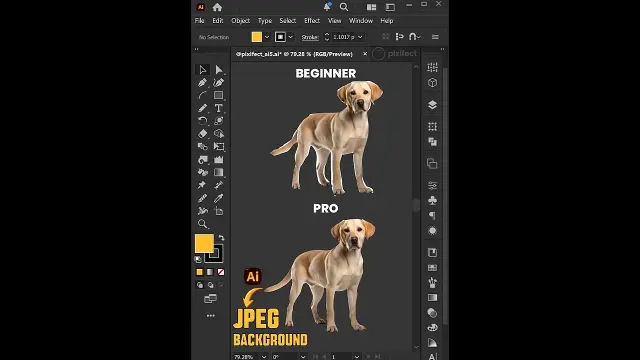 13
Professional Techniques to Remove JPEG Backgrounds in Illustrator
Professional background removal rounds out the workflow so mockups can be dropped onto clean scenes.
More #Adobe Illustrator ideas
Picked and written by Tagrazzi; the videos and photos belong to their creators.