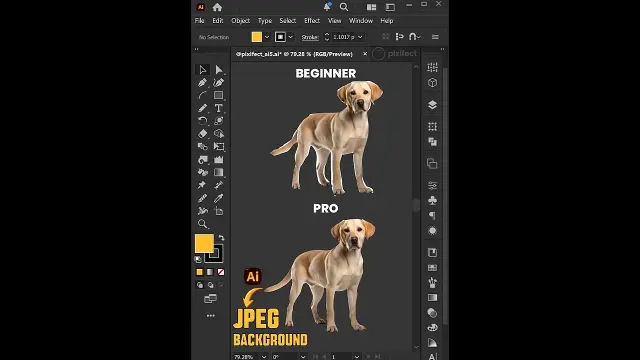
Professional Techniques to Remove JPEG Backgrounds in Illustrator
A guide showing professional methods for removing image backgrounds directly within Adobe Illustrator.
YouTube · Pixifect · 6 July 2026 Watch on YouTube
Tried this idea? Show how yours turned out.
I made this#photoshop #graphicdesign #illustrator #adobeillustrator #adobe #logodesign #designer #mockup
How to do it
What you need
- Adobe Illustrator
- JPEG image with a background
- Illustrator selection tools from the toolbar
Tips
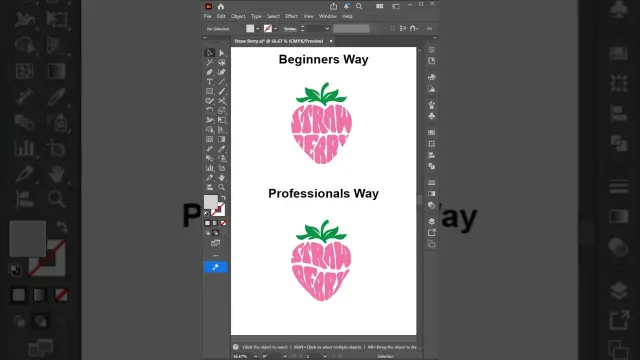
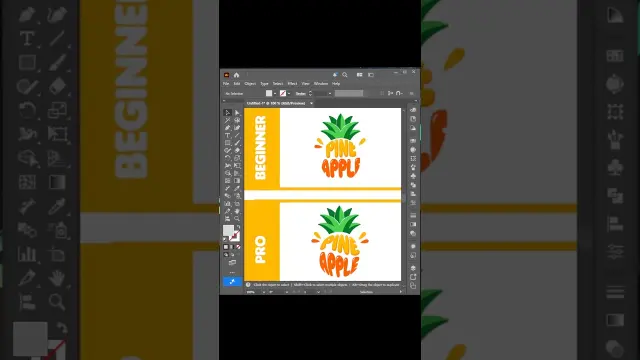
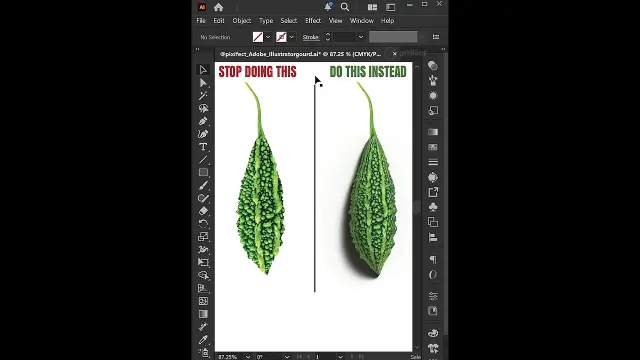
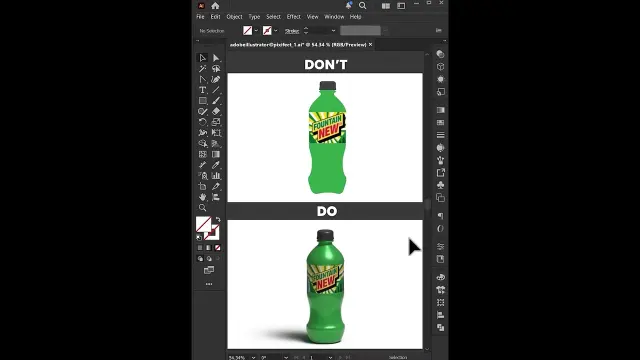
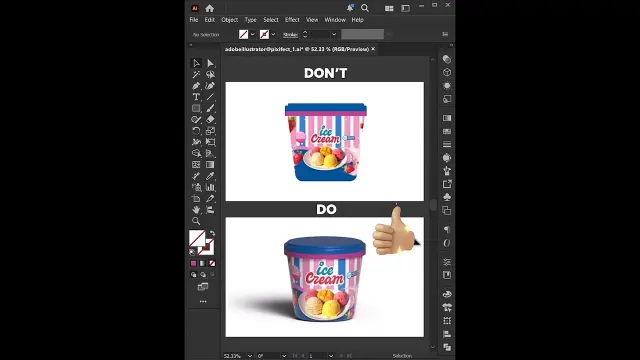
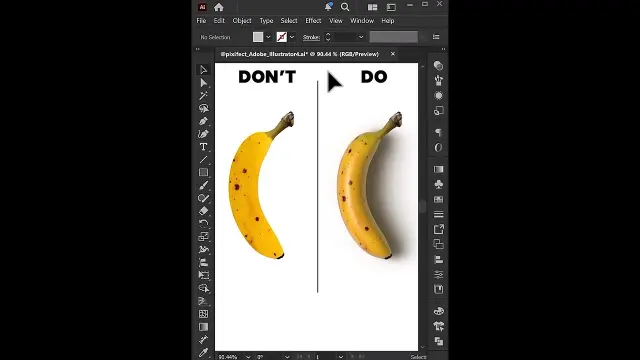
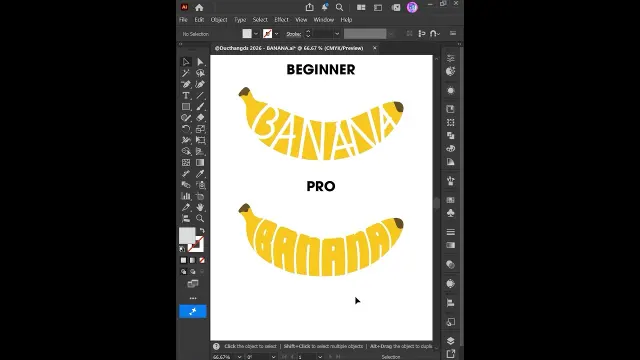
- Judge your cutout the way this side-by-side does: zoom in and look for leftover background fragments around the edges, which is what separates the beginner result from the pro one.
- Fine fur and hair are the hardest part of a JPEG cutout, so expect to spend most of your clean-up time there.
Written by Tagrazzi from the original's description and photo.
The title and summary are written by Tagrazzi; the video belongs to its creator and plays from YouTube.
Comments (0)
No comments yet. Be the first to comment.
Sign in to write a comment.