12 beginner guides to getting started with AI chatbots
These are all step-by-step walkthroughs rather than opinion pieces: each one starts from zero and shows you what to click, what to type, and what the tool can actually do for you. If you have opened ChatGPT or Claude once, felt lost, and closed the tab, this is the reading order.
They suit complete beginners, but also people who already dabble and suspect they are using a fraction of what is there — the feature tours, hidden settings and workflow ideas fill in the gaps. Nothing here assumes a technical background, so you can work through them in an afternoon and start applying them the same day.
-
 1
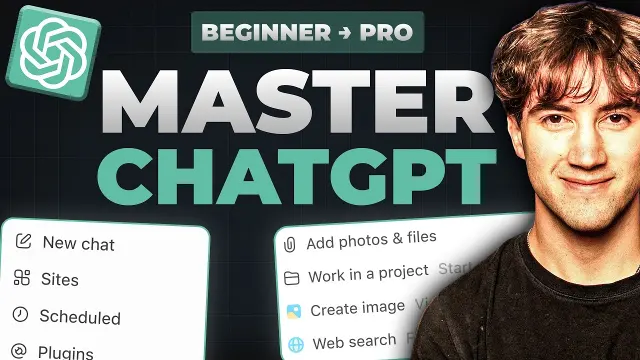
Comprehensive Beginner Guide to Using ChatGPT
The fullest starting point, walking through features from pricing plans up to advanced scheduled automations.
-
 2
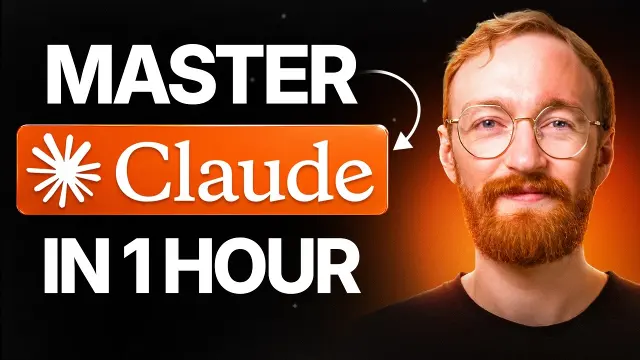
Comprehensive Beginners Guide to Using Claude AI
A dedicated beginner walkthrough for Claude, covering prompts and features for anyone not using ChatGPT.
-
 3
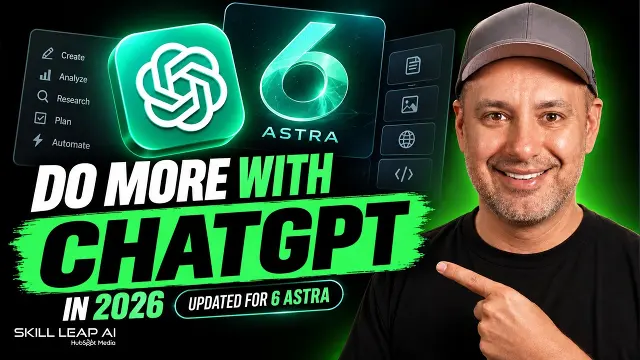
Updated Ultimate Guide to ChatGPT Features
Explains the settings beginners hear about but don't understand, like thinking mode, custom instructions and projects.
-
 4
Complete ChatGPT Course and Feature Walkthrough
A complete course-style pass over settings, prompting frameworks, voice mode and even building sites.
-
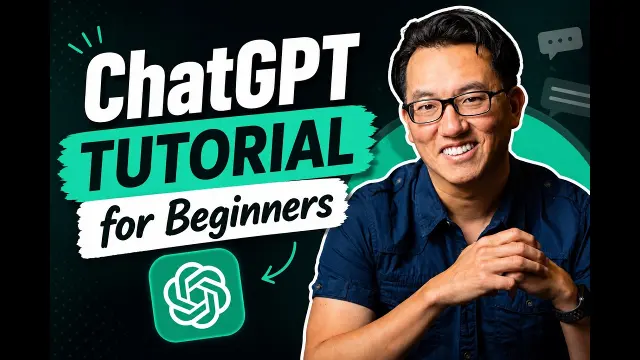 5
Beginner Tutorial on Getting Work Done with AI
Turns the tour into practice with step-by-step routines for editing documents, researching and daily productivity.
-
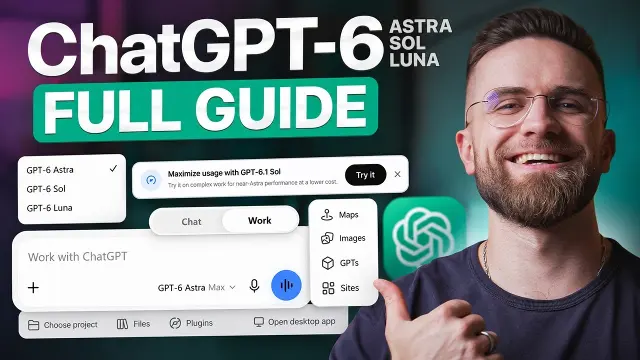 6
Beginner Guide to ChatGPT Models and Tasks
Helps you choose between the different models and see how they handle concrete tasks like reviewing data.
-
 7
Practical Ways to Integrate ChatGPT Into Daily Life
Shows what to actually use the tool for, with everyday uses for saving time and making decisions.
-
 8
Productivity Hacks and Hidden ChatGPT Features
For after the basics, collecting hidden features and productivity shortcuts that change your daily habits.
-
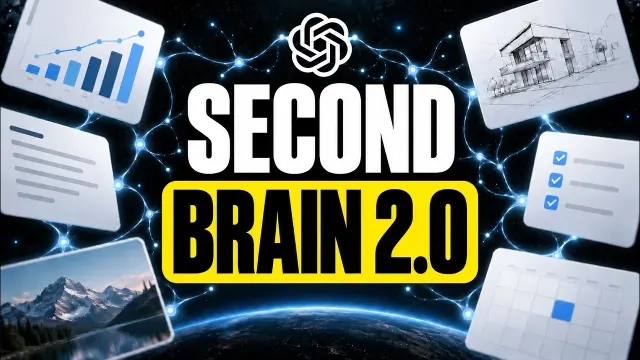 9
Exploring the New ChatGPT Space Interface
Introduces a newer way of organising tasks and collaborating, useful once you are comfortable with the basics.
-
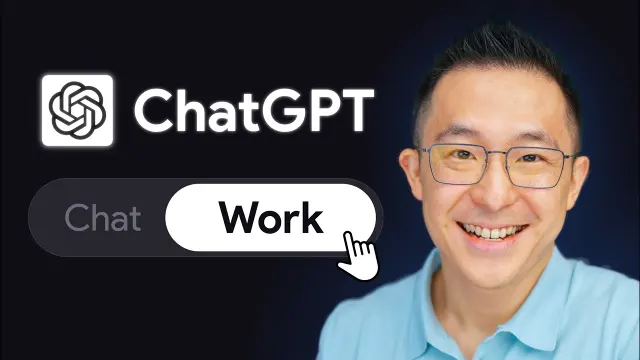 10
How to Set Up and Use ChatGPT Work
A setup-focused tutorial on custom rulebooks, mounting folders and plugins for a more configured workspace.
-
 11
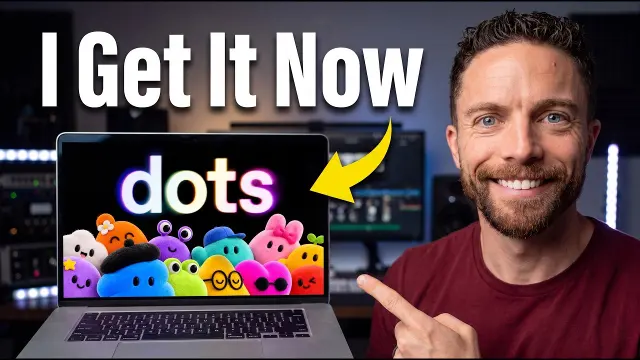
Setting Up and Using OpenAI Dots Assistant
A look at a proactive assistant with its own browser and memory, showing where these tools are heading next.
-
 12
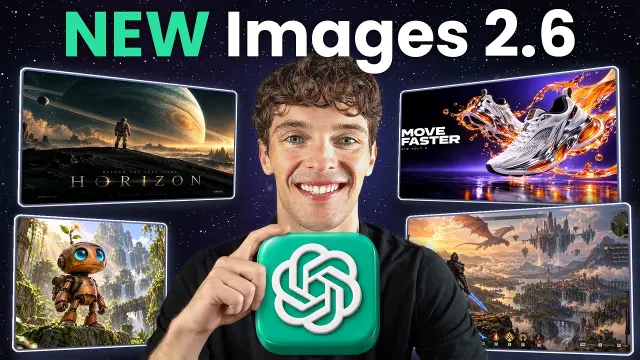
Testing OpenAI's ChatGPT Image 2.6 Features
An initial hands-on test of image generation features, handy if visuals are part of what you want to make.
More #Technology ideas
Picked and written by Tagrazzi; the videos and photos belong to their creators.