
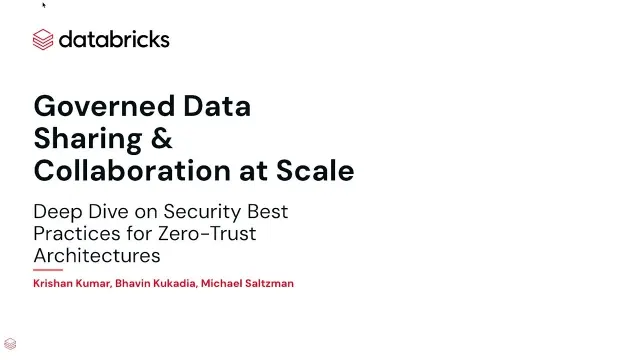
Data Publishing on BigQuery Using Authorized Views for Partners
This step-by-step tutorial explains how to securely share BigQuery data with external partners using authorized views without exposing underlying datasets.
YouTube · Orbit of Ops · 19 August 2026 Watch on YouTube
Tried this idea? Show how yours turned out.
I made this#GSP1041 #GoogleCloud #BigQuery #DataEngineering #CloudSkillsBoost #GCP #OrbitOfOps #CloudComputing
How to do it
What you need
- Google Cloud / BigQuery access
- Cloud Shell
- SQL queries
- datasets and views
Step by step
- Create the required BigQuery datasets.
- Build an authorized view for shared data.
- Grant the needed IAM and dataset permissions.
- Share the view with the partner dataset access.
- Check that the partner can query the view without seeing the underlying dataset.
Tips
- Match dataset and view names to the lab instructions.
- Use the temporary lab credentials provided by the platform.
- Verify permissions carefully before sharing access.
Written by Tagrazzi from the original's description and photo.
The title and summary are written by Tagrazzi; the video belongs to its creator and plays from YouTube.



Comments (0)
No comments yet. Be the first to comment.
Sign in to write a comment.