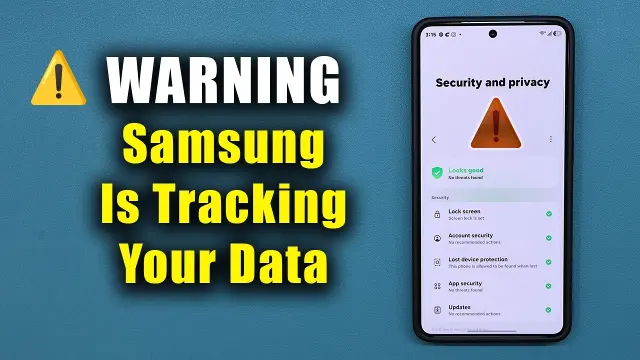
How to Stop Your Samsung Phone from Sharing Sensitive Data
Discover how to locate and disable hidden privacy settings on Samsung Galaxy phones that automatically share usage patterns and location data.
YouTube · sakitech · 8 June 2026 Watch on YouTube
Tried this idea? Show how yours turned out.
I made thisHow to do it
What you need
- Samsung Galaxy phone
- Settings app
Step by step
- Open Settings on your Samsung phone.
- Go to Security and privacy or related privacy settings.
- Find Samsung Diagnostic Data and turn it off.
- Find Google Usage & Diagnostics and turn it off.
- Review the consent terms and privacy options shown.
- Check that tracking-related settings are disabled.
Tips
- Look for hidden privacy settings deep in One UI.
- Disable both Samsung and Google data-sharing options.
- Review privacy settings regularly after updates.
Written by Tagrazzi from the original's description and photo.
The title and summary are written by Tagrazzi; the video belongs to its creator and plays from YouTube.








Comments (0)
No comments yet. Be the first to comment.
Sign in to write a comment.