 Frontend careers, React and AI coding in 2027
#Frontend Development
30 ideas
Frontend careers, React and AI coding in 2027
 Why frontend development still matters in 2026
 How frontend developer jobs are changing in 2026
 Should Frontend Developers Learn Backend in the AI Era
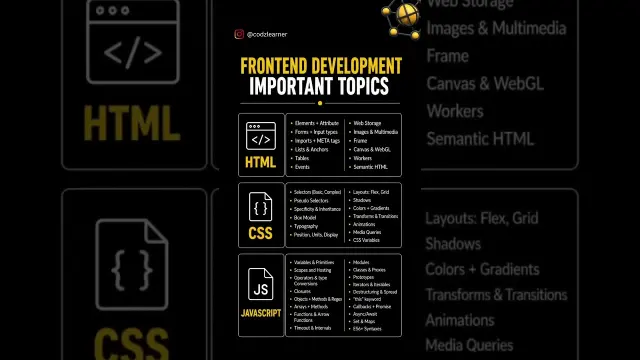 Frontend Roadmap: HTML, CSS and JavaScript Essentials
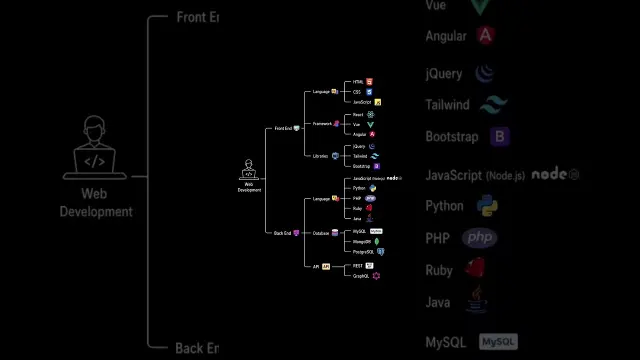 Web Development Roadmap for Beginners: Frontend and Backend
 A Day in the Life of a Frontend Developer at a Startup
 Why AI Won't Replace Frontend Developers
 Beginner Frontend Bootcamp Path: HTML, CSS and JavaScript
 Four Free Frontend Courses That Come With Certificates
 Where Frontend Development Is Heading, According to a Developer
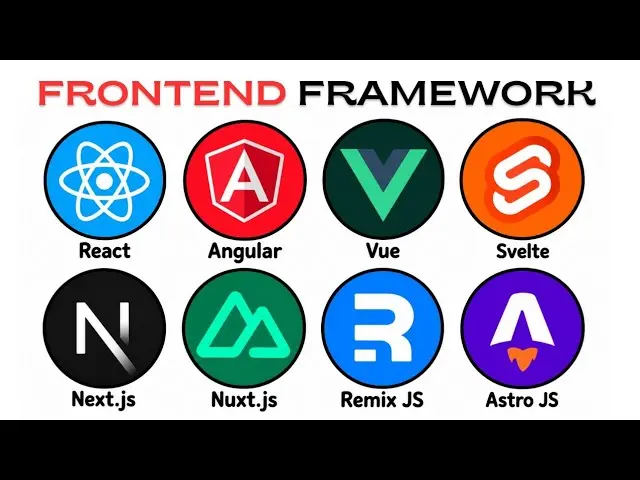 Major Frontend Frameworks Compared in Six Minutes
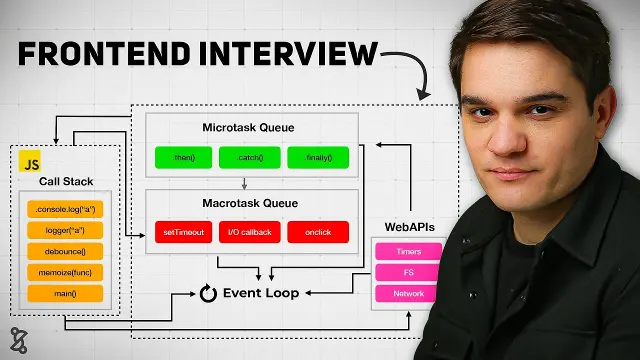 Fifteen Frontend Interview Questions Asked at Senior Level
 Why Frontend Is Harder for AI Than Backend, and How to Fix It
 A Practical Frontend Roadmap for Learning From Scratch
 What the Hiring Data Says About Frontend Jobs Today
 Build 19 Websites to Practise HTML, CSS and JavaScript
 Beginner Guide to Building Modern Frontend Applications
 Create an Interactive 3D Developer Portfolio Website
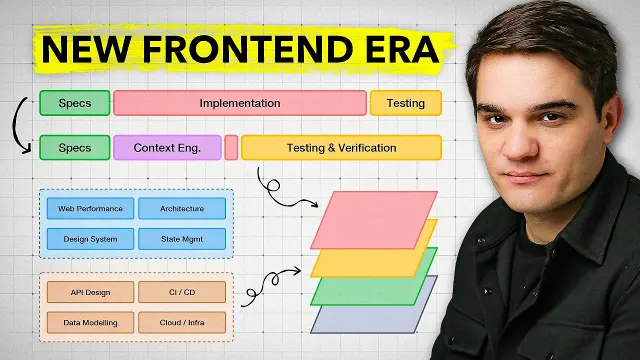 How Frontend Developers Can Stay Relevant in 2026
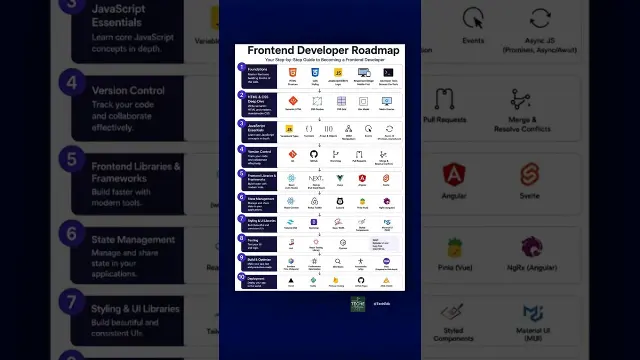 Complete Roadmap to Become a Frontend Developer
 Essential DevOps Skills Every Frontend Developer Needs
 Claude Skills and Custom Configurations for Better Digital Product Design
 Step by Step Web Development Roadmap for Beginners
Get new #Frontend Development ideas by email
Every Thursday: the week's best ideas, with the newest from #Frontend Development.
Collections
Related tags
Frontend Development Basics and Best Practices
Frontend development is the part of web development that shapes what people see and use in a browser. It covers the layout, colors, text, buttons, menus, forms, animations, and interactive features that make a site feel useful and easy to navigate. If the backend is the engine behind the scenes, the frontend is the experience in front of the user.
Frontend development grew out of the early web, when pages were mostly static documents. As websites became more interactive, developers needed ways to respond to clicks, form input, screen sizes, and changing content. Today, frontend work brings together design, structure, and behavior so that a page is not only attractive, but also clear, fast, and accessible.
What frontend development includes
A frontend developer usually works with three core layers:
Read more
- HTML for structure and content
- CSS for presentation and layout
- JavaScript for interaction and dynamic behavior
These are the foundation of most websites and web apps. Around them, developers may use frameworks, component systems, build tools, and testing methods to make work more efficient. The exact setup can vary, but the goal stays the same: create interfaces that are easy to understand and pleasant to use.
Main ideas to know
Good frontend work is not only about visuals. It also includes usability, accessibility, and responsiveness. A page should work well on different screen sizes, with keyboard use, screen readers, and slower connections in mind. Clear hierarchy, readable text, consistent spacing, and simple navigation all help people move through a site with less effort.
Another important idea is performance. Heavy images, too many scripts, or complex layouts can slow a page down and make it frustrating to use. Keeping code clean and content purposeful often improves both speed and maintainability.
Common techniques and styles
Frontend development can be approached in different ways. Some websites use plain HTML, CSS, and JavaScript. Others are built with component-based systems, where reusable pieces such as cards, menus, and forms are assembled into larger interfaces. This can make larger projects easier to manage.
Design patterns often matter too. Responsive design helps a layout adapt to phones, tablets, and desktops. Modular CSS or utility classes can keep styles organized. Progressive enhancement starts with a solid basic experience and adds richer features where supported.
What beginners should focus on
If you are learning frontend development, start with the basics and build steadily. Learn how pages are structured, how CSS controls layout, and how JavaScript changes the page in response to user actions. Practice by building small projects such as a simple landing page, a navigation menu, or a form with validation.
It also helps to look carefully at real websites and ask why they feel easy or hard to use. Pay attention to spacing, contrast, alignment, and how content is grouped. Small decisions often make the biggest difference.
Practical tips
- Keep your layouts simple before adding extra effects
- Use consistent spacing and clear type choices
- Make buttons and links easy to find and tap
- Test your work on different screen sizes
- Check that content still makes sense when images or scripts fail
- Write code in small, reusable pieces when the project grows
Frontend development blends logic and visual design in a very practical way. When it is done well, the result feels natural: the interface gets out of the way, and the user can focus on the content and the task.
#Frontend Development: frequently asked questions
How do I start learning frontend development with no experience?
Begin with the fundamentals rather than frameworks: learn how a page is structured, how styles control layout and appearance, and how scripts make a page respond to clicks and typing. Then build small things — a landing page, a menu, a simple form — because each finished project teaches more than another tutorial. Looking closely at sites you use daily and asking why they feel easy or confusing sharpens your eye as much as writing code does.
What do I actually need to become a frontend developer?
You need comfort with the core languages of the web plus a browser to test in, and that is genuinely enough to begin. Beyond that, curiosity about how interfaces work, patience for debugging, and a habit of checking your work at different screen sizes matter more than any particular tool. Tools and frameworks change; the underlying skills of structure, styling, and interaction carry over.
Should I learn a framework right away or stick to the basics?
Get comfortable building something small from scratch first, so you understand what a framework is doing for you rather than treating it as magic. Once you can lay out a page and wire up basic interaction on your own, picking up a component-based approach becomes much easier. Reusable pieces and build tooling pay off on larger projects, not on a single simple page.
How do I make a site work well on phones as well as desktops?
Design the layout so it adapts instead of assuming one fixed width: let content reflow, keep spacing consistent, and make buttons and links large enough to tap comfortably. Test in a narrow window as you build rather than at the end, since problems are far cheaper to fix early. It also helps to check that text stays readable and navigation still works when images or scripts fail to load.
What are the most common mistakes beginners make in frontend work?
The usual one is reaching for effects and complexity before the layout is solid — busy animations layered over an unclear structure rarely help anyone. Other frequent slips are inconsistent spacing, low text contrast, and never testing on a small screen or with a keyboard. Keeping code in small, reusable pieces and checking your work as you go prevents most of these.
Why does page speed and accessibility matter so much in frontend development?
A page that looks good but loads slowly or cannot be navigated by keyboard frustrates the very people it was built for, and heavy images or tangled scripts are common culprits. Clear hierarchy, readable type, and meaningful structure make a site easier for everyone, including people using screen readers or slower connections. Performance and accessibility are design decisions, not cleanup tasks for later.
Videos come from YouTube and posts from Instagram; titles and summaries are our own. All rights belong to their creators.