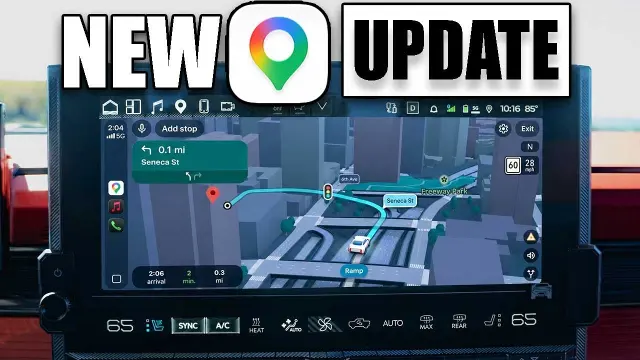
 Google Maps updates Apple CarPlay with enhanced 3D visuals and Gemini details
#Google Maps
6 ideas
Google Maps updates Apple CarPlay with enhanced 3D visuals and Gemini details
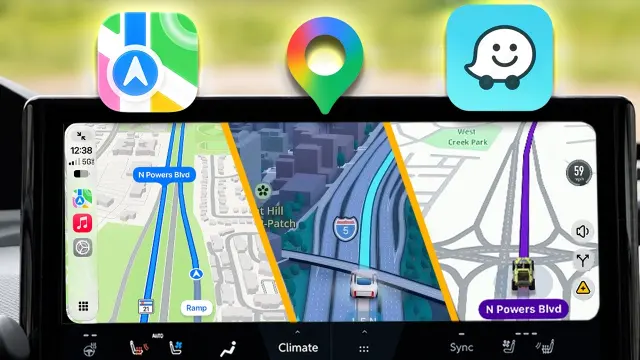 Comparing Apple Maps, Google Maps, and Waze features on Apple CarPlay
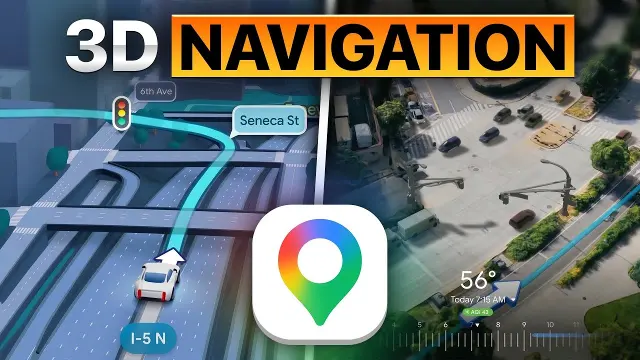 Google Maps introduces new 3D navigation features to clarify complex intersections
 The mathematics and shortest path algorithms behind Google Maps performance
 A compilation of strange anomalies and unusual sights found on Google Earth
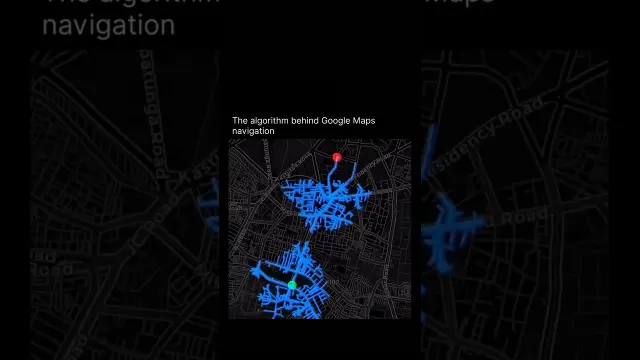 Understanding the Routing and Navigation Algorithms Behind Google Maps
Get new #Google Maps ideas by email
Every Thursday: the week's best ideas, with the newest from #Google Maps.
Related tags
Google Maps Guide for Everyday Navigation
Google Maps is a digital mapping service that helps you find places, plan routes, and understand the world around you. It combines maps, directions, place information, and navigation tools in one service, making it useful for everyday travel as well as trip planning. People use it to drive, walk, cycle, or use public transport, but also to search for shops, restaurants, landmarks, services, and addresses.
What Google Maps is for
At its simplest, Google Maps shows where something is and how to get there. It can help you:
- search for an address or business
- compare travel routes
- estimate travel time
- explore nearby places
- save useful locations for later
- check street names, entrances, and surrounding areas
Read more
It is especially helpful when you are visiting an unfamiliar place, planning an outing, or trying to find the quickest or simplest way to reach a destination.
How it works
Google Maps brings together map data, location details, and route information. When you ask for directions, it looks at possible routes and suggests one or more ways to travel. Depending on your chosen mode, it may show roads, sidewalks, transit lines, or paths. In navigation mode, it guides you step by step and adjusts if you go off course.
The map itself can also be useful without directions. You can zoom in to see streets and building shapes, or zoom out to understand the wider area and nearby landmarks.
Main ways people use it
For many people, the most common uses are:
- driving directions with turn-by-turn guidance
- walking routes through streets, parks, or neighborhoods
- transit directions for buses, trains, and other public transport
- cycling routes where available
- place searches for opening a business, finding a park, or locating a service
You can also use it to make a rough plan before leaving home, which can be helpful when you want to check travel time, parking access, or the general layout of an area.
Helpful features to know
Google Maps is most useful when you learn a few basic habits:
- check the exact address before you leave
- look at the route options, not only the first suggestion
- zoom in to confirm the entrance, street, or nearby landmark
- save important places so you can return to them easily
- read place details carefully, since names and categories can sometimes be broad
- use it as a guide, but still pay attention to signs and your surroundings
Practical tips for beginners
If you are new to Google Maps, start with simple searches and familiar locations. Try entering a home address, a local shop, or a nearby park. Then compare the route types and see how the estimated time changes. If you are walking, take a moment to check the path for stairs, crossings, or detours. If you are driving, review the route before starting so you understand the main turns.
Like any map, Google Maps works best when you use it as a tool, not a substitute for common sense. It can make getting around easier, but it is always wise to confirm details and stay aware of your surroundings.
Videos come from YouTube and posts from Instagram; titles and summaries are our own. All rights belong to their creators.