11 beginner Figma and UI design tutorials
These tutorials are a strong starting point if you want to learn UI and UX design with Figma from the ground up. They focus on the core skills beginners need most, from wireframes and layout to design systems, AI tools, and basic prototyping.
This collection suits aspiring designers who want practical, step-by-step guidance instead of theory alone. It also works well for self-taught learners who want a clear path into modern product and app design.
-
 1
Complete Figma AI Course for Beginners
A complete beginner course that covers Figma basics plus AI integrations, making it a broad starting point for new designers.
-
 2
Learn Figma in Six Hours Full Course
A full course aimed at taking beginners from core Figma tools to real-world projects in a structured way.
-
 3
Complete Beginner Guide to Mastering Wireframing in Figma
A comprehensive beginner walkthrough focused specifically on mastering wireframing in Figma.
-
 4
Figma Auto Layout Basics and Advanced Settings
A detailed guide to auto layout, a foundational Figma skill for responsive UI design.
-
 5
Learn Design Systems with Figma Variables and Components
This fits because it teaches scalable design systems using variables, components, and design tokens, which beginners can grow into after learning the basics.
-
 6
Turn a Figma Design Into an Interactive Prototype
It shows how to turn static screens into an interactive prototype, a useful next step for beginners learning UX workflows.
-
 7
Design an App in Figma in Four Minutes
A very fast beginner crash course for designing an app from scratch, ideal for learners who want a quick hands-on example.
-
 8
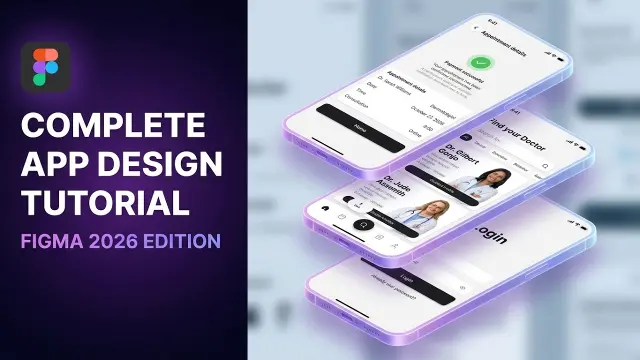
Design a Modern Mobile App From Scratch in Figma
This tutorial builds a complete modern mobile app UI from scratch in Figma, making it a practical beginner-friendly project.
-
 9
Design Refactor and UI Fixes for a Mobile Application
It focuses on fixing common UI mistakes in a mobile app, which is helpful for beginners learning to review and improve their designs.
-
 10
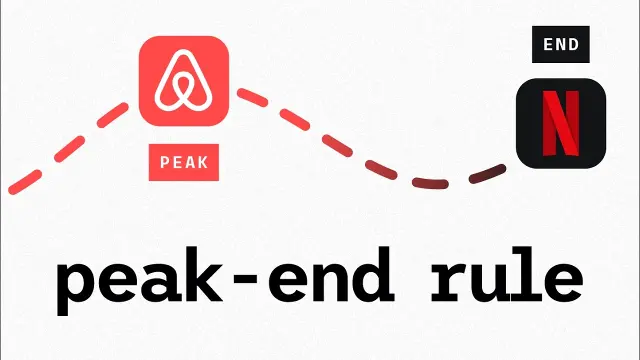
The Tiny Design Rule Behind Top One Percent Mobile Apps
This explores a small design rule that improves mobile app UX, which can help beginners understand how tiny details affect usability.
-
 11
UI and UX Designer Beginner Roadmap
A step-by-step roadmap that covers fundamentals, Figma mastery, and AI tools, making it a strong guide for aspiring designers.
More #UI UX Design ideas
Picked and written by Tagrazzi; the videos and photos belong to their creators.