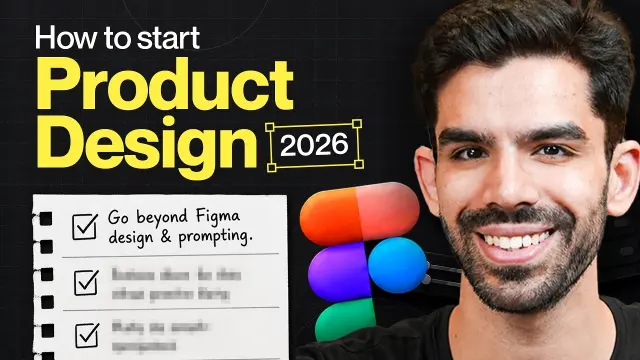
Complete Figma AI Course for Beginners
Learn the basics of Figma for UX design and explore AI integrations in this comprehensive beginner course.
YouTube · The Cutting Edge School · 4 May 2026 Watch on YouTube
Tried this idea? Show how yours turned out.
I made thisHow to do it
What you need
- Figma (free account)
- Figma Make
- Figma Sites
- Supabase
- Figma MCP
- Prompt-writing notes
- The linked Figma reports and free UX course
Step by step
- Start with the basics of Figma for UX design before touching AI features.
- Open Figma Make and turn a design into a working no-code app.
- Use Figma Make again to prototype a website layout and interactions.
- Learn the Figma Sites basics, then build a responsive site with the no-code workflow.
- Write stronger prompts for UI, interactions and layout instead of accepting the first result.
- Connect Supabase to add backend logic so the app actually works.
- Use Figma MCP to move from design into code.
- Add micro-interactions so the product feels alive.
Tips
- Treat AI as a lever: your design thinking and prompts decide the quality of the output, not the tool.
- Reuse the lecture order above as a practice sequence — build one small product through all five parts.
- Ask for specific layouts, states and interactions in a prompt; vague prompts give generic UI.
Written by Tagrazzi from the original's description and photo.
The title and summary are written by Tagrazzi; the video belongs to its creator and plays from YouTube.









Comments (0)
No comments yet. Be the first to comment.
Sign in to write a comment.