
Learn Figma in Six Hours Full Course
Go from a beginner to a confident UI/UX designer by mastering core Figma tools, auto layout, and real-world projects.
YouTube · freeCodeCamp.org · 28 May 2026 Watch on YouTube
Tried this idea? Show how yours turned out.
I made thisHow to do it
What you need
- Figma (browser or desktop app)
- Computer
- Practice project ideas (travel site, car site, food delivery app)
- Reference images for the projects
Step by step
- Install Figma and explore the browser page
- Learn the editor, move tools and frames
- Practice the shape, creation and text tools
- Build a color palette and style guide
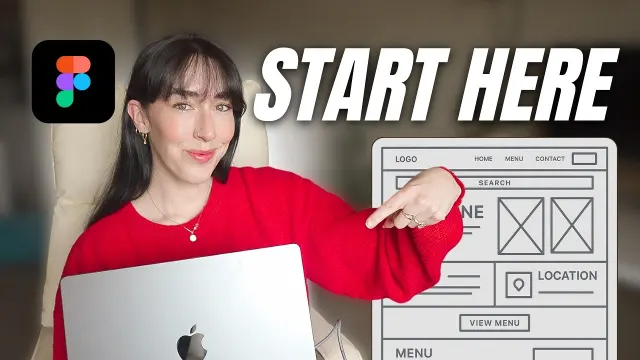
- Sketch a low-fidelity wireframe
- Create a component and set constraints
- Set up a layout grid
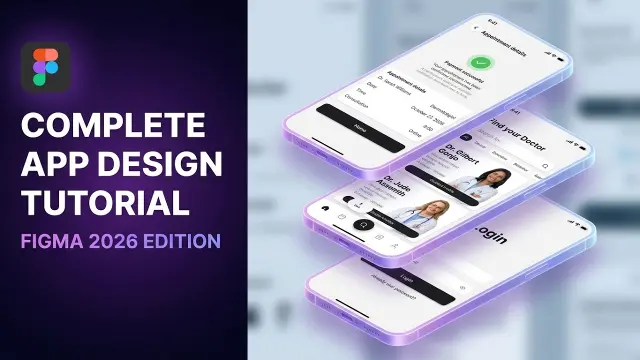
- Design the practice projects, from travel website to apps
Tips
- Follow the chapter order — each section builds on the tools from the one before
- Redo the travel, car dealership and food delivery projects yourself rather than only watching
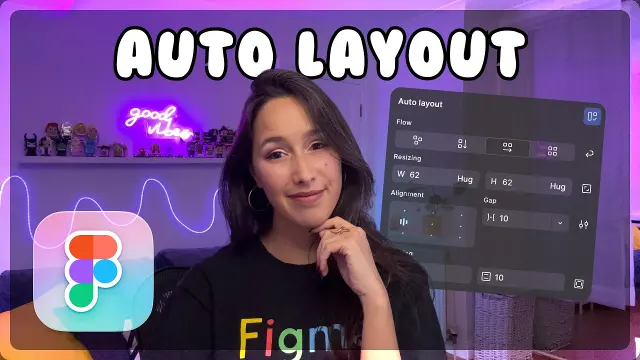
- Revisit Auto Layout, Components and Constraints, since the later projects depend on them
Written by Tagrazzi from the original's description and photo.
The title and summary are written by Tagrazzi; the video belongs to its creator and plays from YouTube.







Comments (0)
No comments yet. Be the first to comment.
Sign in to write a comment.