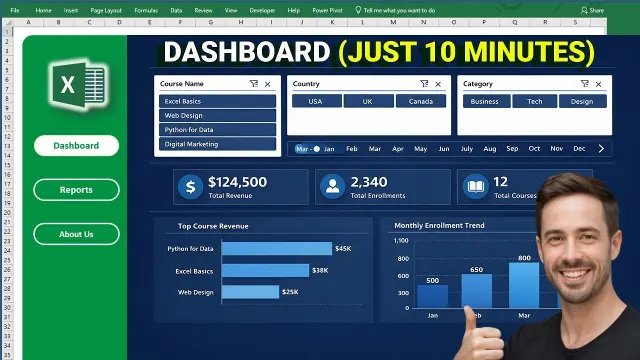
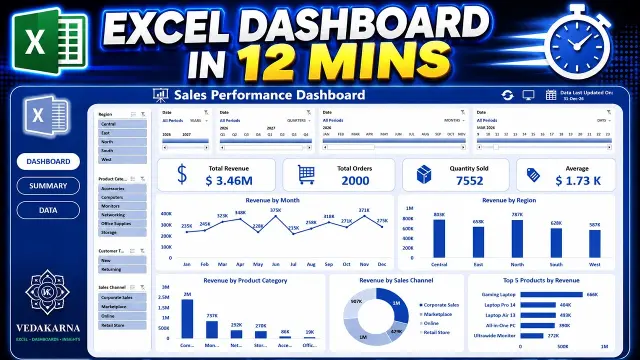
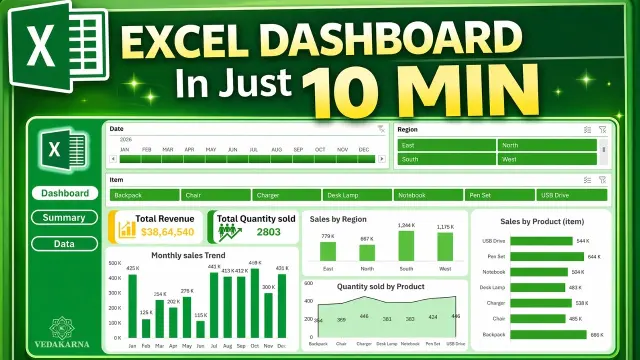
Build a professional Excel dashboard in ten minutes
A beginner-friendly tutorial on creating a dynamic interactive Excel dashboard from scratch using Pivot Tables and slicers.
YouTube · Easy Click Learning · 1 February 2026 Watch on YouTube
Tried this idea? Show how yours turned out.
I made this#excel #dashboard #exceltips #exceltricks #exceltutorial #microsoftexcel #excelforbeginners #easyclicklearning #exceldashboardstutorial #pivottable #excelformula #slicer
How to do it
What you need
- Microsoft Excel
- raw data table
- Pivot Tables
- slicers
- charts
Step by step
- Organize the source data in a clean table.
- Create Pivot Tables from the data.
- Insert slicers and connect them to the pivots.
- Add charts and KPI cards for the key numbers.
- Arrange the visuals into a dashboard layout.
- Format the sheet for a clean, professional look.
Tips
- Keep the layout simple so the filters and charts are easy to read.
- Use slicers to make the dashboard interactive.
- Choose a consistent color scheme for a polished result.
Written by Tagrazzi from the original's description and photo.
The title and summary are written by Tagrazzi; the video belongs to its creator and plays from YouTube.






Comments (0)
No comments yet. Be the first to comment.
Sign in to write a comment.