
Ten Excel dashboard design ideas to upgrade business reports
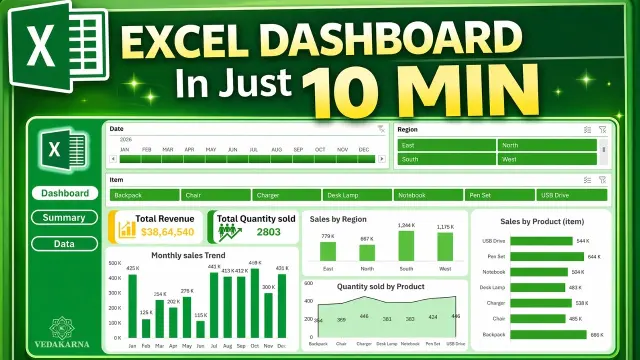
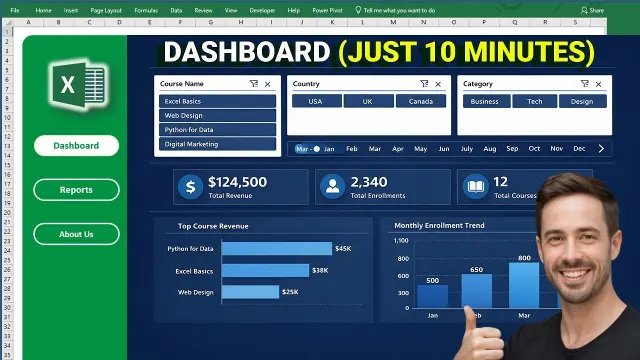
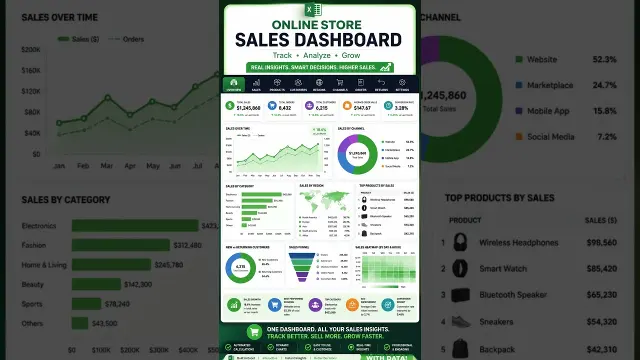
Explore a collection of ready-to-use Excel dashboard ideas and templates for personal finance, marketing, and sales.
YouTube · Excel Visual · 19 October 2026 Watch on YouTube
Tried this idea? Show how yours turned out.
I made this#ExcelDashboard #DashboardDesign
How to do it
What you need
- Excel
- dashboard template
- your data
Step by step
- Open a ready-made dashboard template in Excel.
- Enter your data into the template.
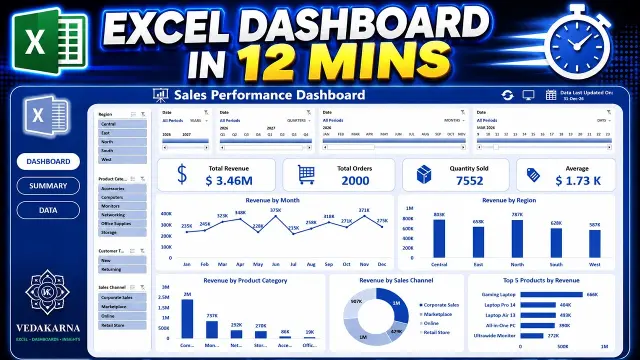
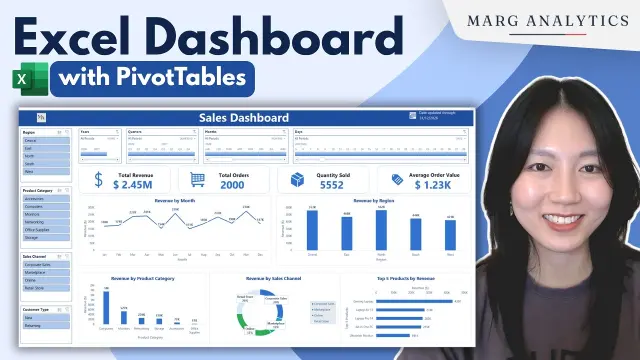
- Use the charts and KPI blocks to review the numbers.
- Choose a dashboard style that fits finance, sales, HR, or project tracking.
Tips
- Keep the layout clean so the data is easy to read.
- Use charts and KPI cards to turn tables into a clear story.
- Pick a template that matches the report type you need.
Written by Tagrazzi from the original's description and photo.
The title and summary are written by Tagrazzi; the video belongs to its creator and plays from YouTube.





Comments (0)
No comments yet. Be the first to comment.
Sign in to write a comment.