 FreeCAD Beginner Tutorial for Creating Your First 3D Model
#FreeCAD
15 ideas
FreeCAD Beginner Tutorial for Creating Your First 3D Model
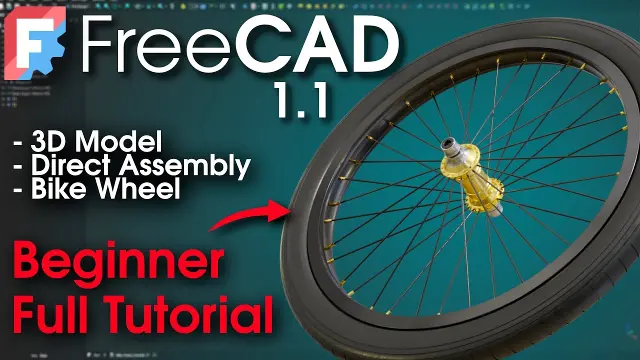 FreeCAD Beginner Tutorial for Modeling a Bicycle Wheel
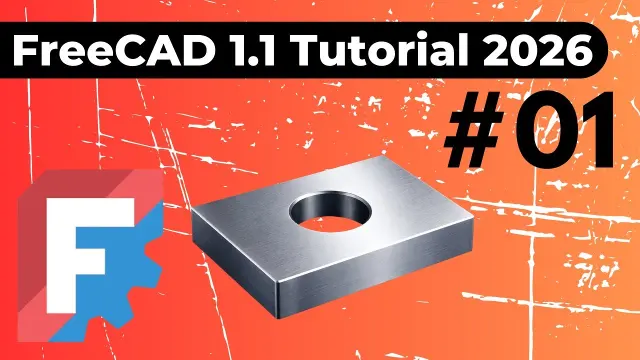 FreeCAD Sketch to 3D Solid Part Design Tutorial
 FreeCAD 1.1 Total Beginner Day 1 Course for 3D Printing
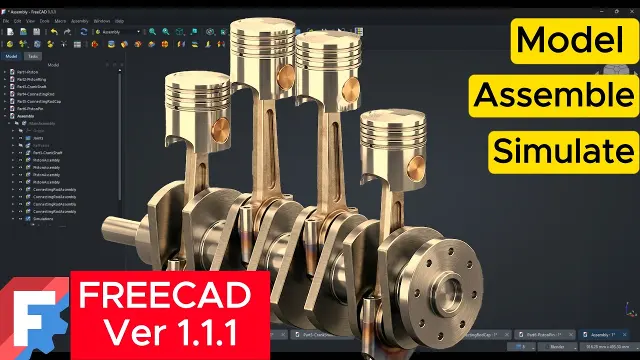 Designing and Simulating a Four-Cylinder Engine in FreeCAD
 Comprehensive FreeCAD Beginner Course for 3D Modeling
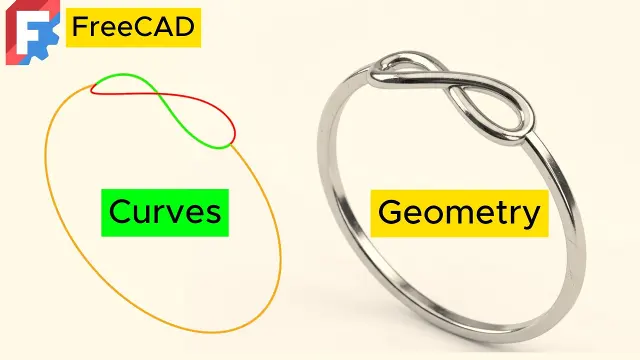 Creating 2D and 3D Curves and Geometry in FreeCAD
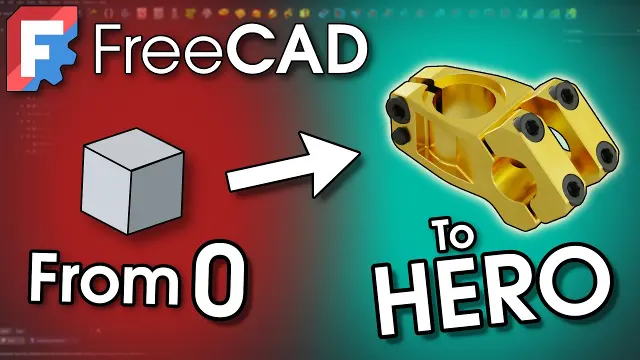 FreeCAD Ultimate Beginner Tutorial to Model a Bike Stem
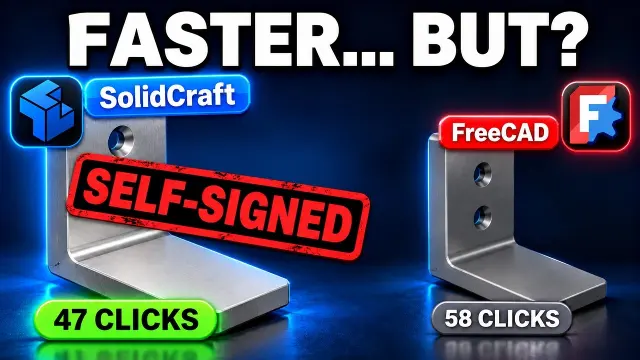 Testing SolidCraft Against FreeCAD for 3D Printing Brackets
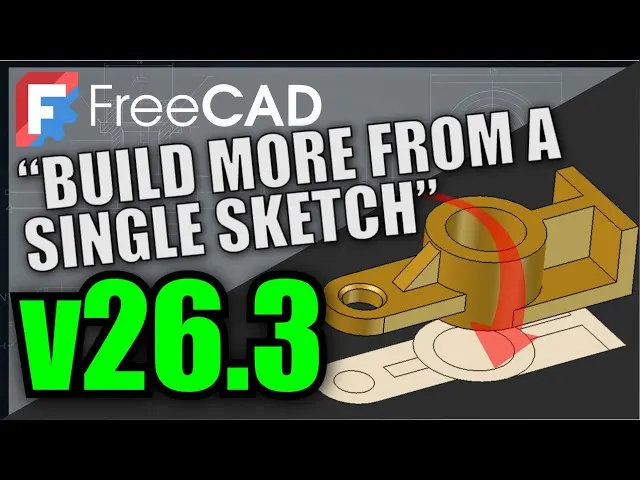 Understanding FreeCAD Sketch Internals and Workflow
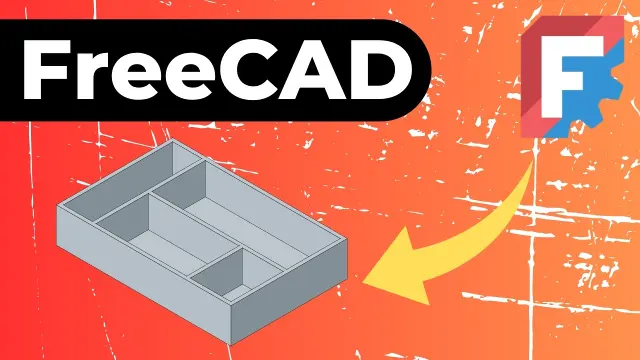 FreeCAD Tutorial on Sketch Constraints and Parametric Modeling
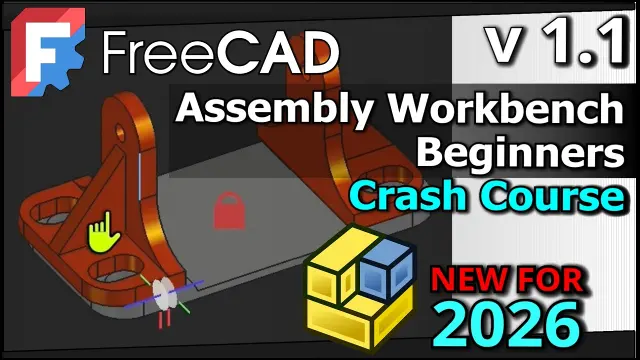 FreeCAD 1.1 Assembly Workbench Crash Course and Tutorial
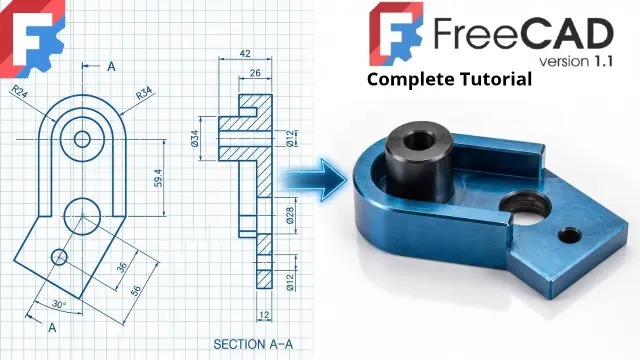 FreeCAD Beginner Tutorial Covering Revolve and Polar Patterns
 FreeCAD 1.1 Ultimate Beginner Crash Course for 3D Printing
 FreeCAD 1.1 Basic Floor Plan Tutorial for Absolute Beginners
Get new #FreeCAD ideas by email
Every Thursday: the week's best ideas, with the newest from #FreeCAD.
Related tags
FreeCAD Guide for Beginners
What FreeCAD is
FreeCAD is a free, open-source computer-aided design program used to create 2D sketches, 3D models, and technical drawings. It is especially useful when you want precise, editable designs rather than freeform art. Because it is parametric, you can build a model from dimensions and rules, then go back and change those values later without starting over.
That makes FreeCAD a good choice for hobby projects, home planning, product concepts, mechanical parts, and basic architectural layouts. If you like working carefully and want your design to stay organized, it can be a very practical tool.
How it is used
Read more
People use FreeCAD to sketch a shape, turn that sketch into a solid, and then refine it with cuts, holes, fillets, and other features. You can also create assemblies in a broad sense, make technical drawings from 3D parts, and produce models for 3D printing or fabrication.
It is not only for engineers. Beginners often use it for simple household objects, brackets, boxes, shelves, floor plans, and other projects where measurements matter. Since the software is built around precision, it is useful whenever you need a design that can be repeated or adjusted accurately.
Main workflows and workbenches
FreeCAD is organized into workbenches, which are different toolsets for different kinds of tasks. A few common ones are:
- Sketching, where you draw a 2D profile and constrain it with dimensions
- Part Design, where you turn sketches into solids and shape them step by step
- Draft-style tools, which are helpful for basic drawing and layout work
- Arch-related tools, which can support simple building and floor plan work
For many beginners, the usual path is simple: create a sketch, apply constraints, make a solid, then edit as needed. Learning that workflow is often more useful than trying every tool at once.
What to know before you start
FreeCAD can feel technical at first, especially if you are new to CAD. The most important habit is to work with constraints and dimensions from the beginning. If a sketch is fully defined, your model is usually easier to edit and less likely to behave unexpectedly.
A few practical tips help a lot:
- Keep sketches simple and separate different features into stages
- Name objects clearly so your model stays easy to follow
- Save versions as you go, especially on larger projects
- Use exact measurements instead of guessing by eye
- If something moves strangely, check the sketch constraints first
A good way to learn
Start with a very small project, such as a block with a hole, a simple bracket, or a basic box. This helps you learn how sketches, constraints, and solids work together. Once you are comfortable with that, you can move on to more detailed models like furniture parts, mechanical pieces, or room layouts.
FreeCAD rewards patience. The more you use it, the more natural its logic becomes, and the easier it is to turn an idea into a precise model.
Videos come from YouTube and posts from Instagram; titles and summaries are our own. All rights belong to their creators.