11 Clip Studio Paint tutorials for beginners
Clip Studio Paint is powerful but its interface can feel like a lot at once, so this collection gathers the walkthroughs that start from the very beginning: buying and setting up the app, finding your way around the canvas, and getting comfortable with layers and brushes before you attempt a full painting.
It suits absolute beginners and self-taught artists who have just installed the software, plus anyone who has been muddling through and wants the habits, tips and brush picks that experienced users wish they'd known from day one.
-
 1
How to Use Clip Studio Paint for Beginners
A comprehensive beginner guide that covers purchasing, tools, layout customization, canvas navigation and brushes in one place.
-
 2
Clip Studio Paint Guide for Beginners
Explicitly aimed at making the Clip Studio Paint interface less intimidating for newcomers.
-
 3
I Wish I Knew This Before Starting Clip Studio Paint
Essential advice for beginners who feel overwhelmed by the interface, straight from someone who has been there.
-
 4
Clip Studio Paint Tips I Wish I Knew Sooner
A collection of tips and tricks learned over years of use, ideal once the basics are in place.
-
 5
My Favorite Brushes on Clip Studio Paint
A curated list of go-to solid, pencil and watercolor brushes so beginners aren't lost in the asset store.
-
 6
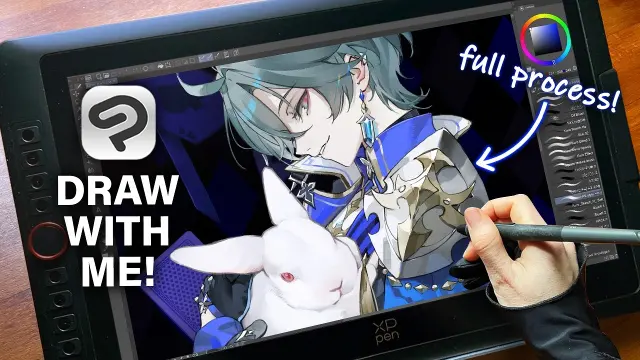
Draw With Me in Clip Studio Paint Chill Digital Art Process
A relaxed sketching-to-rendering process video that shows the beginner workflow in action at a comfortable pace.
-
 7
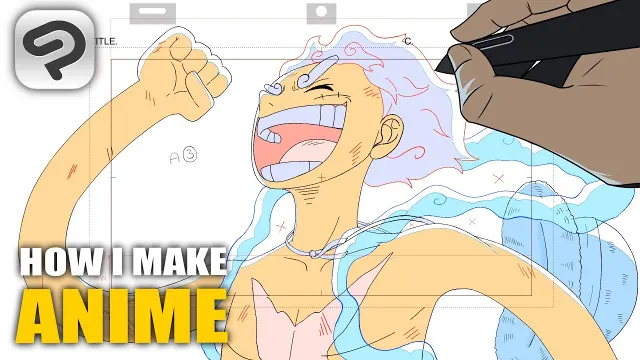
How I Make Animations on Clip Studio Paint
A personal animation workflow and setup explained, for beginners curious about animating in the app.
-
 8
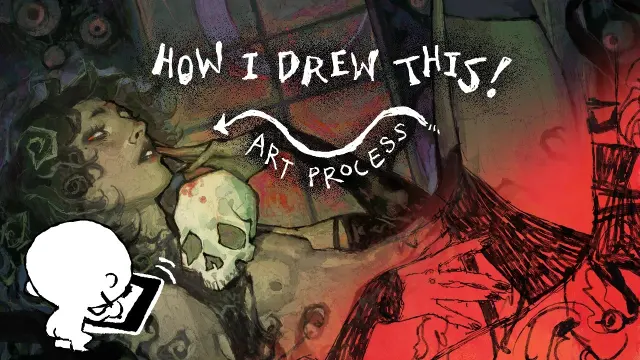
Comprehensive Clip Studio Paint Digital Art Process
An in-depth look at a working illustrator's full Clip Studio Paint process, useful once the basics click.
-
 9
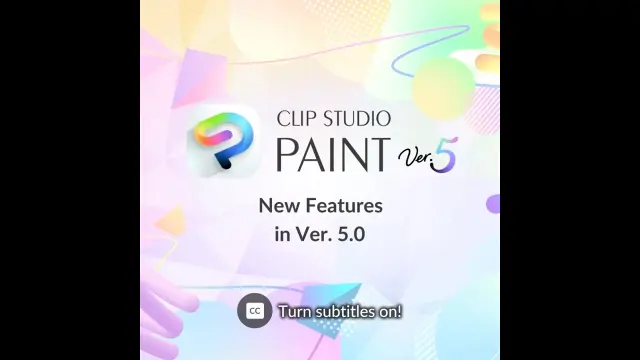
New Features in Clip Studio Paint Ver. 5.0
An introduction to version 5.0 features like smart shapes, 3D hand models and tonal corrections.
-
 10
Clip Studio Paint July Update Features
An overview of update features including watercolor edge styles, filters and 3D model improvements.
-
 11
Seven Helpful Tips and Habits Every Digital Artist Should Know
Seven essential practices and habits from an experienced digital artist that complement learning the software.
More #Digital Art ideas
Picked and written by Tagrazzi; the videos and photos belong to their creators.