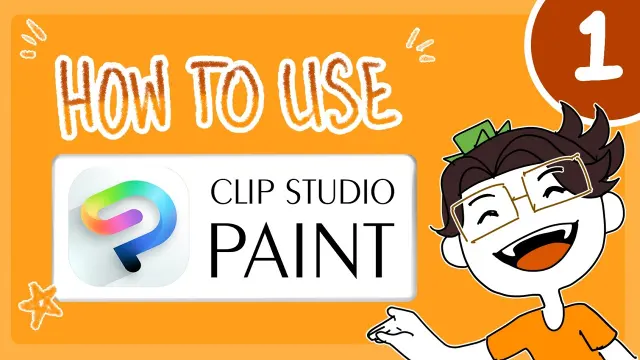
How to Use Clip Studio Paint for Beginners
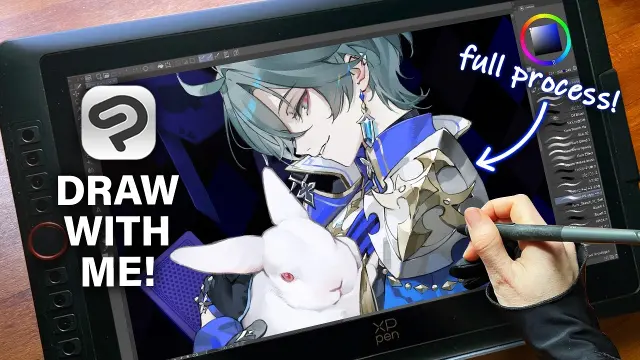
A comprehensive beginner guide covering purchasing, tools, layout customization, canvas navigation, and brushes.
YouTube · Orange · 18 July 2026 Watch on YouTube
Tried this idea? Show how yours turned out.
I made thisHow to do it
What you need
- Clip Studio Paint
- Computer or tablet
- Drawing tablet/stylus (optional)
Step by step
- Purchase and download Clip Studio Paint.
- Start up the program and open a new canvas.
- Explore the tool palette and try the basic drawing tools.
- Rearrange the panels to change your layout.
- Practice zooming, rotating and panning around the canvas.
- Open brush settings to adjust your brushes.
- Use the layer features to organize your artwork.
Tips
- Follow the chapters in order — purchasing, startup, tools, layout, canvas, brushes, layers — and pause on any section you need to repeat.
- Customize your layout early so the tools you use most are easy to reach.
- This is part one; a follow-up covers advanced features and animation.
Written by Tagrazzi from the original's description and photo.
The title and summary are written by Tagrazzi; the video belongs to its creator and plays from YouTube.







Comments (0)
No comments yet. Be the first to comment.
Sign in to write a comment.