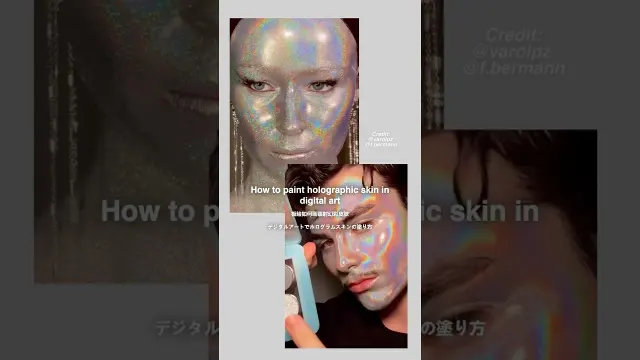
Digital Art Tutorial on Rendering Holographic Skin Effects
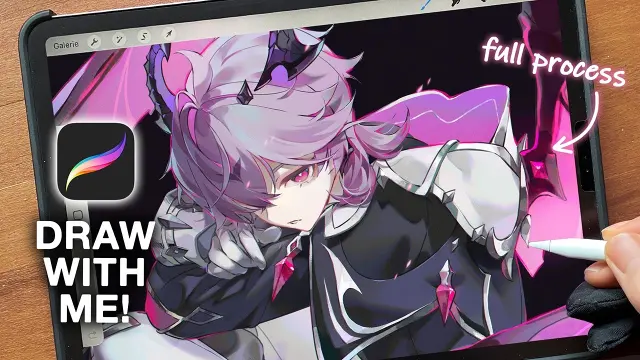
A drawing tutorial demonstrating how to render holographic skin in digital art apps using a gradient map function.
YouTube · Mika Liang · 13 March 2026 Watch on YouTube
Tried this idea? Show how yours turned out.
I made this#art #arttutorial #arttips #digitalart #digitaldrawing #ipadart #drawingtutorial #illustration #holographic #rendertutorial #procreate
How to do it
What you need
- Digital art app with a gradient map function (e.g. Procreate)
- iPad or tablet with stylus
- A base drawing with skin shading
- Reference photo of holographic makeup
Step by step
- Render the skin shading first, then apply a gradient map over it.
- Choose a holographic color ramp in the gradient map function.
- Adjust the gradient map until the colors sit over the shading the way you want.
Tips
- The technique is app-agnostic — any app with a gradient map will do it.
- Because the effect comes from the gradient map, keeping the underlying shading in place means you can keep tweaking the colors non-destructively.
Written by Tagrazzi from the original's description and photo.
The title and summary are written by Tagrazzi; the video belongs to its creator and plays from YouTube.
Comments (0)
No comments yet. Be the first to comment.
Sign in to write a comment.