12 Clip Studio Paint tutorials for beginners
Starting out in Clip Studio Paint is mostly a matter of knowing what to ignore first. These ideas walk you through the interface in the order that makes sense — what to set up, which tools actually matter early on, and which mistakes people only recognise after months of stumbling around — then move on to the projects that put those basics to use.
They suit anyone opening the app for the first time, or anyone who already has it installed but keeps getting lost in the menus. Later entries branch into manga pages, anime-style work and full illustration workflows, so there is somewhere to go once the foundations stop feeling shaky.
-
 1
How to Use Clip Studio Paint for Beginners
The most complete starting point: it covers buying the software, the tool set, layout customisation and canvas navigation before touching brushes.
-
 2
Clip Studio Paint Guide for Beginners
A gentler entry aimed specifically at making the interface feel less intimidating for a first-time user.
-
 3
I Wish I Knew This Before Starting Clip Studio Paint
Frames the basics as the things worth knowing up front, which is exactly the overwhelm a new user is trying to get past.
-
 4
Clip Studio Paint Tips I Wish I Knew Sooner
Tips gathered from years of use, useful once the absolute basics are in place and you want habits that save time.
-
 5
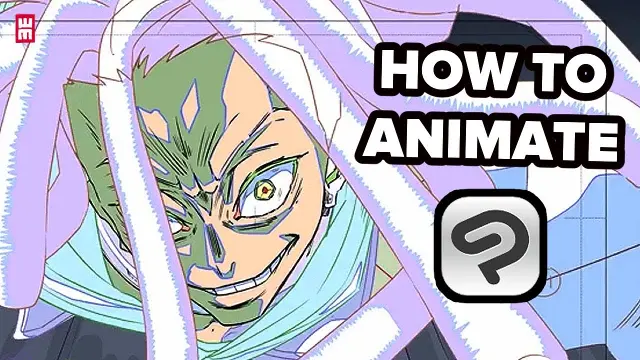
Learn This First in Clip Studio Paint to Make Anime
A first-steps lesson for anime specifically, giving beginners an easy concrete goal rather than abstract tool study.
-
 6
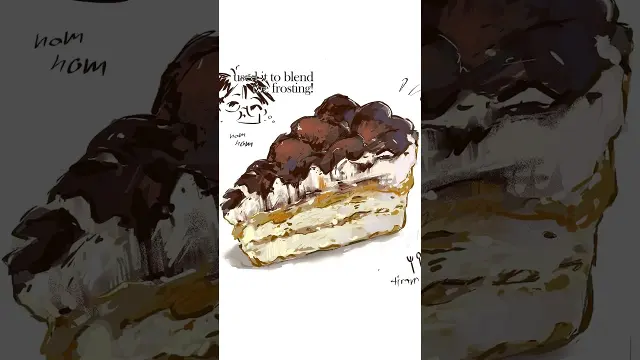
My Favorite Brushes on Clip Studio Paint
Helps a beginner pick brushes from the asset store instead of hoarding downloads they will never open.
-
 7
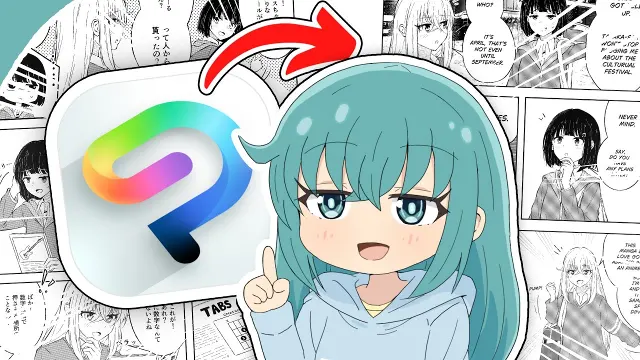
How to Create Manga With Clip Studio Paint
An experienced creator lays out what producing manga actually requires, a good first look at a full project end to end.
-
 8
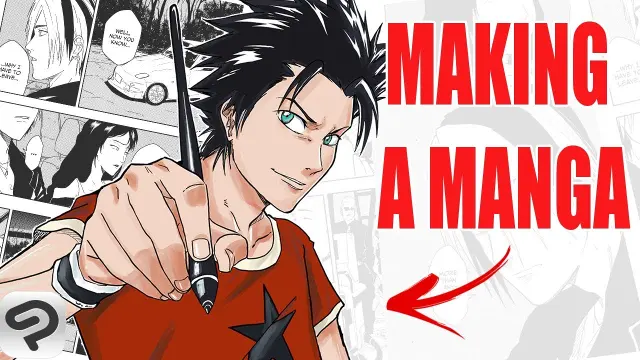
The Ultimate Guide to Creating a Manga Page
Walks a manga page from planning and sketching through inking and dialogue, the natural next step after the basics.
-
 9
Easy Tricks to Improve and Polish Your Illustrations
Beginner-friendly polishing tricks using values, contrast and glow that improve a finished piece without advanced skills.
-
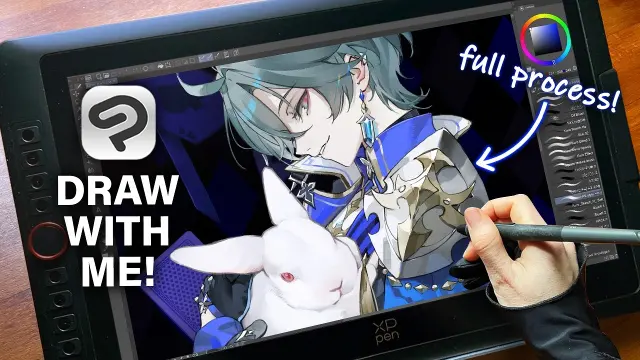 10
Draw With Me in Clip Studio Paint Chill Digital Art Process
A relaxed start-to-finish painting session to follow along with once you can navigate the app comfortably.
-
 11
Comprehensive Clip Studio Paint Digital Art Process
A deeper look at a working illustrator's full process, suited to beginners ready to see how the pieces connect.
-
 12
New Features in Clip Studio Paint Ver. 5.0
An overview of the 5.0 features, helpful for a newcomer who wants to know what the software can do beyond the basics.
More #Clip Studio Paint ideas
Picked and written by Tagrazzi; the videos and photos belong to their creators.