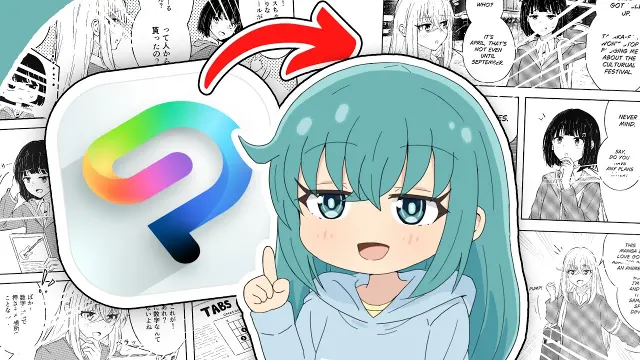
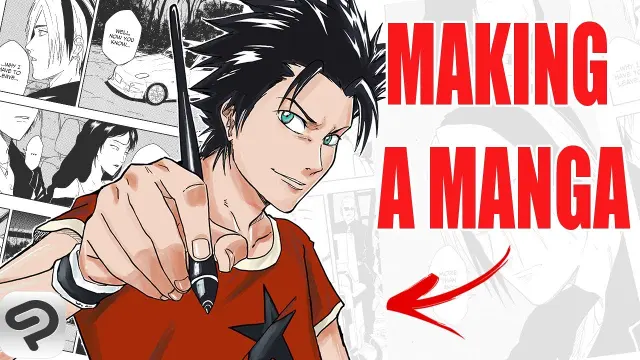
How to Create Manga With Clip Studio Paint
An experienced creator showcases everything needed to produce manga using Clip Studio Paint.
YouTube · Burisuko | ブリスコ Ch. · 30 August 2026 Watch on YouTube
Tried this idea? Show how yours turned out.
I made thisHow to do it
What you need
- Clip Studio Paint
- canvas and page setup settings
- drawing tools (pens, brushes)
- panel and frame tools
- crop marks
- speech bubble tools
- text tool
- export/publishing settings
Step by step
- Set up your canvas and page settings before drawing.
- Storyboard the page: plan panels and the flow of the scene.
- Draw the panels and artwork using Clip Studio's drawing tools.
- Add crop marks and check page measurements so it prints correctly.
- Place speech bubbles and letter the text.
- Review the finished page and export it for publishing.
Tips
- Plan the whole page in the storyboard stage before committing to detailed art.
- Respect crop marks and page measurements so nothing important gets trimmed when printed.
- Letter the speech bubbles last, once the panel layout is settled.
Written by Tagrazzi from the original's description and photo.
The title and summary are written by Tagrazzi; the video belongs to its creator and plays from YouTube.
Comments (0)
No comments yet. Be the first to comment.
Sign in to write a comment.