
The Ultimate Guide to Creating a Manga Page
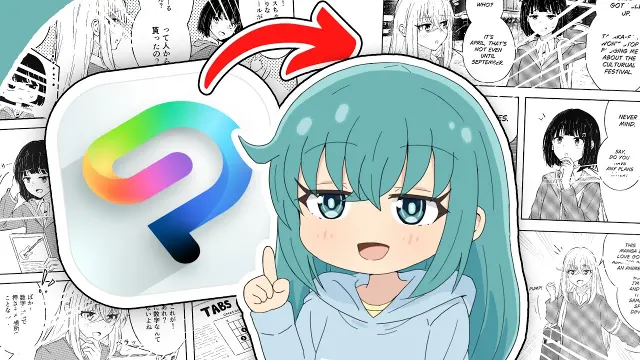
A complete walkthrough of creating a manga page from planning and sketching to inking and dialogue in Clip Studio Paint.
YouTube · Shaheer Malik · 14 December 2025 Watch on YouTube
Tried this idea? Show how yours turned out.
I made thisHow to do it
What you need
- Clip Studio Paint
- Drawing tablet and stylus
- Canvas/document setup
- Panel frames
- Sketch and inking brushes
- Screentone/toning tools
- Text tool for dialogue
- Sound effect lettering
- Clip Studio Assets
- Export settings
Step by step
- Plan the page with a rough draft.
- Set up the canvas.
- Lay out the panels and frames.
- Sketch the base drawing.
- Ink the final line art.
- Add tones and sound effects.
- Add dialogue and text.
- Save and export the finished page.
Tips
- Work through the stages in order — rough draft first, inking last — so layout decisions are settled before you commit to line art.
- Clip Studio Assets can supply ready-made elements instead of drawing every tone or effect from scratch.
- Keep dialogue and text as a separate late stage so the art and panel flow are finished before lettering goes in.
Written by Tagrazzi from the original's description and photo.
The title and summary are written by Tagrazzi; the video belongs to its creator and plays from YouTube.
Comments (0)
No comments yet. Be the first to comment.
Sign in to write a comment.