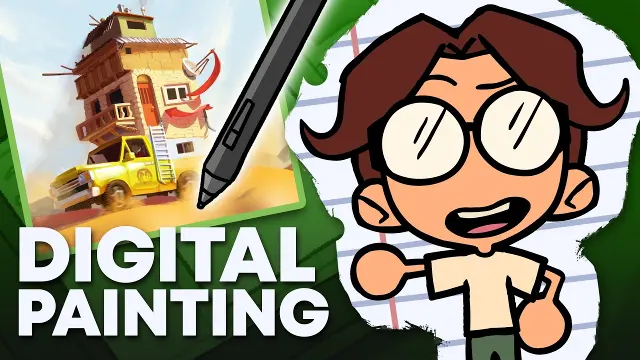
Overview of Assignments from a Digital Painting Class
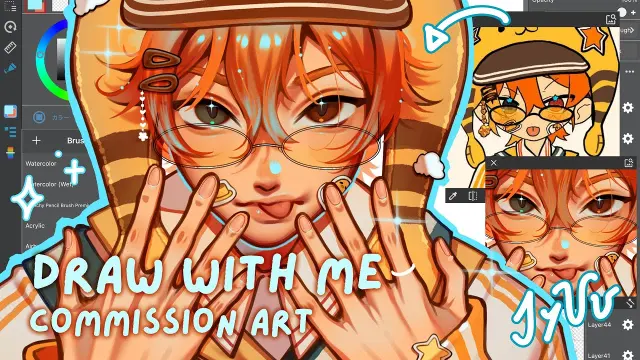
An artist reviews various projects and exercises completed during a structured digital painting class.
YouTube · Kirbs · 24 May 2026 Watch on YouTube
Tried this idea? Show how yours turned out.
I made this#animation #digitalpainting #cartoon #funny
How to do it
What you need
- Drawing tablet and stylus
- Digital painting software
- Reference photos and video resources
Step by step
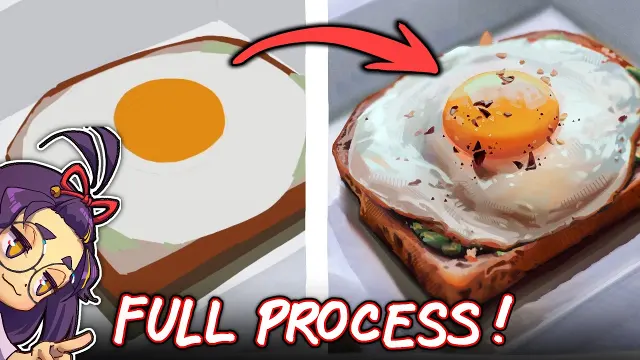
- Paint flat base colors for each element first
- Block in light and shadow on the flats
- Add ambient light to soften and unify the shadows
- Check value composition so the eye reads the focal point
- Define materials so surfaces read as what they are
- Light the scene with natural light for believability
- Add atmosphere to push depth between foreground and background
- Build the story so the image reads as a moment
Tips
- Do the flats as a separate pass before any lighting, so later light and shadow layers have clean color to work over
- Progress from direct light and shadow to ambient light, then to atmosphere, rather than trying to solve everything at once
- Judge your work by value composition first; if the values don't read, the colors and details won't save it
Written by Tagrazzi from the original's description and photo.
The title and summary are written by Tagrazzi; the video belongs to its creator and plays from YouTube.



Comments (0)
No comments yet. Be the first to comment.
Sign in to write a comment.