 What Q-Day Means for Encryption and Everyday Digital Privacy
#Privacy
3 ideas
What Q-Day Means for Encryption and Everyday Digital Privacy
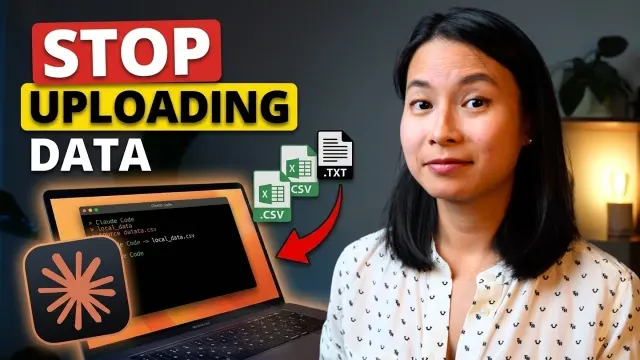 Using AI for Data Analysis Without Uploading Real Data
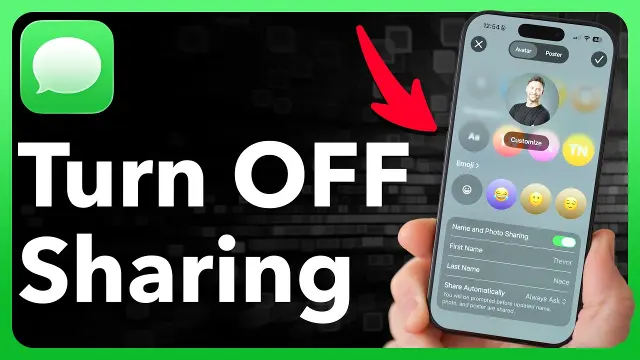 Protect Your Privacy By Turning Off Hidden iMessage Data Sharing Settings
Get new #Privacy ideas by email
Every Thursday: the week's best ideas, with the newest from #Privacy.
Related tags
Privacy: A Practical Guide to Protecting Your Personal Life
Privacy is the simple idea that some things about you belong to you: what you do, where you go, what you buy, what you believe, who you love, what you tell a doctor. In practice it is less a single thing than a bundle of rights and habits that let you decide how much of yourself to share, with whom, and for how long. It is not secrecy — most people are happy to be seen. It is control over the terms.
Where the idea comes from
The concept is old, but the modern debate is young. Samuel Warren and Louis Brandeis wrote a famous essay in the late nineteenth century arguing for a "right to be let alone" as new cameras and newspapers began intruding on private life. Since then, privacy has expanded from the home and the body to the letter, the telephone, and now the dataset. Most countries now treat personal information as something the law can protect, though the details vary widely.
The main kinds
Read more
- Personal privacy: your body, your home, your family life, your correspondence.
- Informational privacy: data about you — your name, address, contacts, purchases, health records, location history, browsing habits.
- Financial privacy: what you earn, owe, and spend.
- Communications privacy: what you say to whom, and who can read it.
- Reputational privacy: your ability to move on from something in your past.
Digital life did not create these categories, but it did multiply them. Every app, account, and connected device collects something, and pieces that seem harmless alone can become revealing together.
What beginners should understand
The core question is not "do I have anything to hide?" It is "who has what, and what can they do with it?" Companies, employers, insurers, and strangers can all draw conclusions from data you never consciously gave away. That is why a small amount of attention goes a long way.
Data is often gathered in three ways: because you handed it over, because it was observed (your location, your device), or because it was inferred (an algorithm's guess about your habits or health). The third kind is the easiest to get wrong and the hardest to correct.
Practical habits
Read the privacy settings of anything new you install, and change the defaults — they usually favour sharing. Turn off what you do not use. Give apps the narrowest permissions that work. Prefer passphrases and two-factor authentication over reused passwords. Review old accounts and delete the ones you have forgotten. Think twice before posting a photo that reveals your street, your workplace, or a child's school. Remember that messages, posts, and cloud backups can outlive the moment you made them.
None of this requires living offline or becoming anxious about every click. Privacy works best as a mild, steady practice: a little attention now, so that later you still get to choose.
#Privacy: frequently asked questions
How do I begin protecting my privacy online if I’m a beginner?
Start with the basics: review the privacy settings on new apps and accounts, then change the defaults so you share less by default. Give each app only the permissions it truly needs, and close or delete accounts you no longer use.
What kinds of privacy should I think about in everyday life?
Privacy is not just one thing; it includes your personal life, your data, your money, your messages, and even your reputation. In practice, that means thinking about who can see your information, what they can infer from it, and how long it stays around.
Which privacy settings should I check on my phone and apps?
Look for settings related to location, photos, contacts, microphone, camera, and backup sharing, since these often reveal more than people expect. Hidden sharing features in messaging apps can also send extra data in the background, so it helps to review those options carefully.
How can I keep my privacy without making life complicated?
You do not need to go offline or obsess over every click. Small habits like using strong passphrases, turning off features you do not use, and being careful with what you post can make a real difference over time.
What are common privacy mistakes people make?
A common mistake is assuming that harmless-looking details are safe on their own, when they can become revealing once combined with other data. Another is forgetting that messages, cloud backups, and old accounts can keep information alive long after you meant it to be private.
How can I share photos or moments online while staying privacy-conscious?
Before posting, check whether the image or caption reveals your home, workplace, school, or other sensitive details about someone else. If you want to share a memory, consider trimming the background, limiting the audience, or saving it in a private album instead.
Videos come from YouTube and posts from Instagram; titles and summaries are our own. All rights belong to their creators.