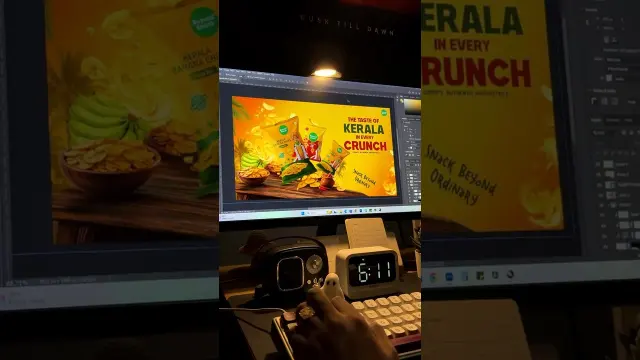
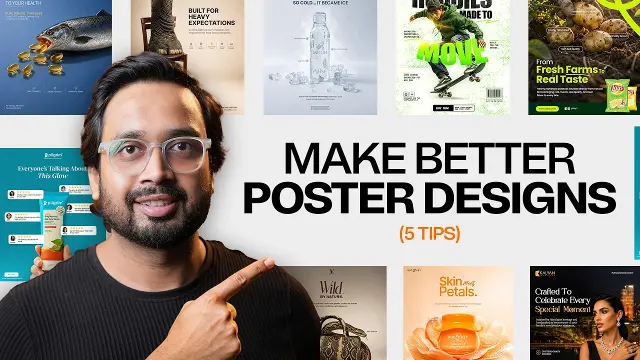
Photoshop Poster Design Tutorial for Creative Effects
Learn how to transform a simple concept into a professional poster design using Adobe Photoshop tips and tricks.
YouTube · DesignFlow Academy · 5 October 2026 Watch on YouTube
Tried this idea? Show how yours turned out.
I made this#posterdesign #graphicdesign #photoshop #photoshoptutorial #design #graphicdesigning #poster #designtips #photoshoptricks
How to do it
What you need
- Adobe Photoshop
- Poster imagery or product photos
- Typography / font choices
- Color palette for the poster
- A layered poster layout on the canvas
Step by step
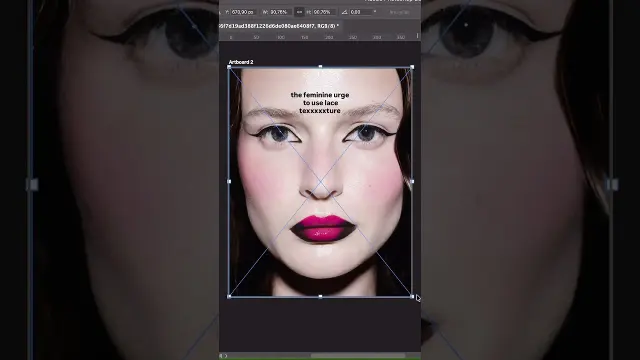
- Open Photoshop and set up the poster canvas.
- Bring in the imagery and arrange it as the main focal element.
- Build the composition — balance the image areas against empty space.
- Set the typography in a clear hierarchy over the artwork.
- Apply creative effects to blend image and text.
- Review the full design, refine, and export the finished poster.
Tips
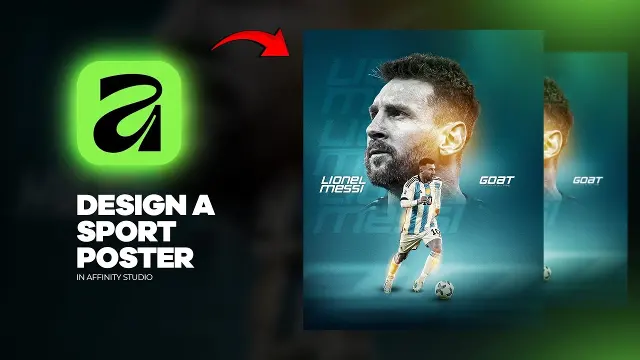
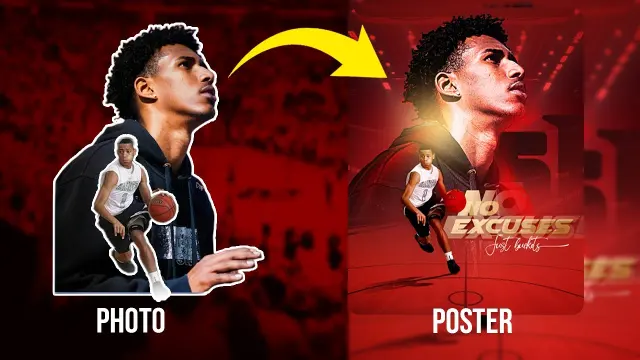
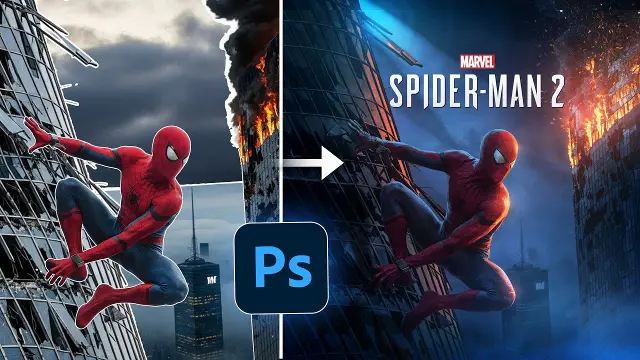
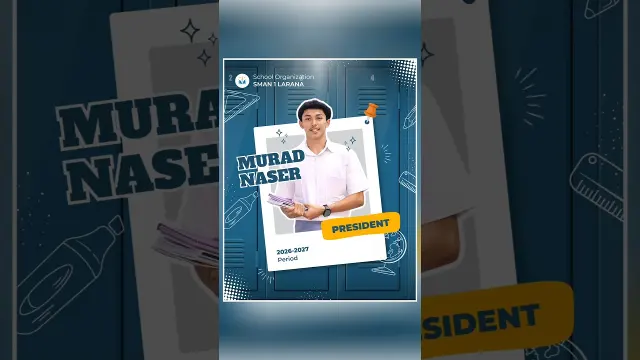
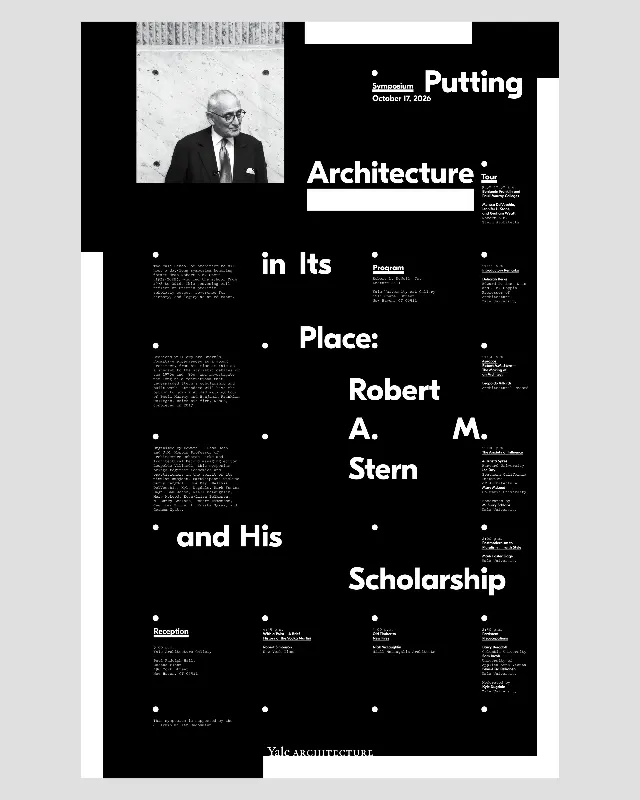
- Watch the before-and-after closely — the gap between the simple and professional versions is usually composition and type hierarchy, not more elements.
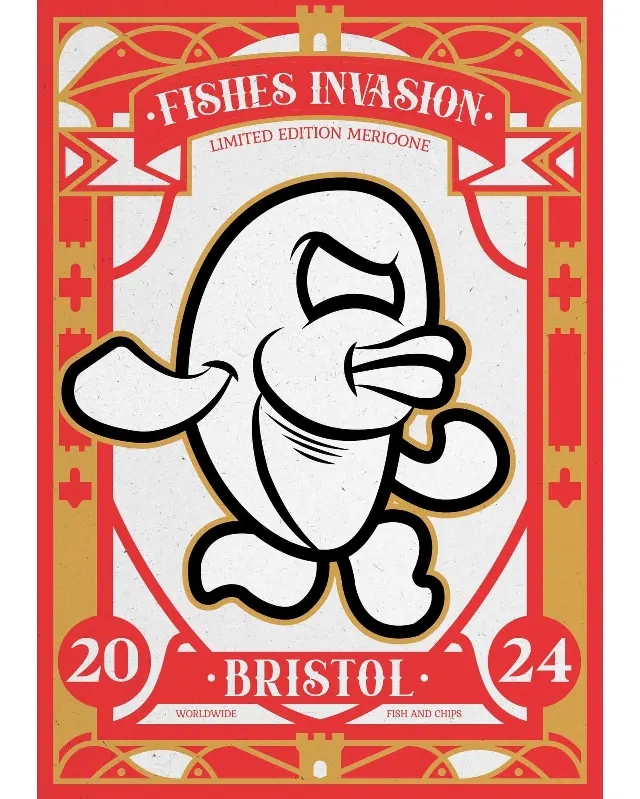
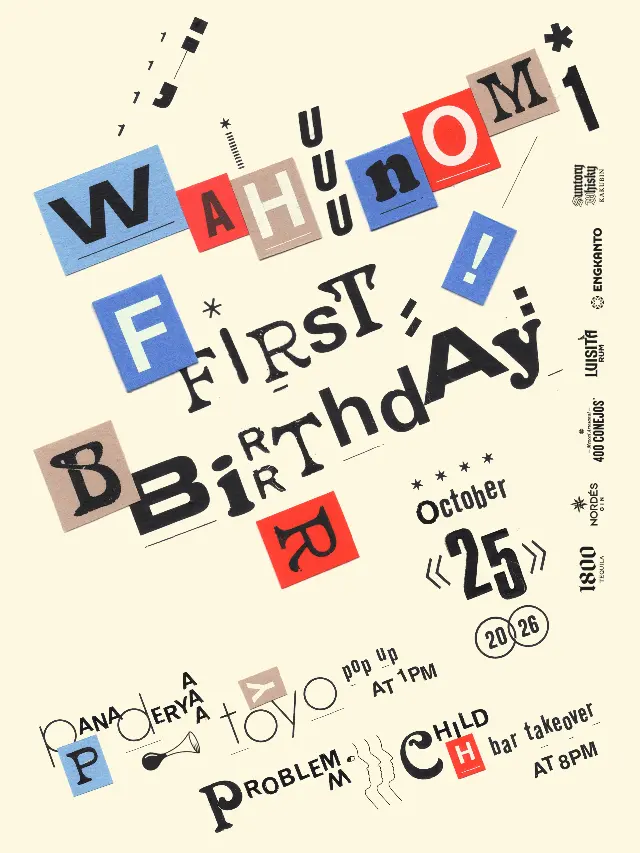
- Keep the type palette small and consistent across the poster, as in the finished design.
- Zoom out to check the poster at small size; it should still read clearly.
Written by Tagrazzi from the original's description and photo.
The title and summary are written by Tagrazzi; the video belongs to its creator and plays from YouTube.
Comments (0)
No comments yet. Be the first to comment.
Sign in to write a comment.