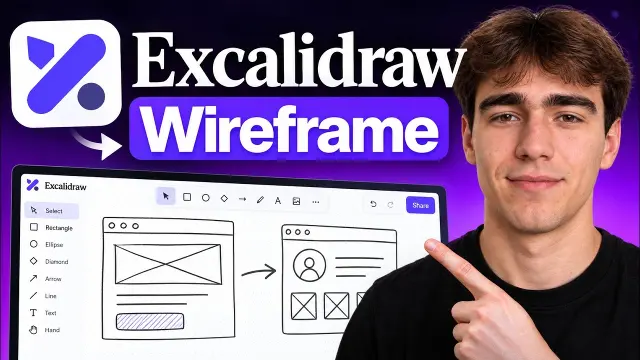
Beginner Tutorial on Creating Wireframes in Excalidraw
Learn how to use Excalidraw tools and settings to quickly sketch out clean and effective UI wireframes.
YouTube · Kriss Guides · 25 September 2026 Watch on YouTube
Tried this idea? Show how yours turned out.
I made thisHow to do it
What you need
- Excalidraw
- rectangle shape
- ellipse shape
- diamond shape
- arrow tool
- line tool
- text tool
Step by step
- Open Excalidraw.
- Choose basic shapes and the text tool.
- Sketch the page layout with simple boxes and lines.
- Add arrows and placeholder elements to show structure.
- Clean up the wireframe and share it when finished.
Tips
- Keep the design low-fidelity and simple.
- Use basic shapes for fast UI sketching.
- Use arrows to show how screens or sections connect.
Written by Tagrazzi from the original's description and photo.
The title and summary are written by Tagrazzi; the video belongs to its creator and plays from YouTube.










Comments (0)
No comments yet. Be the first to comment.
Sign in to write a comment.