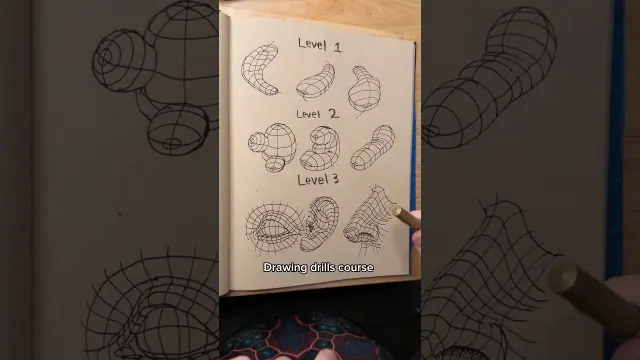
 Progressive Wireframe Exercises for Drawing 3D Forms
#Wireframing
14 ideas
Progressive Wireframe Exercises for Drawing 3D Forms
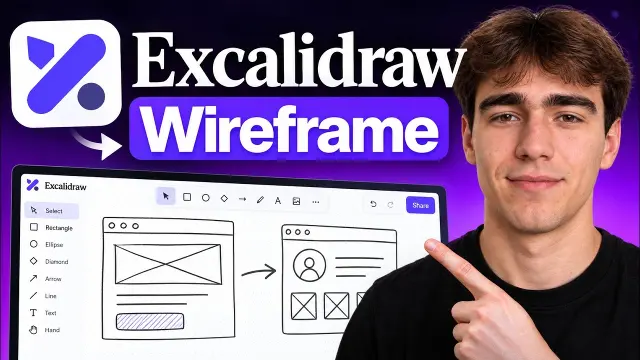 Beginner Tutorial on Creating Wireframes in Excalidraw
 Step-by-Step Wireframe Tutorial Using Lucidchart
 Beginner Guide to Creating Website Wireframes in Figma
 Beginner Website Wireframing Tutorial Using Wix Studio
 Four Levels of 3D Drawing Wireframe Exercises
 Building Low-Fidelity Website Wireframes in Figma Using AI
 Full Guide to Designing Digital Products Using Claude, Codex, and Figma
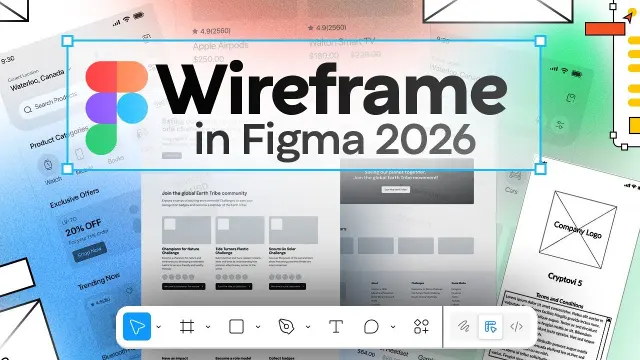 How to Wireframe in Figma
 Automating Website Wireframes in WordPress Using AI
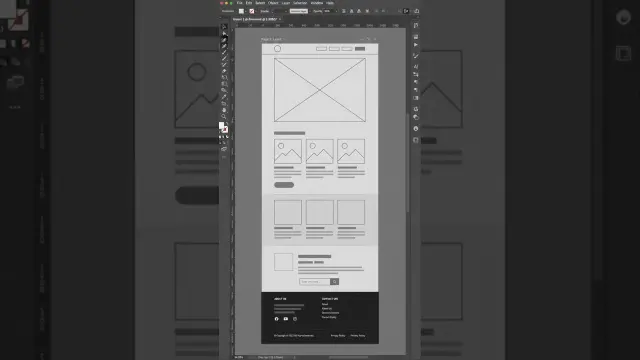 Building a Professional Website Wireframe from Scratch
 Using Simple Wireframes to Improve Your AI Coding Workflow
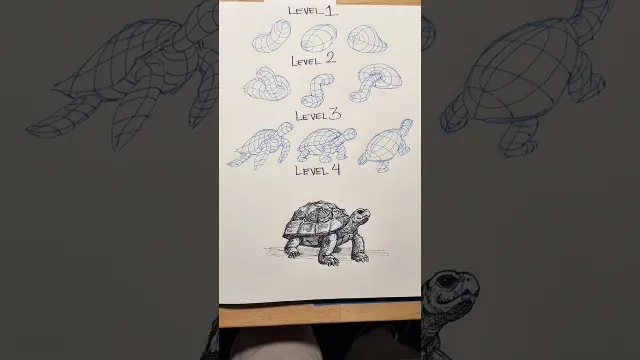 Using Wireframe Drawings to Understand Spatial Volume
 Complete Beginner Guide to Mastering Wireframing in Figma
Get new #Wireframing ideas by email
Every Thursday: the week's best ideas, with the newest from #Wireframing.
Related tags
Wireframing: A Guide to Early Interface Design
What wireframing is
Wireframing is the early planning stage of designing a website, app, or other digital product. A wireframe is a simple visual sketch of a screen that shows structure, content placement, and basic user flow without focusing on colors, images, or final styling. It helps you think through what belongs where before you spend time on detailed design.
Wireframing is used in many kinds of product work, from websites and landing pages to mobile apps and dashboards. It gives you a way to test ideas quickly and communicate layout decisions clearly with clients, teammates, or developers.
Why it matters
Read more
A good wireframe helps you answer practical questions early: What information is most important? Where should the main action go? How many steps does the user need? By working at this simple level first, you can spot problems before they become costly to fix.
Wireframes are also useful because they keep the focus on function. When the design is stripped down, it is easier to judge whether the structure makes sense. This is especially helpful when you are designing something for the first time or when several people need to agree on the basic direction.
Common types of wireframes
Wireframes usually come in two main levels of detail:
- Low-fidelity wireframes are rough and simple. They may use boxes, lines, and placeholder text to show layout and hierarchy.
- High-fidelity wireframes are more detailed. They may include more accurate spacing, content length, and interface elements, but they still avoid final visual styling.
Some wireframes focus on a single screen, while others map an entire user journey. You might also create wireframes for desktop, tablet, and mobile layouts to see how the structure adapts across screen sizes.
Basic techniques
Start with the goal of the screen. Ask yourself what the user needs to do there and what information supports that task. Then arrange the most important elements first, usually from top to bottom or in the natural order the user will read them.
Keep your wireframes simple. Use plain shapes, labels, and placeholders instead of polished visuals. This makes it easier to change the layout without getting distracted by design details.
A few practical habits can help:
- Use consistent spacing so the layout feels balanced.
- Group related items together.
- Show clear hierarchy by making primary elements stand out in position and size.
- Think about navigation, forms, calls to action, and empty states early.
- Include notes when needed, especially if a screen has behavior that is not obvious from the drawing alone.
What beginners should know
If you are new to wireframing, do not aim for perfection. A wireframe is a working tool, not a finished artwork. Its job is to support thinking, discussion, and revision.
It is also worth remembering that wireframing is not the same as visual design. A strong wireframe can still lead to a weak interface if the structure does not match the user’s needs. At the same time, a simple wireframe can be the foundation of a very effective product when it is clear, logical, and user-focused.
The best wireframes are easy to understand at a glance. If someone can quickly see the purpose of the page and the path through it, you are on the right track.
#Wireframing: frequently asked questions
How do I start a wireframe when I have nothing but an idea?
Begin with the purpose of the screen: decide what the user is trying to accomplish there and which piece of information supports that task. Sketch the most important element first, then fill in the rest in the order a person would naturally encounter it, working top to bottom. Rough boxes, lines and placeholder text are enough at this point, since the goal is to test structure rather than looks.
What do I actually need to make a wireframe?
Nothing more than something to draw with, whether that is paper and a pen or a simple digital canvas with basic shapes and text tools. What matters far more than the tool is a clear sense of the screen's purpose and a willingness to redraw it several times. If you plan to share the work, pick something that lets other people view and comment on it easily.
Should I make a rough sketch or a detailed wireframe?
Start rough. A loose sketch is fast to change and keeps attention on whether the structure and hierarchy make sense before anyone worries about spacing or precise interface elements. Move to a more detailed version once the basic arrangement is agreed on, and stop short of final colors and imagery so the design stays open to revision.
What mistakes do beginners make most often?
The most common one is polishing too early, adding visual detail before the layout has been thought through, which makes changes feel expensive and discourages honest feedback. Another is cramming in everything at once instead of deciding what matters most and letting secondary items follow. Forgetting to plan navigation, form states, empty screens and what happens after a button is tapped also leaves gaps that only surface later.
How do wireframes help when a whole team needs to agree on a direction?
A simple sketch gives everyone something concrete to react to, which is much easier than debating an abstract idea in conversation. Because it strips away styling, discussion stays on structure, priorities and the steps a user goes through rather than personal taste in colors. Adding short notes for anything not obvious from the drawing keeps developers and clients from guessing at behavior.
Do I need separate wireframes for phone, tablet and desktop?
It is worth checking how the structure adapts across screen sizes, because a layout that works wide often needs reordering when space is tight. You do not have to draw every screen three times, but sketching the key ones at each size shows where priorities shift. Map the wider user journey as well, so you can see how individual screens connect into a flow.
Videos come from YouTube and posts from Instagram; titles and summaries are our own. All rights belong to their creators.