
Step-by-Step Wireframe Tutorial Using Lucidchart
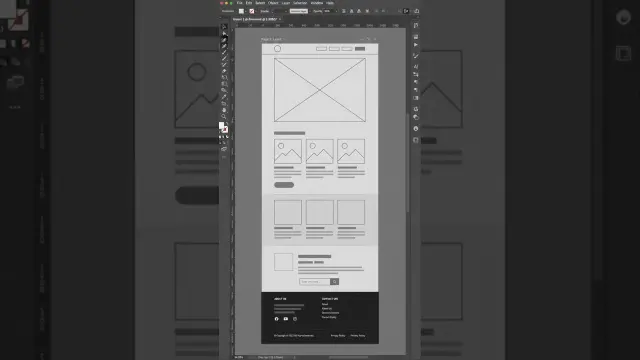
Explore how to create skeletal frameworks and map out user experiences using Lucidchart's diagramming tools.
YouTube · Lucid Software · 4 April 2026 Watch on YouTube
Tried this idea? Show how yours turned out.
I made this#Wireframing #Lucidchart #UIDesign #ProductDesign #UXDesign
How to do it
What you need
- Lucidchart account
- wireframe template or blank diagram
- device frames
- UI elements or UI library
- sharing/collaboration tools
Step by step
- Start a new wireframe in Lucidchart.
- Choose a device frame to set the layout.
- Add basic wireframe shapes and UI elements.
- Arrange the elements to map the user journey.
- Refine the layout with higher-fidelity UI details if needed.
- Share the wireframe with your team for feedback.
Tips
- Begin with structure before adding visual details.
- Use device frames to keep the design realistic.
- Collaborate early so the team stays aligned.
Written by Tagrazzi from the original's description and photo.
The title and summary are written by Tagrazzi; the video belongs to its creator and plays from YouTube.











Comments (0)
No comments yet. Be the first to comment.
Sign in to write a comment.