
Automating Website Wireframes in WordPress Using AI
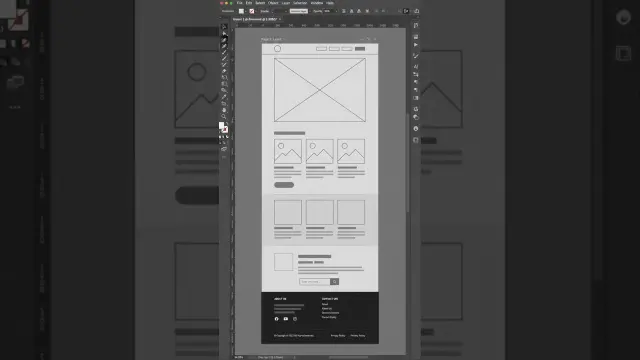
Watch how to use AI and content files to instantly generate complete website wireframes natively inside WordPress.
YouTube · JAKSON · 2 October 2026 Watch on YouTube
Tried this idea? Show how yours turned out.
I made this#WordPress #WebDesign #AI #Wireframe
How to do it
What you need
- WordPress
- Claude Desktop
- Novamira MCP plugin
- Markdown (.md) files
- custom Block Theme
Step by step
- Prepare your sitemap and page content in Markdown files.
- Set up your AI rules and prompt.
- Connect Claude Desktop to WordPress with the Novamira MCP plugin.
- Run the prompt to generate the wireframe in WordPress.
- Review the generated pages and patterns in the block editor.
Tips
- Use a content-first workflow with your existing files.
- A block theme with many wireframe patterns helps the AI match layouts to content.
- Keep your prompt short and direct.
Written by Tagrazzi from the original's description and photo.
The title and summary are written by Tagrazzi; the video belongs to its creator and plays from YouTube.










Comments (0)
No comments yet. Be the first to comment.
Sign in to write a comment.