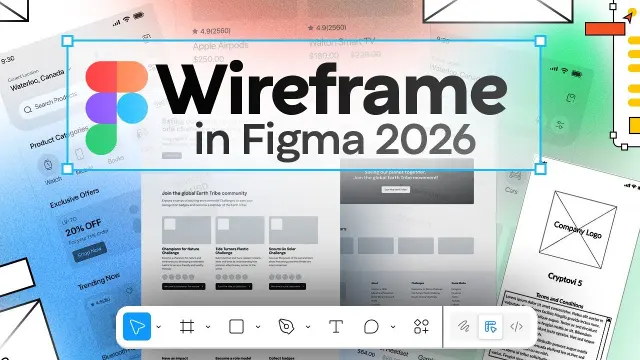
How to Wireframe in Figma
Master modern website wireframing in Figma by building reusable UI components and interactive prototypes from scratch.
YouTube · Codex Community · 5 December 2025 Watch on YouTube
Tried this idea? Show how yours turned out.
I made thisHow to do it
What you need
- Figma
- Frames/canvas
- Text and header tools
- Image placeholders
- Icon and logo shapes
- Style guide elements
- Reusable components
- Prototype links
- Wix Studio (optional, for the no-code rebuild)
Step by step
- Set up a new Figma file for the wireframe.
- Create a canvas frame at your chosen size.
- Build a small wireframe style guide for text sizes, blocks and shapes.
- Set a layout grid with columns.
- Add title and header text blocks, plus skeleton bars for body copy.
- Place image and picture placeholders.
- Add icons and simple logo shapes.
- Turn repeated elements into reusable components, including buttons.
- Lay out the full page in sections.
- Make a responsive version of the layout.
Tips
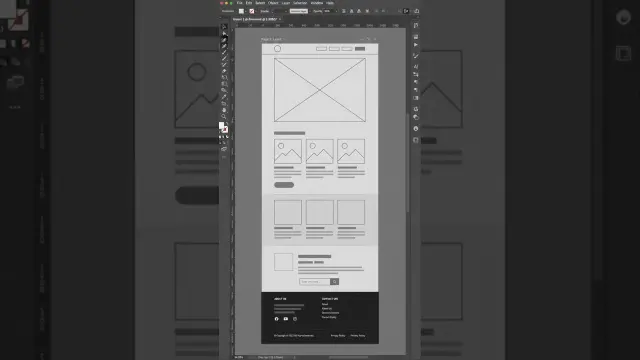
- Keep the wireframe to lines, blocks and skeletons rather than real content so layout decisions stay the focus.
- Build components early — changing one instance then updates every section that uses it.
- Prototype before going to no-code so you can click through the flow and show it to clients.
Written by Tagrazzi from the original's description and photo.
The title and summary are written by Tagrazzi; the video belongs to its creator and plays from YouTube.











Comments (0)
No comments yet. Be the first to comment.
Sign in to write a comment.