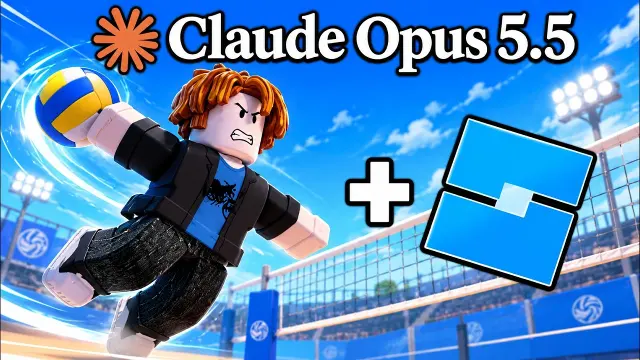
 Making a Roblox Volleyball Game With Three AI Prompts
#AI Game Building
3 ideas
Making a Roblox Volleyball Game With Three AI Prompts
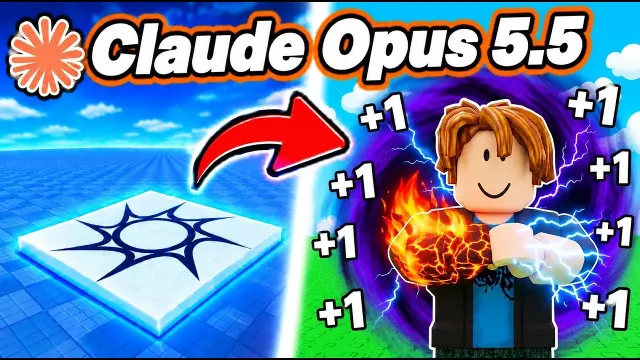 Building a Roblox +1 Game With Three Claude Prompts
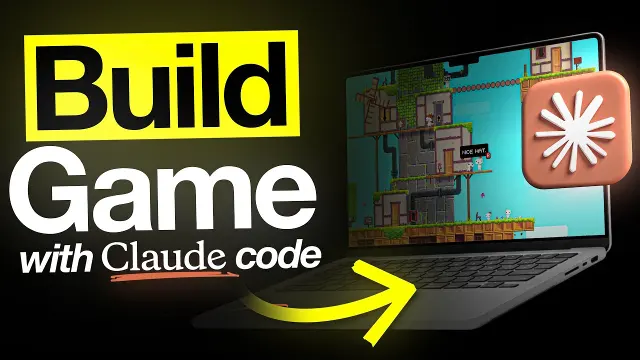 How to Build Your First Playable Game With Claude Code
Get new #AI Game Building ideas by email
Every Thursday: the week's best ideas, with the newest from #AI Game Building.
Related tags
A Beginner's Guide to Building Games With AI
Making a game used to mean months of learning a language, an engine and a dozen tools before anything moved on screen. AI game building changes the order of that work: you start with a description of what you want, and an AI assistant helps you turn it into code, rules and content you can run and play. It is not a magic button that produces a finished game, but it is a genuinely different way to begin.
What it actually is
At its core, AI game building means using generative tools at some point in the making of a game — writing the code, drafting the design, producing placeholder art, generating dialogue, or behaving as an opponent. The models behind these tools have learned patterns from huge amounts of text and code, so they can propose a plausible solution to a problem you describe. They are guessing well, not knowing your game, which is why your judgement stays central.
The main approaches
Read more
- Prompt-driven programming: you describe a mechanic in plain language, the assistant writes code, you run it, then describe what is wrong or what comes next.
- No-code and low-code builders: visual tools where objects, levels and rules are assembled by dragging and configuring, with AI helping to fill gaps.
- AI inside an engine: assistants that sit alongside a traditional game engine and help with scripts, shaders or level layout.
- Generated content: images, sound, music and text created to stand in for assets you cannot make yourself yet.
- AI-driven behaviour: computer-controlled characters that respond more flexibly than a fixed script allows.
What beginners should know
Start absurdly small. One screen, one mechanic, one win condition. A game where a square avoids falling blocks teaches you more in an afternoon than a sprawling idea you cannot finish. Build the smallest version that runs, play it, then add one thing at a time.
Do not accept code you do not understand. Ask the assistant to explain each part in plain language, and ask why it chose one approach over another. You are learning to read what you ship, and that skill is what lets you fix problems later.
Keep copies. Save working versions before you change anything, so a broken experiment never costs you the whole project.
Practical habits
Be specific about what you want and vague about how to do it — describe the player's experience, not the implementation. When something breaks, paste the exact error message and say what you expected to happen. Test on the device you actually care about, because a game that feels right with a keyboard may not work with a thumb. Write down your rules somewhere outside the chat, so your design survives a lost conversation.
Most of all, finish something. A small, complete, slightly rough game teaches more than an ambitious one that never reaches a player.
#AI Game Building: frequently asked questions
How do I start building a game with AI if I have never made one before?
Start with a very small idea, like one screen and one simple mechanic, then ask the AI to help you build that version first. Keep the goal focused on getting something playable quickly, because a tiny finished game teaches you more than a large project that never works.
What do I need before I begin AI game building?
You mainly need a clear idea of the player experience and a tool that can turn that idea into code, rules, or content. It also helps to have a place to save working versions, so you can go back if an experiment breaks something.
Should I use prompt-based coding, no-code tools, or AI inside a game engine?
Choose the approach that matches your comfort level and the kind of game you want to make. Prompt-based coding is good for learning and custom behavior, no-code tools are helpful for quick assembly, and engine-based assistants are useful when you already want to work in a traditional game setup.
How can I make sure the AI-generated code or content is actually usable?
Do not accept anything you do not understand. Ask the AI to explain its choices in plain language, test the result right away, and give it the exact error or problem when something does not work as expected.
What is a common mistake people make when using AI to build games?
A common mistake is trying to build too much at once and ending up with a project that never gets finished. Another is treating the AI like an automatic answer instead of a helper, which can lead to code or design choices you cannot fix later.
What kind of game ideas work best for a first AI-built project?
Simple arcade-style ideas, small challenge games, or one-mechanic prototypes are usually the best place to begin. These projects are easier to test, easier to improve, and they let you focus on finishing something playable rather than managing a huge scope.
Videos come from YouTube and posts from Instagram; titles and summaries are our own. All rights belong to their creators.