15 beginner-friendly mockup tutorials for products and packaging
These tutorials all focus on making realistic mockups in a simple, approachable way, whether you are working in Photoshop, Illustrator, Canva, or AI tools.
They are a good fit for beginners, busy creatives, or anyone who wants quick results without starting from scratch, especially for product, packaging, and other realistic object mockups.
-
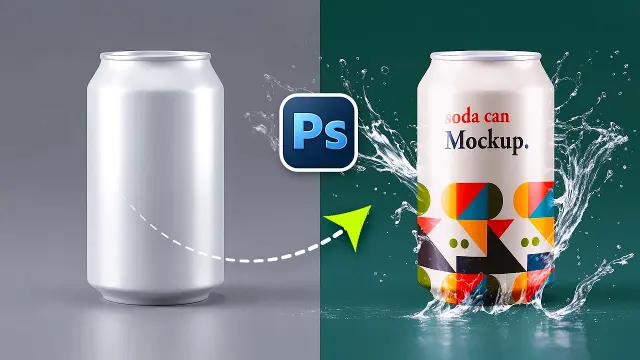 1
Beginner Guide: How to Create a Realistic Mockup in Photoshop
It is explicitly a beginner-friendly tutorial for creating a realistic mockup in Photoshop.
-
 2
Simple Canva Hack for Creating Professional Product Mockups
This Canva shortcut is aimed at making professional-looking product mockups quickly and easily.
-
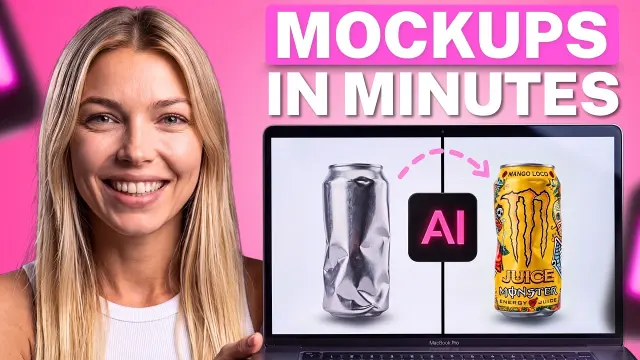 3
How to Make Product Mockups Using AI Without Photoshop
It shows how to generate consistent product mockups with AI instead of Photoshop, which suits a simple workflow.
-
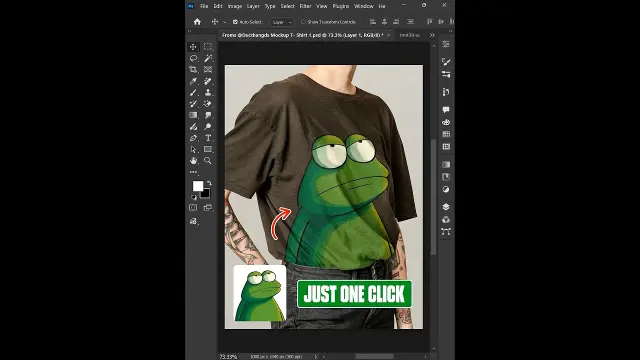 4
Using Photoshop AI Generative Fill to Create a T-Shirt Mockup
The focus on Photoshop AI Generative Fill makes this a fast, accessible way to create a T-shirt mockup.
-
 5
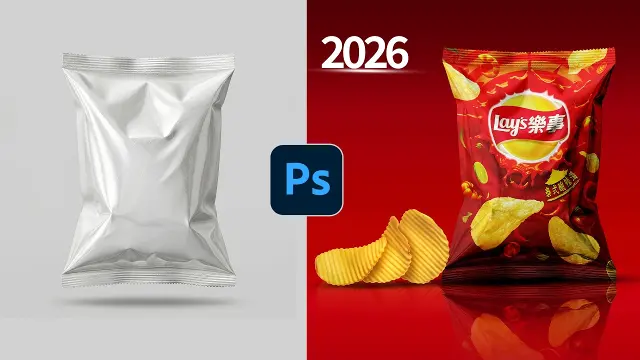
Easy Method for Designing Realistic Packaging Mockups in Photoshop
It is a practical Photoshop guide for turning flat packaging designs into realistic mockups.
-
 6
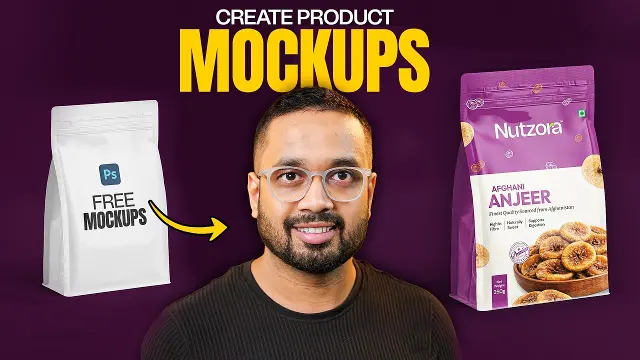
Create Professional Product and Packaging Mockups in Photoshop
This comprehensive Photoshop guide covers product and packaging mockups in a professional, learn-as-you-go format.
-
 7
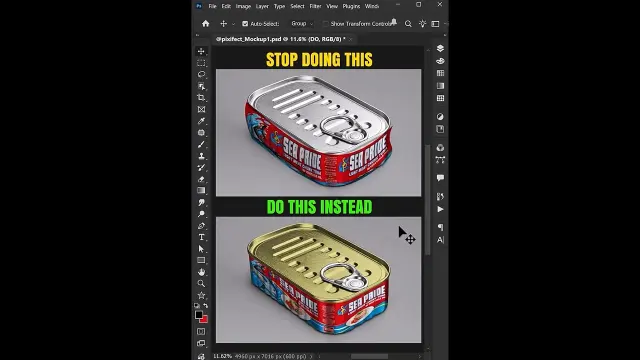
Transforming a Plain Can into a Realistic Mockup in Photoshop
It demonstrates how to turn a plain can into a polished mockup in Photoshop, which fits a simple product-mockup angle.
-
 8
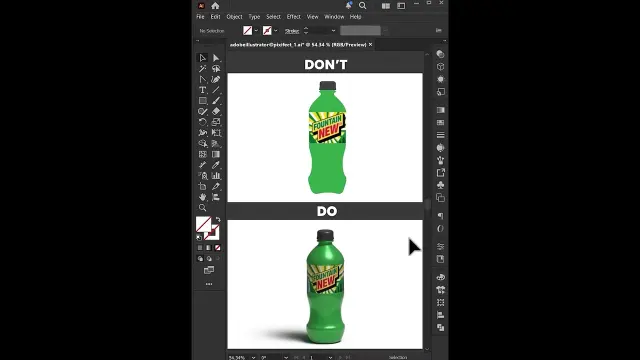
How to Design a Realistic Plastic Bottle Mockup in Illustrator
It is a step-by-step Illustrator walkthrough for building a realistic plastic bottle mockup.
-
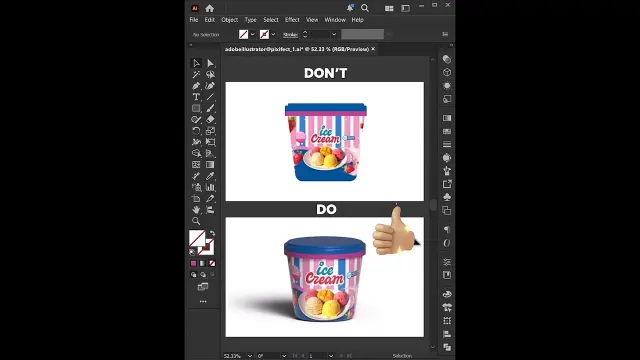 9
Creating a Realistic Plastic Container Mockup in Illustrator
This tutorial explains how to create a realistic plastic container mockup from scratch in Illustrator.
-
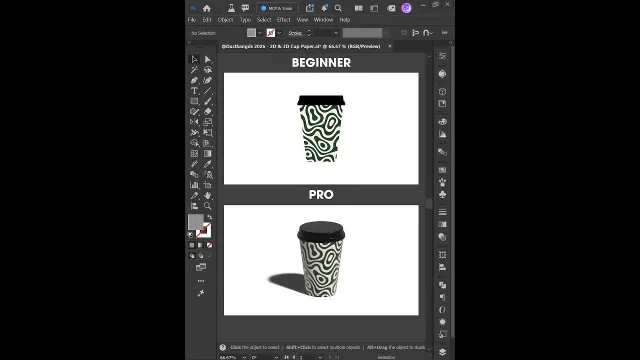 10
Pro Tips for Designing Realistic Paper Cups in Illustrator
It offers pro tips for making realistic paper cup designs in Illustrator, which still suits a guided mockup tutorial.
-
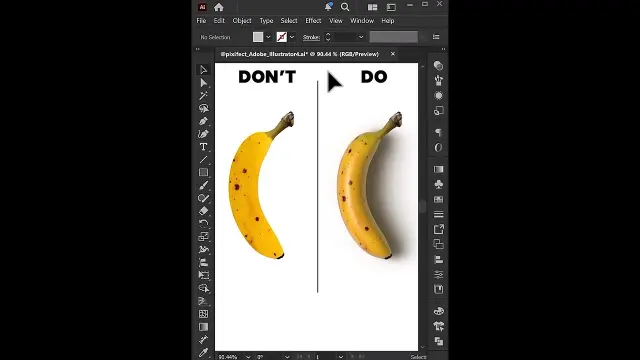 11
How to Create a Realistic Banana Mockup in Adobe Illustrator
It is a step-by-step lesson on designing a realistic banana mockup in Illustrator, making it approachable for learners.
-
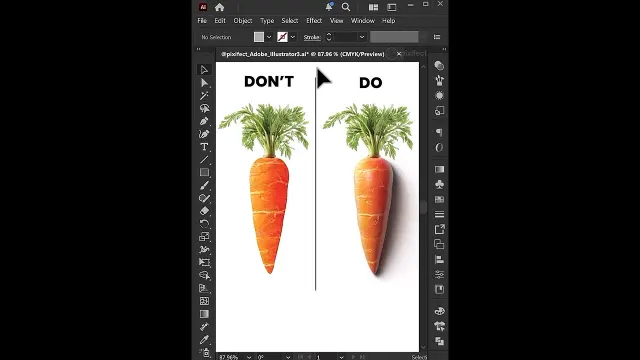 12
Creating a Realistic 3D Carrot Mockup in Illustrator
This tutorial shows how to construct a realistic 3D carrot mockup in Illustrator, which fits the beginner-friendly step-by-step style.
-
 13
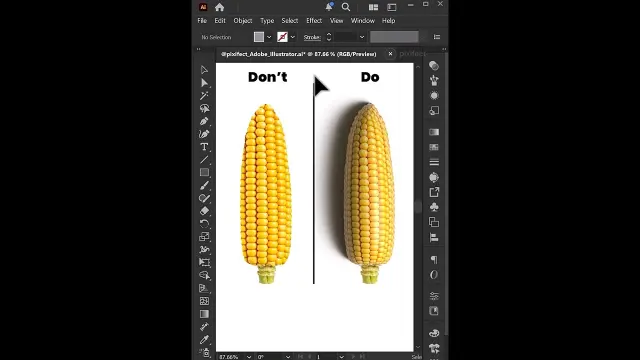
Creating a Realistic Corn Mockup in Adobe Illustrator
It demonstrates how to build a detailed 3D corn mockup in Illustrator in a clear tutorial format.
-
 14
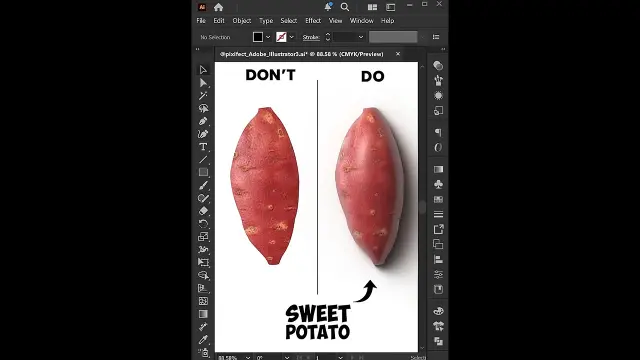
Designing a Realistic 3D Sweet Potato Mockup in Illustrator
It is a step-by-step guide for creating a realistic 3D sweet potato mockup in Illustrator.
-
 15
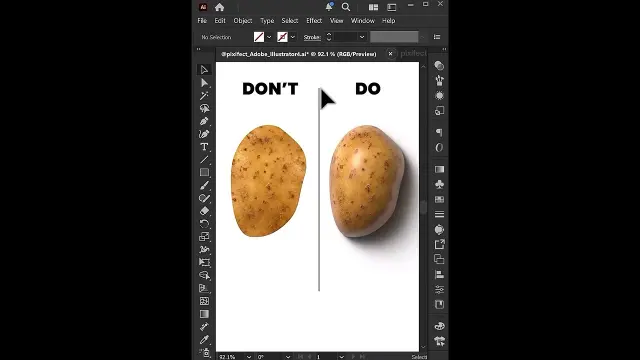
Creating a Realistic 3D Potato Mockup in Adobe Illustrator
This tutorial walks through making a realistic 3D potato mockup in Illustrator, which works well for easy practice.
More #Mockup ideas
Picked and written by Tagrazzi; the videos and photos belong to their creators.